Running Desktop Editors in debug mode
In certain cases, it is necessary to run ONLYOFFICE Desktop Editors in debug mode — for example, to troubleshoot performance issues, inspect logs, or collect information for support.
Use the --ascdesktop-support-debug-info flag when launching the application:
- Windows
- Linux
- macOS
Run the following command in a terminal:
"%ProgramFiles%\ONLYOFFICE\DesktopEditors\DesktopEditors" --ascdesktop-support-debug-info
Option 1. Run the app through the terminal:
-
Press Win+R.
-
In the appeared Run window, type
cmdin the Open field.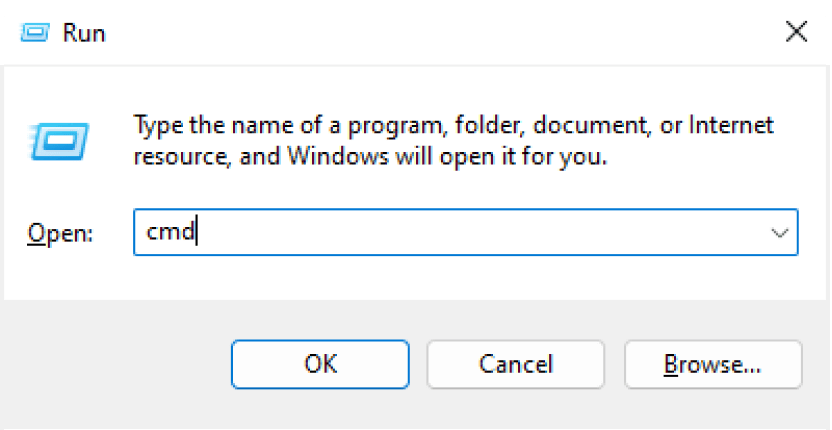
-
Click the OK button. The terminal will be opened.
-
Enter the command above and press Enter.
Option 2. Run the app through the shortcut:
- Right-click the application shortcut on the desktop screen.
- Choose Properties.
- Open the Shortcut tab.
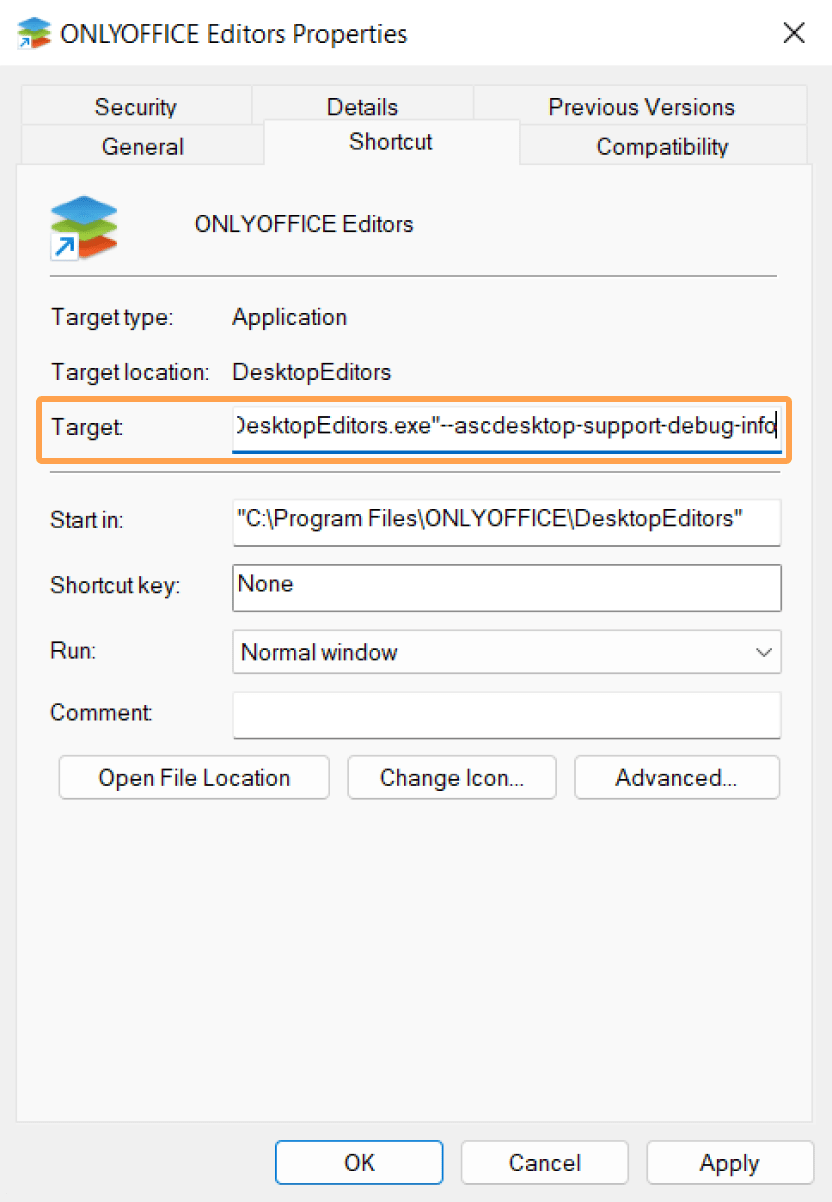
- In the Target field, after the path to the application, enter a space and then type the
--ascdesktop-support-debug-infoflag. - Click the Apply button.
Run the following command in a terminal:
"/opt/onlyoffice/desktopeditors/DesktopEditors" --ascdesktop-support-debug-info
To open the terminal, press Ctrl+Alt+T:
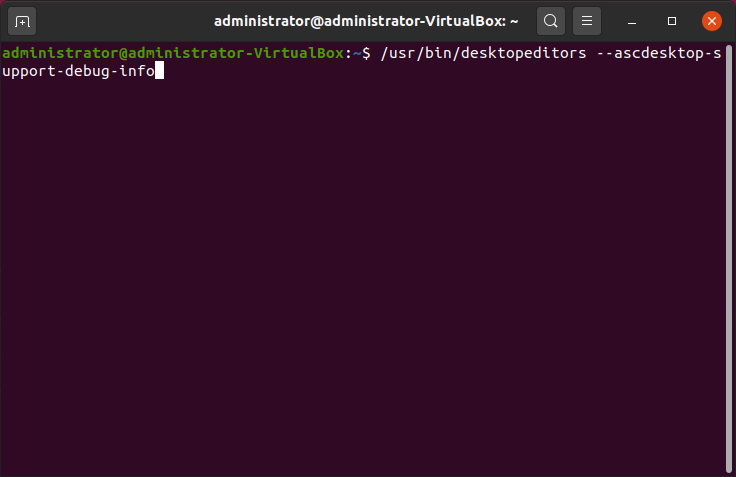
Run the following command in a terminal:
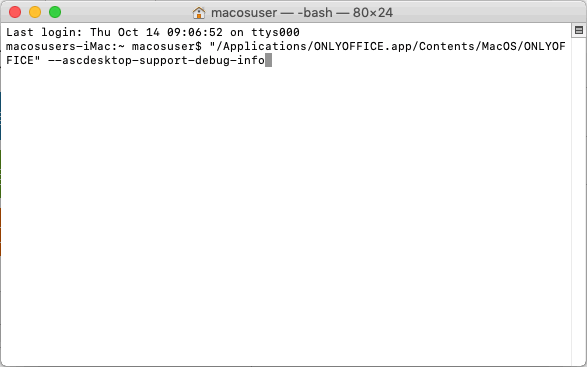
"/Applications/ONLYOFFICE.app/Contents/MacOS/ONLYOFFICE" --ascdesktop-support-debug-info
To open the terminal:
-
Press Command+Space.
-
In the appeared Spotlight window, type
Terminalin the search line.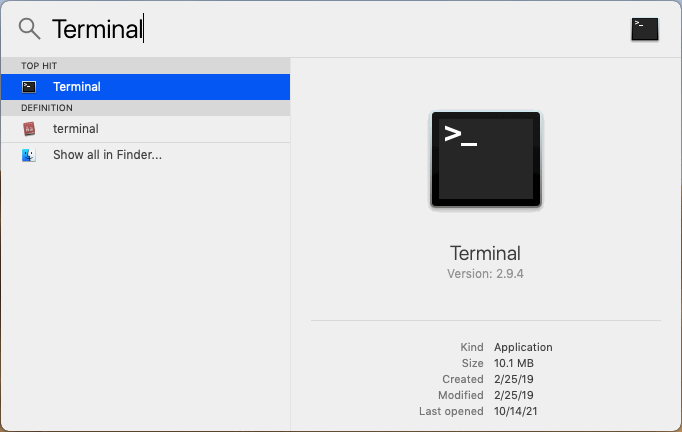
-
Choose the Terminal option.
Working in debug mode
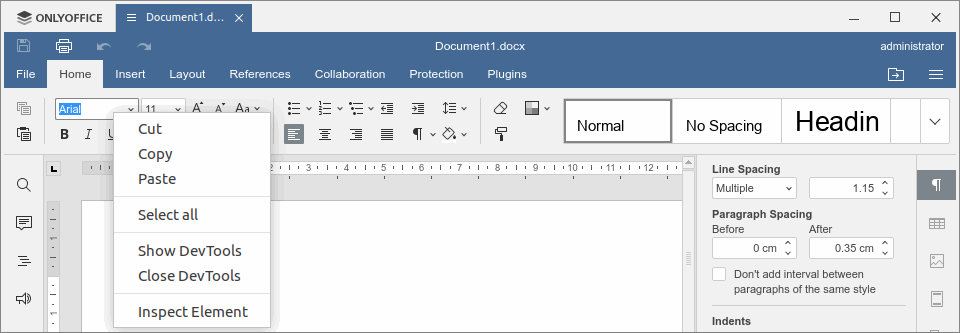
To open the developer tools, right-click any editable field on the top toolbar (for example, font list combo) and click Inspect Element, or click anywhere in the document and press F1.
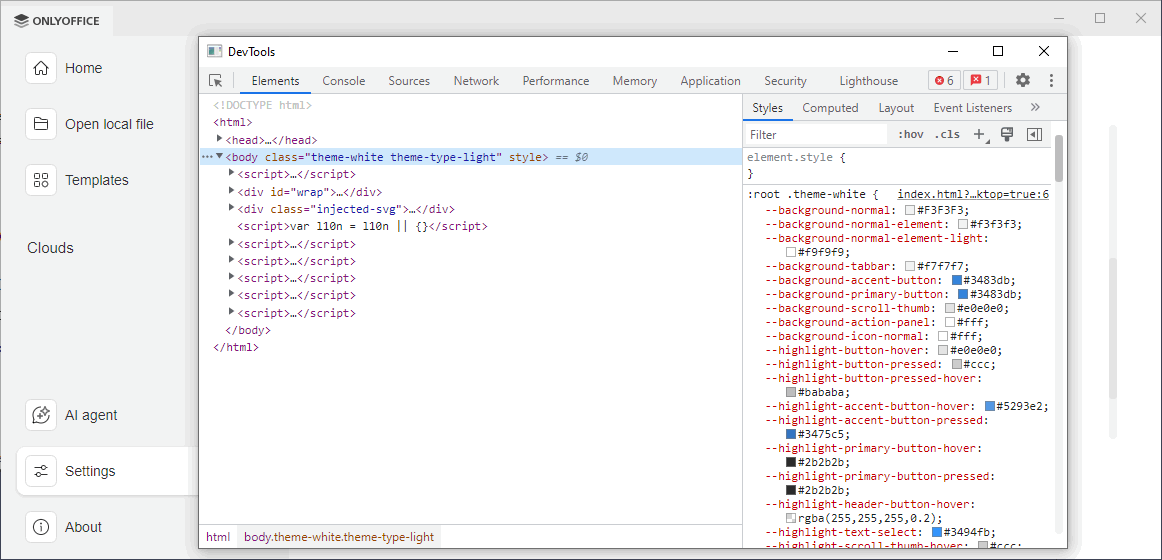
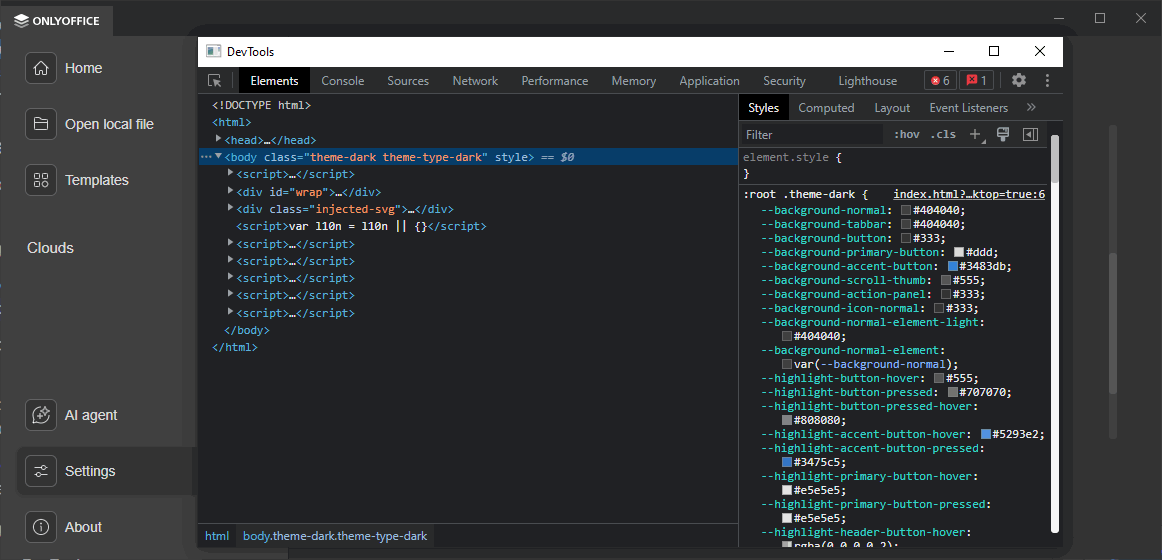
Here is the result:
--ascdesktop-support-debug-info-keep
You can use the --ascdesktop-support-debug-info-keep flag to persist the debug mode state across launches. To use it, follow the same instructions as for --ascdesktop-support-debug-info above.
| Value | Usage | Description |
|---|---|---|
1 | --ascdesktop-support-debug-info-keep=1 | Enables debug mode permanently. |
0 | --ascdesktop-support-debug-info-keep=0 | Disables debug mode permanently. |
default | --ascdesktop-support-debug-info-keep=default | Resets to the default state (debug mode off). |
For a reference of all available command-line flags, see Command-line flags.