Commenting
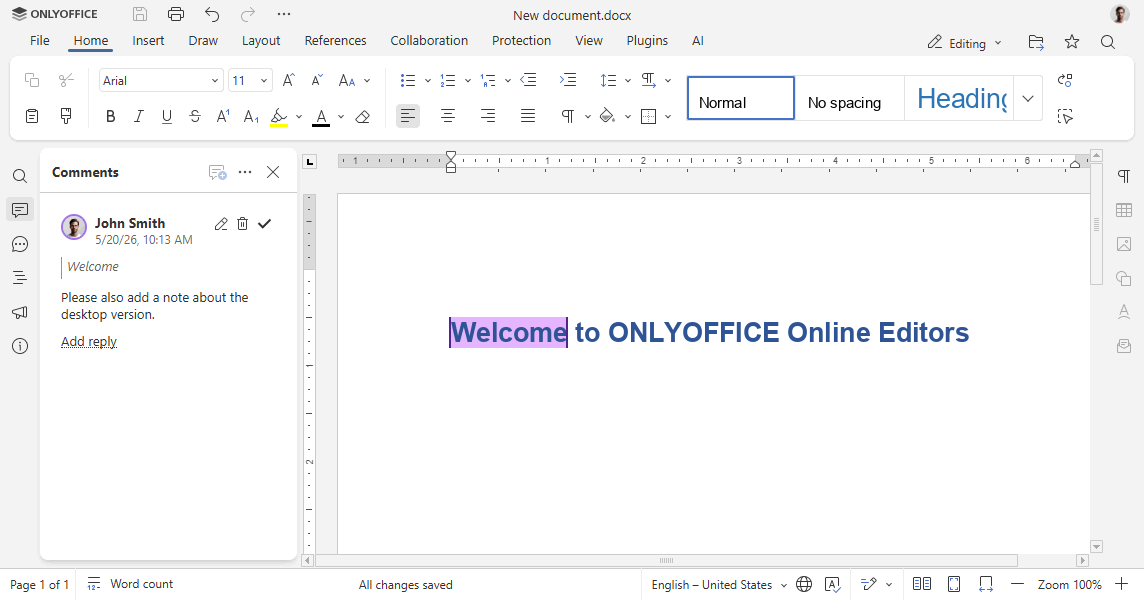
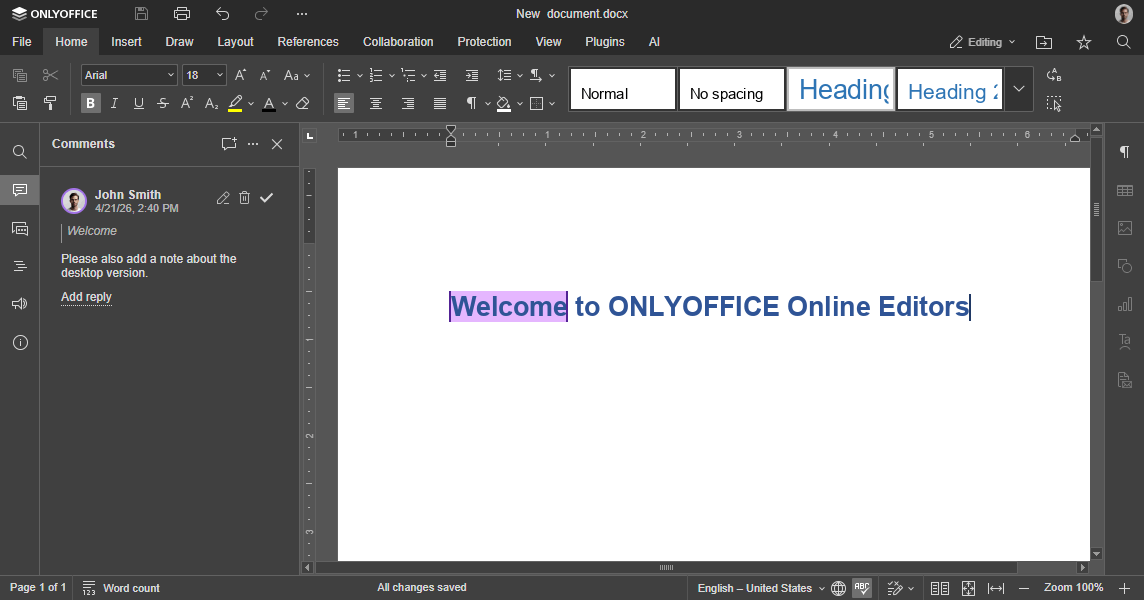
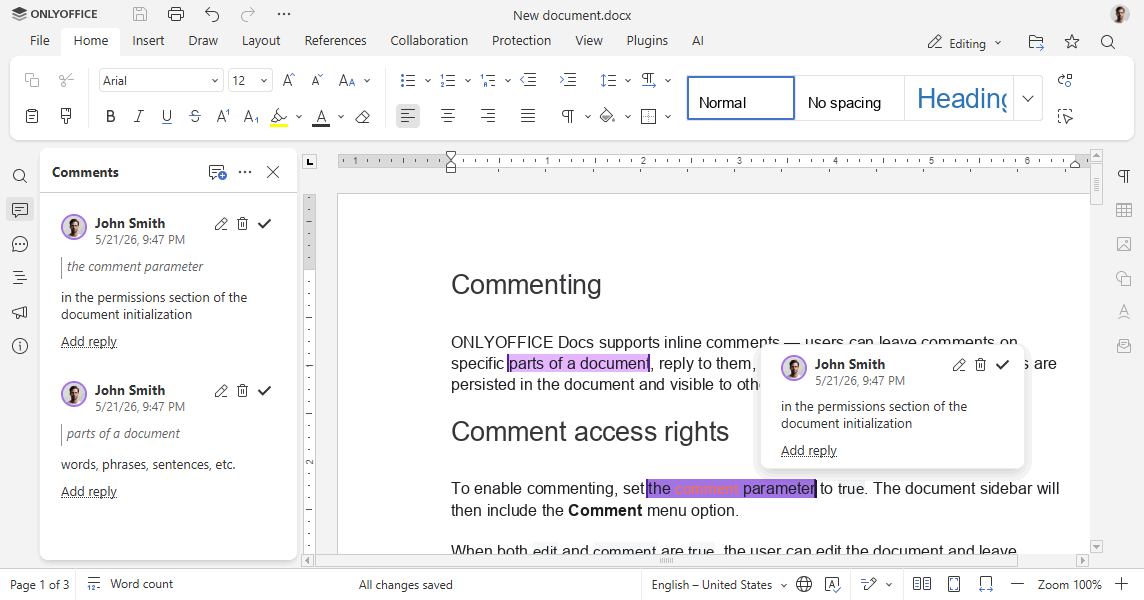
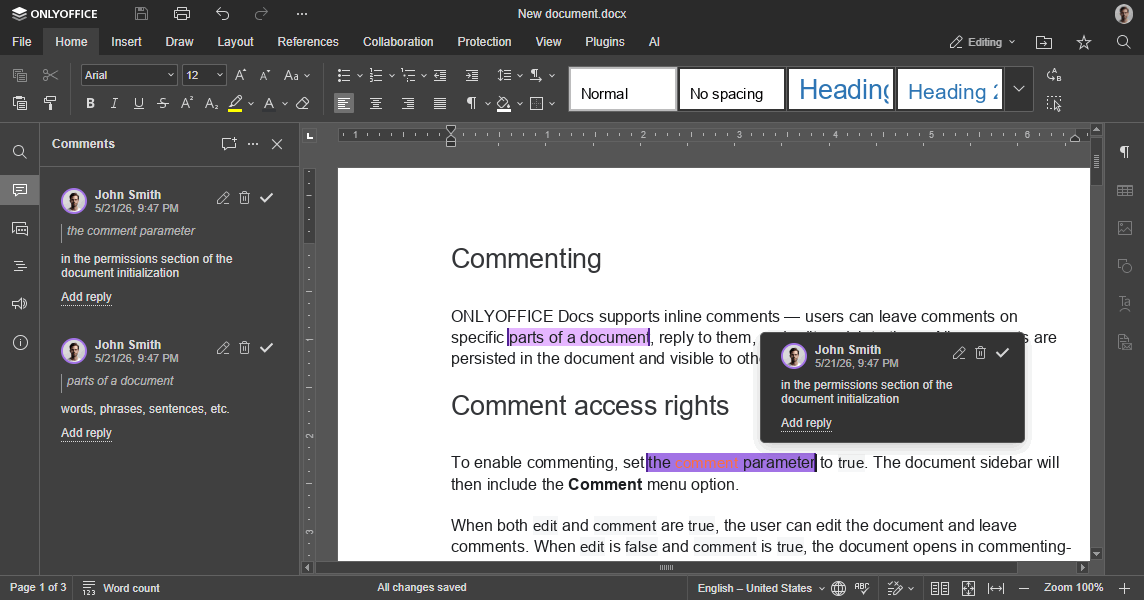
ONLYOFFICE Docs supports inline comments — users can leave comments on specific parts of a document, reply to them, and edit or delete them. All comments are persisted in the document and visible to other users who open it.
Comment access rights
To enable commenting, set the comment parameter in the permissions section of the document initialization to true. The document sidebar will then include the Comment menu option.
When both edit and comment are true, the user can edit the document and leave comments. When edit is false and comment is true, the document opens in commenting-only mode.
const config = {
  document: {
    permissions: {
      edit: false,
      comment: true,
    },
  },
};

const docEditor = new DocsAPI.DocEditor("placeholder", config);
Commenting is only available when the mode parameter is set to edit.
Restricting comment editing by author
-
To allow users to edit only their own comments, set
editCommentAuthorOnlytotrue:const config = {document: {permissions: {editCommentAuthorOnly: true,},},};const docEditor = new DocsAPI.DocEditor("placeholder", config); -
To allow users to delete only their own comments, set
deleteCommentAuthorOnlytotrue:const config = {document: {permissions: {deleteCommentAuthorOnly: true,},},};const docEditor = new DocsAPI.DocEditor("placeholder", config);
Restricting comment access by group
-
Assign the user to one or more groups (comma-separated) via the
groupfield of theuserparameter in the editorConfig section:const config = {editorConfig: {user: {id: "78e1e841",name: "John Smith",group: "Group1,Group2",},},};const docEditor = new DocsAPI.DocEditor("placeholder", config); -
Define which groups' comments the user can view, edit, or remove using the
commentGroupsparameter in the permissions section:noteOnce
commentGroupsis specified, the default access rights to view, edit, and remove all comments are disabled. If the current user does not belong to any group, they can edit, remove, and view comments from all groups.const config = {document: {permissions: {commentGroups: {edit: ["Group2", ""],remove: [""],view: "",},},},};const docEditor = new DocsAPI.DocEditor("placeholder", config);"edit": ["Group2", ""]— the user can edit comments made by users fromGroup2and by users who do not belong to any group (for example, comments added in third-party editors)."remove": [""]— the user can remove comments made by users who do not belong to any group (for example, comments added in third-party editors)."view": ""— the user can view comments made by any user.
Threaded comments in spreadsheets
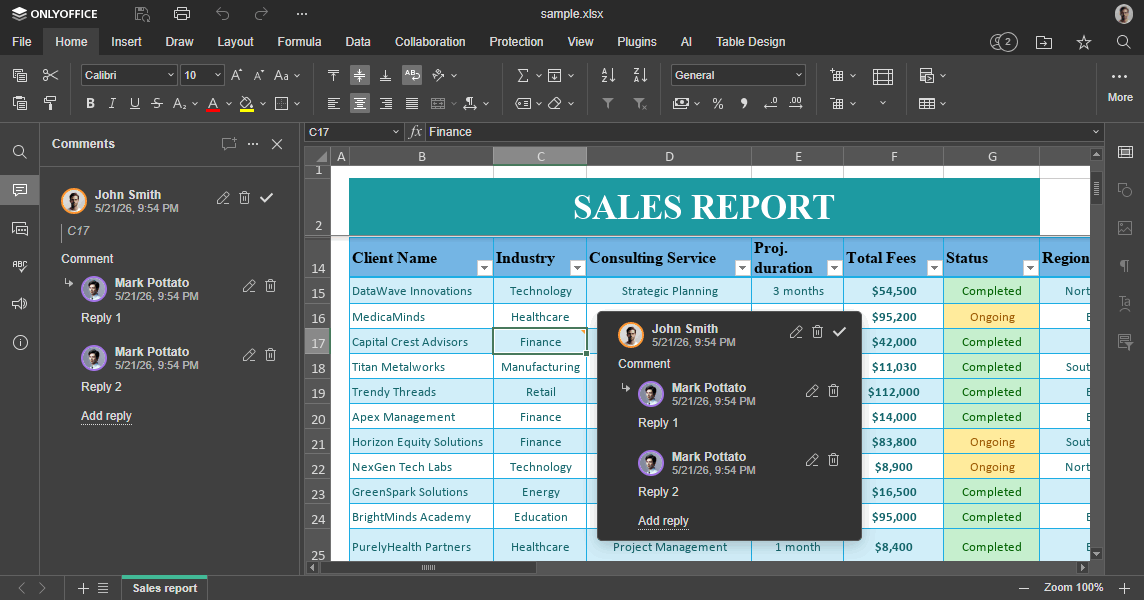
To ensure ONLYOFFICE spreadsheet comments display correctly in other editors, all comments are stored in two formats — original and threaded:
-
The original comment format looks as follows:
${author1}:comment${author2}:reply1${author2}:reply2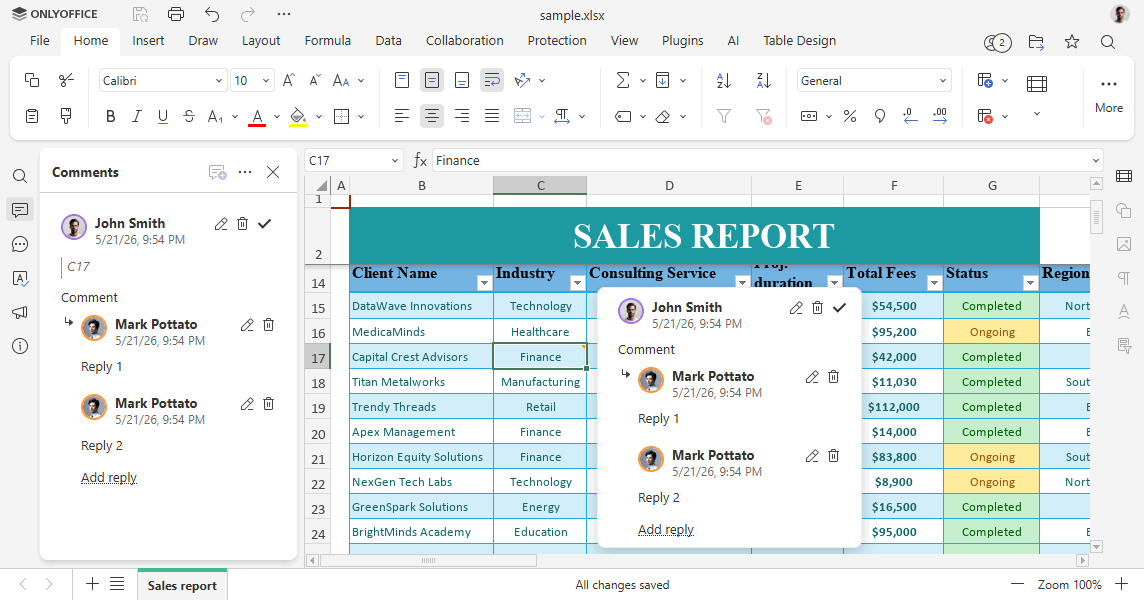
-
To convert original comments into the threaded format, the
${author}:\nprefix is stripped if the comment starts with it.
When opening a file:
- If threaded comments are present, they are used directly.
- If only original-format comments exist, they are converted into threaded comments.