Embedding forms into a web page
ONLYOFFICE Docs supports PDF forms — PDF files with fillable fields such as text inputs, checkboxes, and dropdowns. A PDF form has two usage modes:
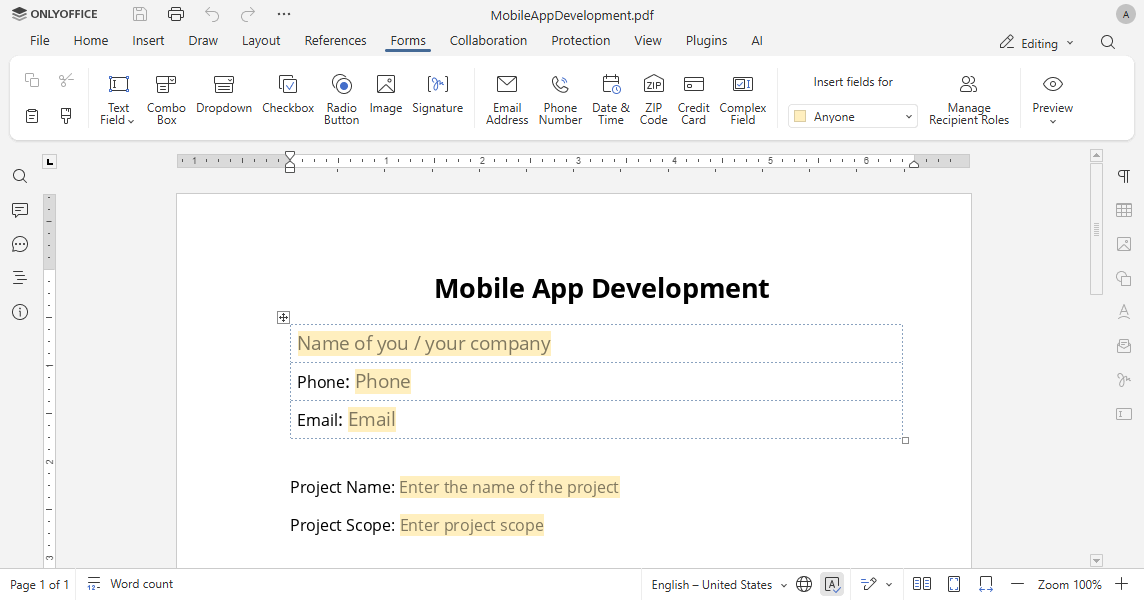
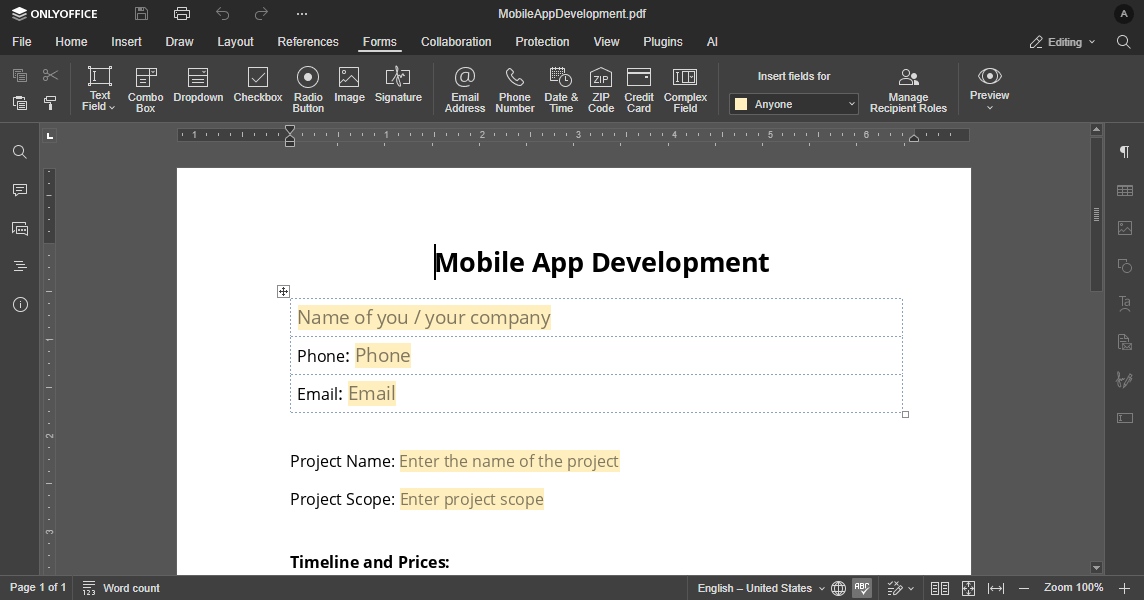
- Editing — designing the form template: adding, removing, and configuring form fields. Requires
permissions.editset totrue. - Filling — entering data into a ready form. Requires
permissions.fillFormsset totrueandpermissions.editset tofalse.
PDF forms are available starting from version 7.0. Starting from version 8.0, the OFORM format is deprecated — only PDF is used for filling. Starting from version 8.1, the DOCXF format is deprecated — only PDF is used for creating and editing forms.
In the HTML examples below, replace documentserver with the address of the server where ONLYOFFICE Docs is installed.
Editing forms
To open a PDF form for editing, set documentType to "pdf" and permissions.edit to true. Provide a key so that multiple users can co-edit the form template simultaneously:
const config = {
  document: {
    fileType: "pdf",
    key: "form-template-key",
    permissions: {
      edit: true,
    },
    title: "Form Template.pdf",
    url: "https://example.com/url-to-example-form.pdf",
  },
  documentType: "pdf",
};

const docEditor = new DocsAPI.DocEditor("placeholder", config);
The complete HTML page:
<script type="text/javascript" src="https://documentserver/web-apps/apps/api/documents/api.js"></script>
<button onclick="openFormTemplate()">Open Form Template</button>
<div id="placeholder"></div>
<script>
    let docEditor;

    function openFormTemplate() {
        if (docEditor) {
            docEditor.destroyEditor();
        }

        const config = {
            "document": {
                "fileType": "pdf",
                "key": "form-template-key",
                "permissions": {
                    "edit": true
                },
                "title": "Form Template.pdf",
                "url": "https://example.com/url-to-example-form.pdf"
            },
            "documentType": "pdf"
        };

        docEditor = new DocsAPI.DocEditor("placeholder", config);
    }
</script>
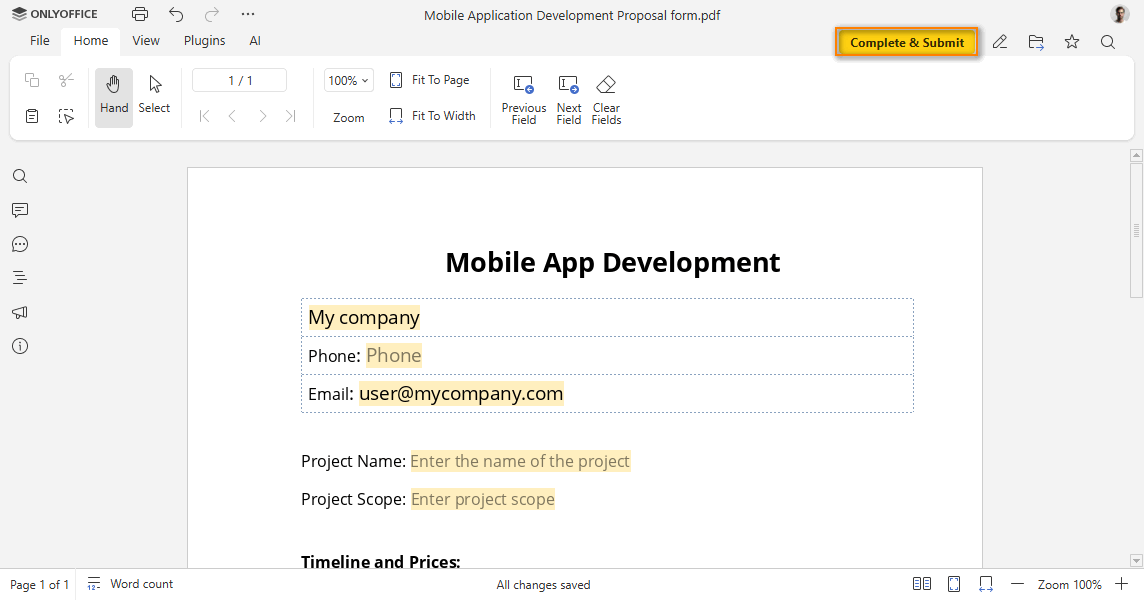
After editing, click Start filling to switch the form to filling mode.
Filling forms
To open a PDF form for filling, set permissions.edit to false and permissions.fillForms to true. Omit the key parameter — the editor will generate a random key for each session, so every user fills out an independent copy without affecting others:
const config = {
  document: {
    fileType: "pdf",
    permissions: {
      edit: false,
      fillForms: true,
    },
    title: "Form.pdf",
    url: "https://example.com/url-to-example-form.pdf",
  },
  documentType: "pdf",
};

const docEditor = new DocsAPI.DocEditor("placeholder", config);
The complete HTML page:
<script type="text/javascript" src="https://documentserver/web-apps/apps/api/documents/api.js"></script>
<button onclick="openForm()">Open Form</button>
<div id="placeholder"></div>
<script>
    let docEditor;

    function openForm() {
        if (docEditor) {
            docEditor.destroyEditor();
        }

        const config = {
            "document": {
                "fileType": "pdf",
                "permissions": {
                    "edit": false,
                    "fillForms": true
                },
                "title": "Form.pdf",
                "url": "https://example.com/url-to-example-form.pdf"
            },
            "documentType": "pdf"
        };

        docEditor = new DocsAPI.DocEditor("placeholder", config);
    }
</script>
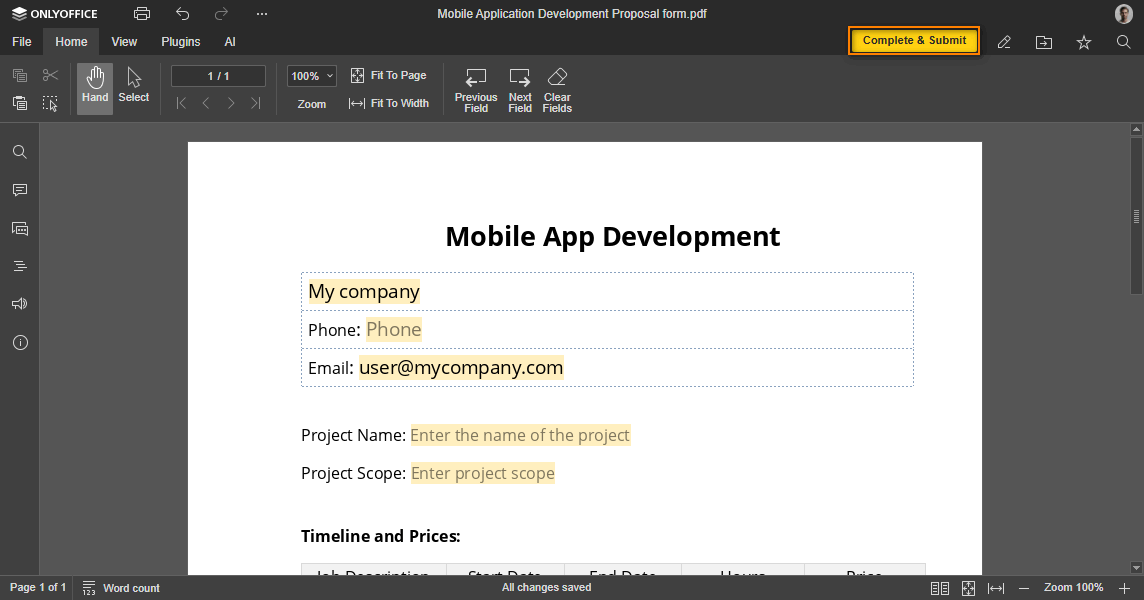
After filling in all required fields, click Complete & Submit to submit the data.