Reviewing
Review mode lets users suggest changes to a document without modifying the original text directly. All changes are tracked and can be accepted or rejected by users with the appropriate rights. This section explains how to enable and configure reviewing in your integration.
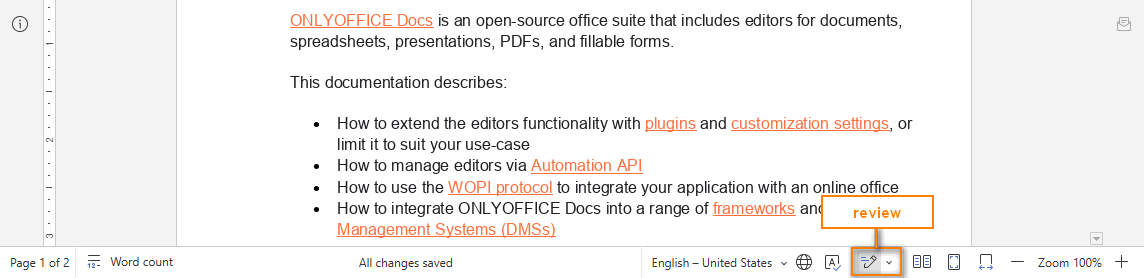
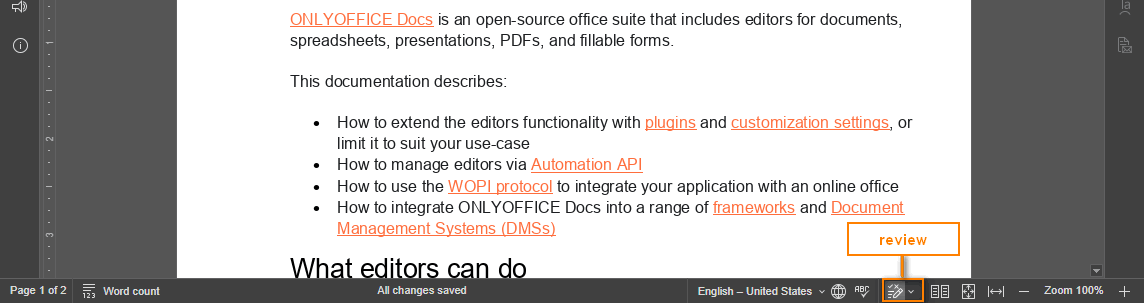
Review access rights
To enable reviewing, set the review parameter to true in the document.permissions section of the editor config. The mode parameter must be set to edit — reviewing is not available in view mode.
If permissions.edit is true and permissions.review is also true, the user can edit the document, accept or reject tracked changes, and switch to review mode.


If permissions.edit is false and permissions.review is true, the document is available for reviewing only.
const config = {
  document: {
    permissions: {
      edit: false,
      review: true,
    },
  },
};

const docEditor = new DocsAPI.DocEditor("placeholder", config);
Group-based review rights
-
Specify the group (or several groups separated with commas) the user belongs to by adding the
groupfield to theuserparameter in theeditorConfigsection.const config = {editorConfig: {user: {id: "78e1e841",name: "John Smith",group: "Group1,Group2",},},};const docEditor = new DocsAPI.DocEditor("placeholder", config); -
Specify the access rights using the
reviewGroupsparameter in thedocument.permissionssection of the editor initialization config.noteIf
reviewGroupsis specified, the user can only review changes made by users from the listed groups. If the parameter is not specified, the user can review changes from all groups.const config = {document: {permissions: {reviewGroups: ["Group1", "Group2"],},},};const docEditor = new DocsAPI.DocEditor("placeholder", config);["Group1", "Group2"]means the user can review changes made by users from Group1 and Group2.An empty string in the
reviewGroupsarray matches users who do not belong to any group (for example, changes made in third-party editors).const config = {document: {permissions: {reviewGroups: ["Group2", ""],},},};const docEditor = new DocsAPI.DocEditor("placeholder", config);["Group2", ""]means the user can review changes made by users from Group2 and by users who do not belong to any group.