Publishing
If you want your plugin to be available to other users in the ONLYOFFICE Plugin Marketplace, suggest it for publishing:
-
Sign in to an existing GitHub account or create a new one.
-
Fork the plugin marketplace repository: onlyoffice.github.io.
You get a repository with the following address -
https://github.com/YOUR-USERNAME/onlyoffice.github.io. -
Build your own GitHub Pages site from this repository to test your plugin in the web version later. Explore the official GitHub documentation to learn how to do it.
-
Clone the fork to your local computer.
-
Add a folder for your plugin to
onlyoffice.github.io/sdkjs-plugins/content/.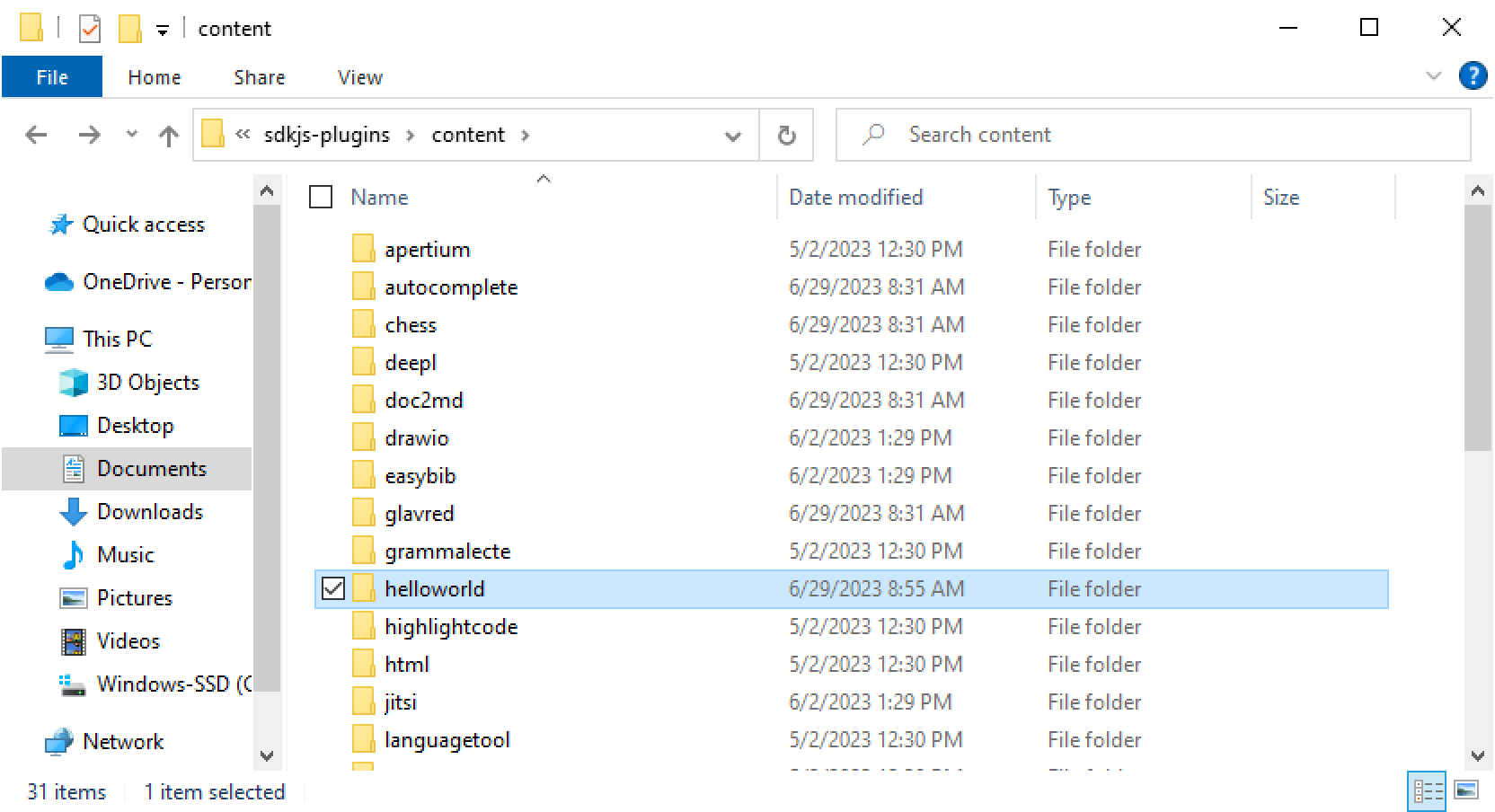
-
Push the plugin folder to the remote repository.
-
Add your plugin to the
store/config.jsonfile in the root of the repository. Add a JSON object with your plugin name and discussion field:{ "name": "your-plugin-name", "discussion": "" }The
"name"field should match your plugin folder name, and"discussion"can be left as an empty string or filled with a discussion ID if applicable. -
Create a pull request from your fork to
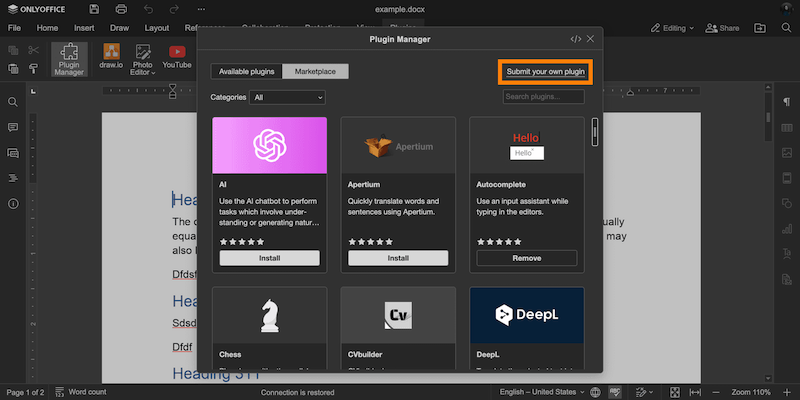
https://github.com/ONLYOFFICE/onlyoffice.github.io. You can use the Submit your own plugin button in the Plugin Manager window.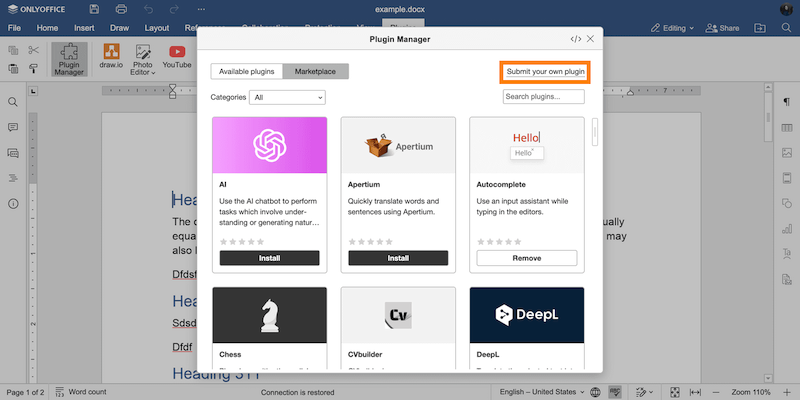
If your plugin works properly, your pull request will be approved and the plugin will appear in the marketplace.
You can discuss plugin development, request a feature, or report a bug by posting an issue in the marketplace repository.