Editing OAuth app
To edit the application settings:
-
Left-click the application in the list.
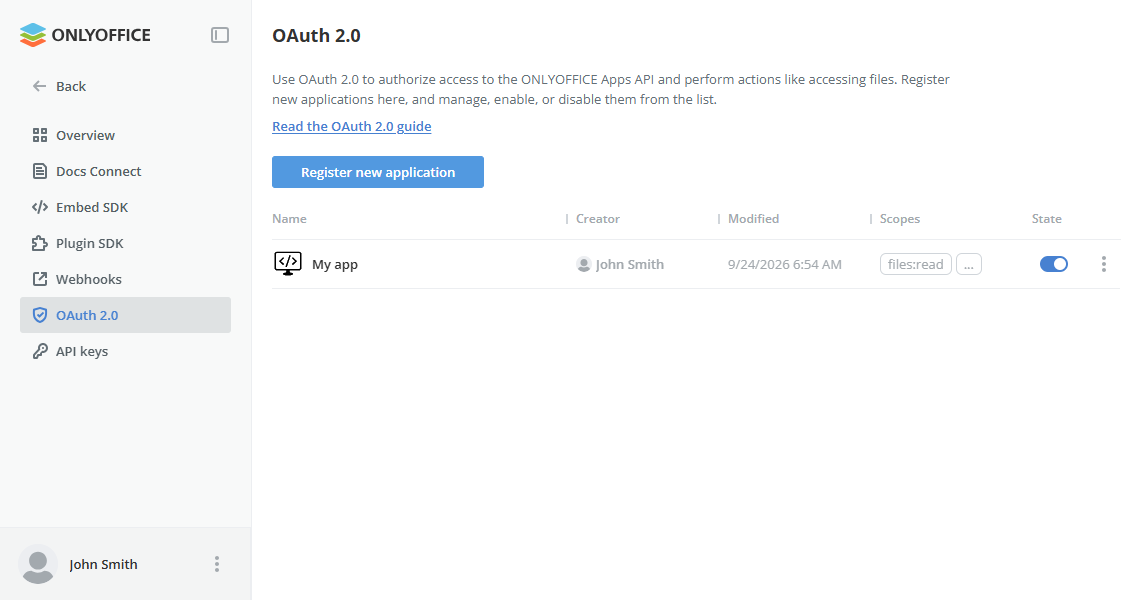
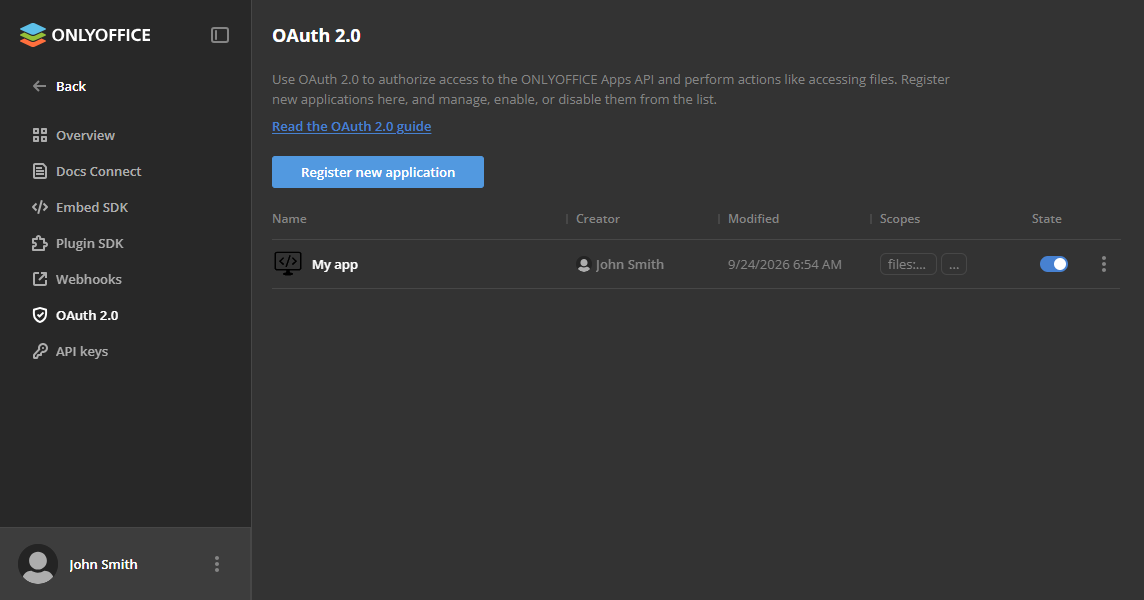
or
-
Click

 to open the context menu and choose Edit.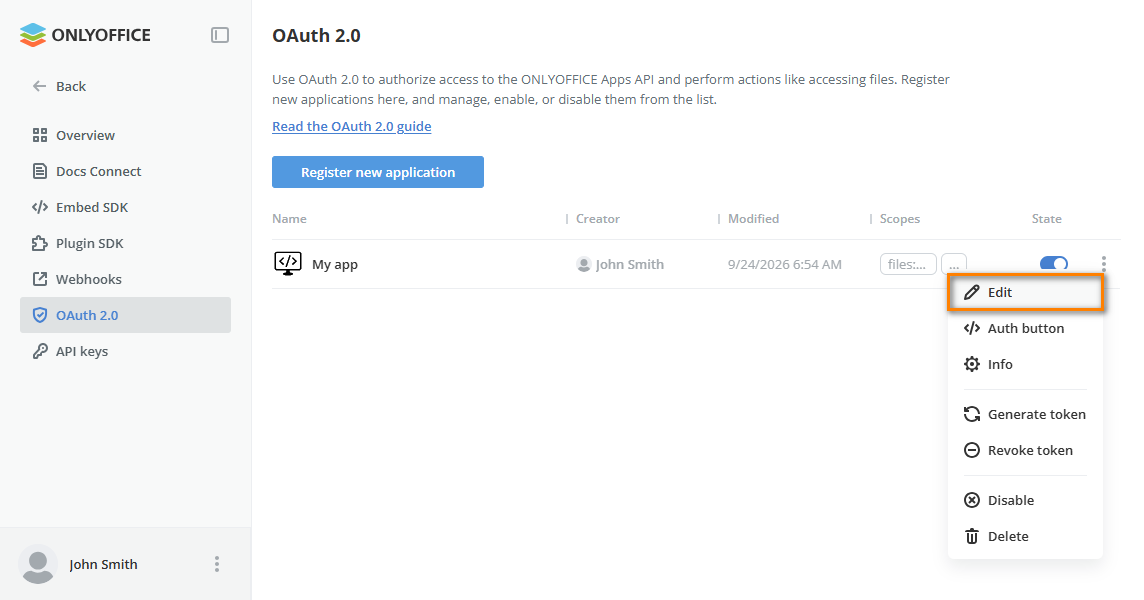
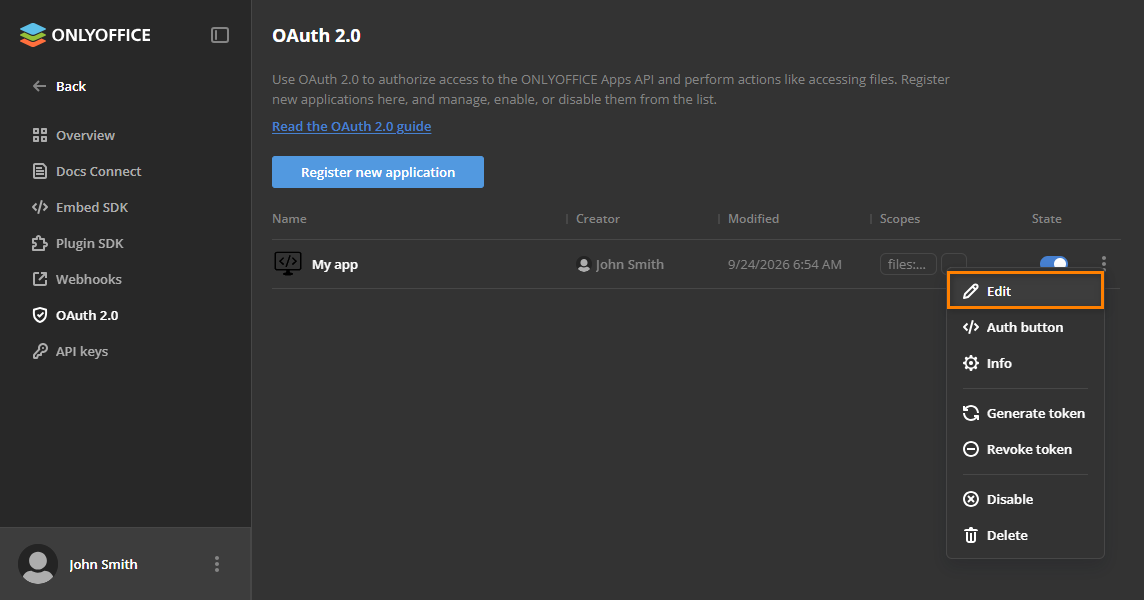
Edit the desired settings and click Save.
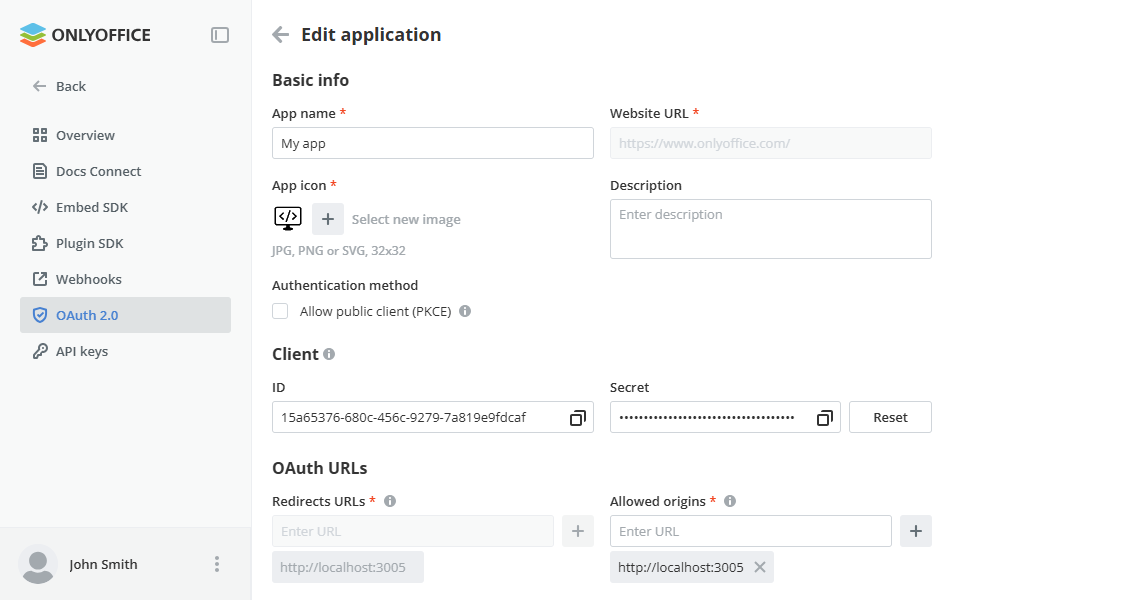
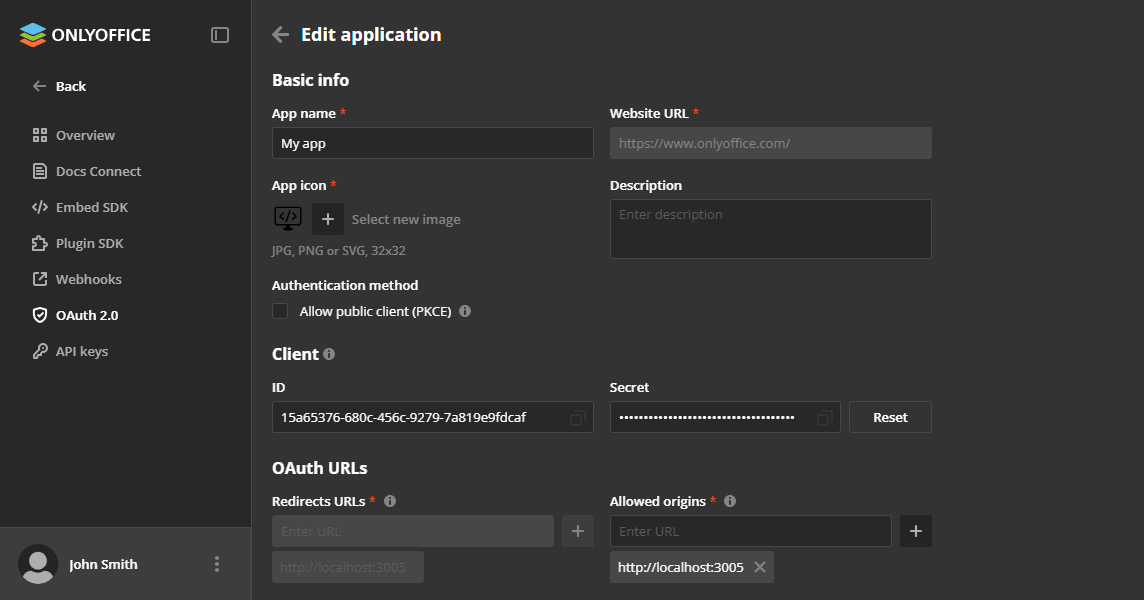
Clicking Reset next to the client secret generates a new one. The previous secret stops working immediately, so update it in your application. Tokens that have already been issued remain valid. You can also regenerate the secret by sending a PATCH request to the api/2.0/oauth2/clients/{clientId}/regenerate address.
Disabling the app
Disabling the app stops all active sessions.
To disable the application:
-
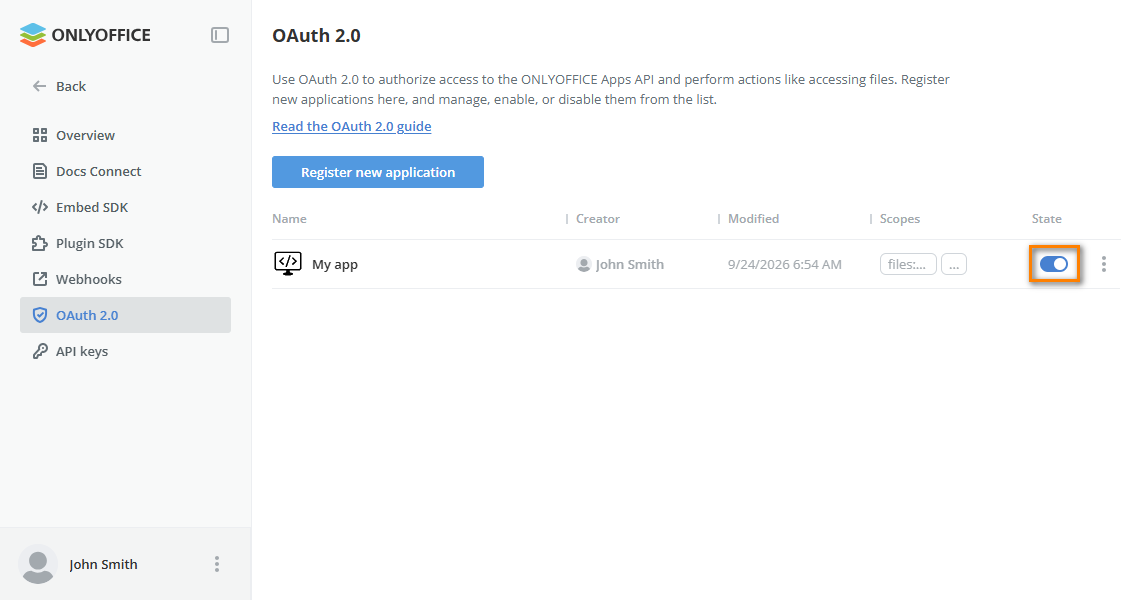
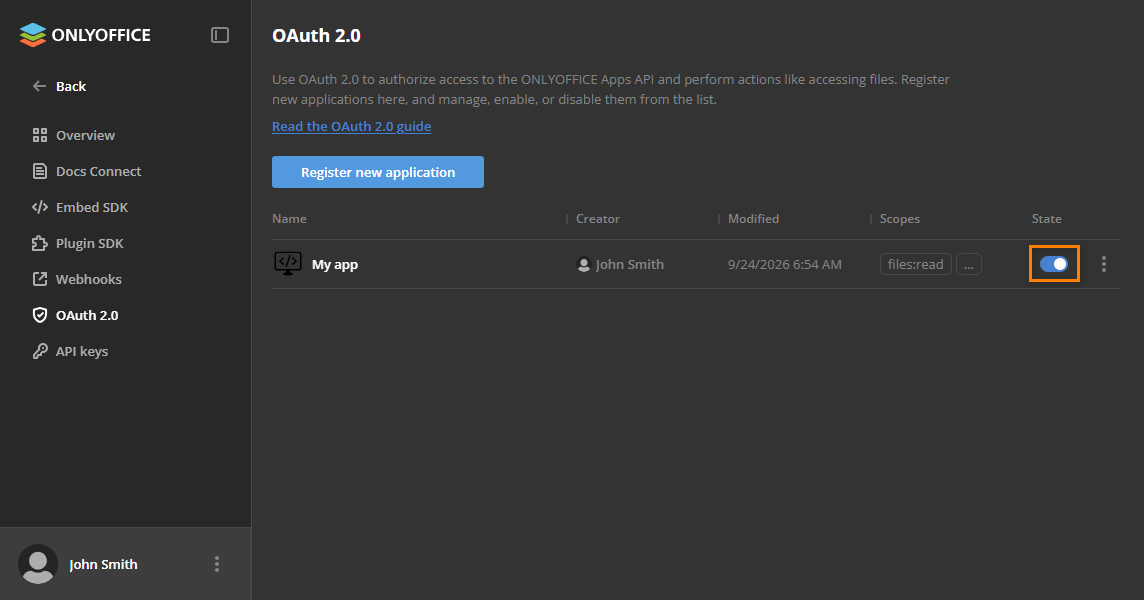
Click the toggle button next to the application in the list.
or
-
Click
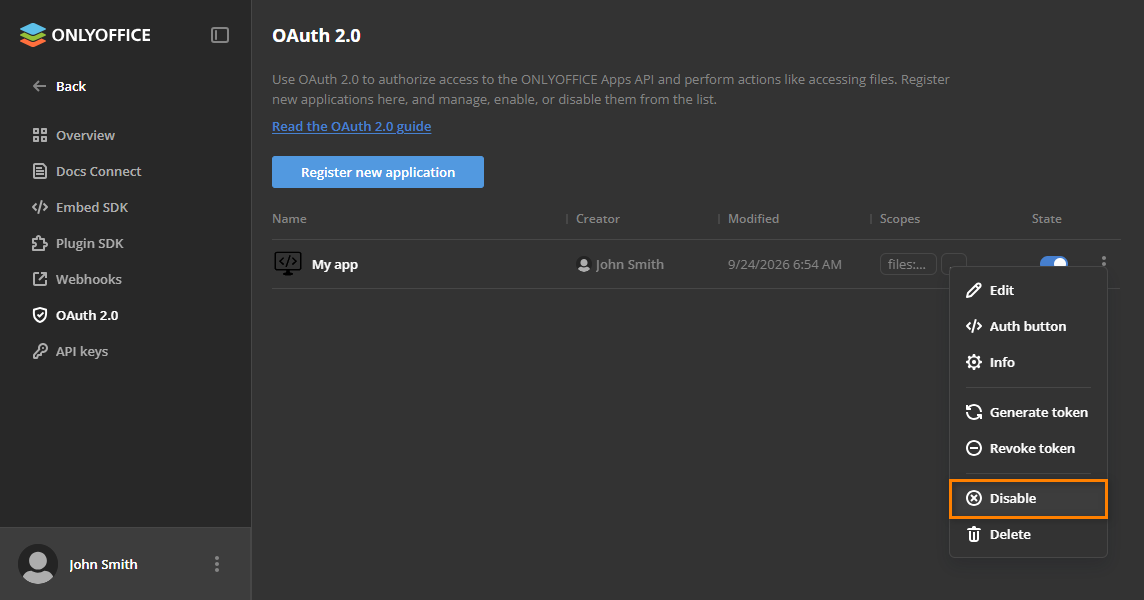
to open the context menu and choose Disable.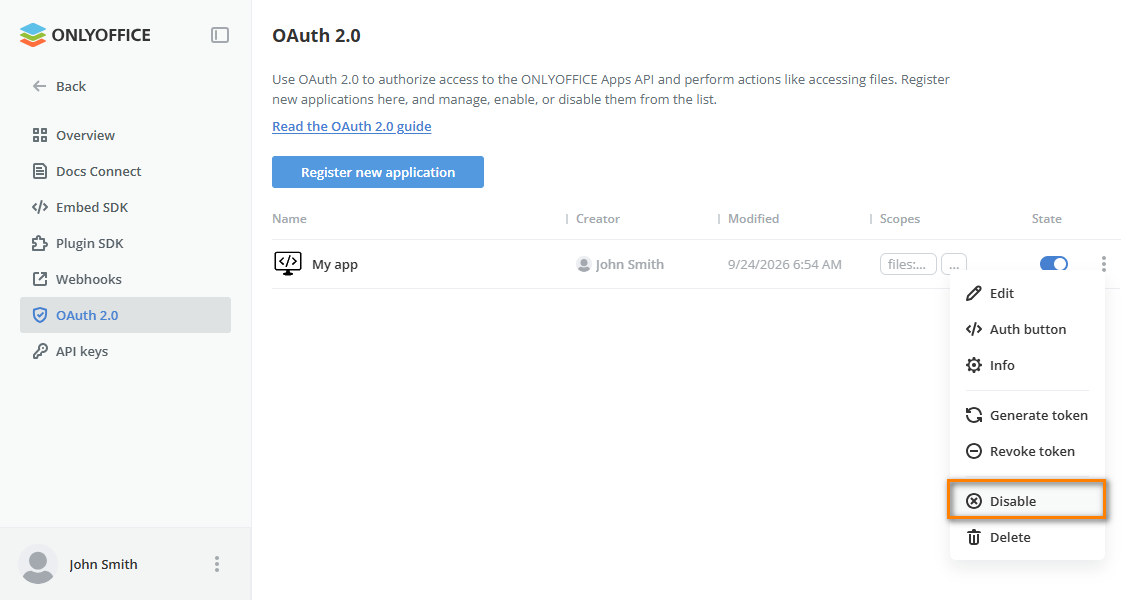
Deleting the app
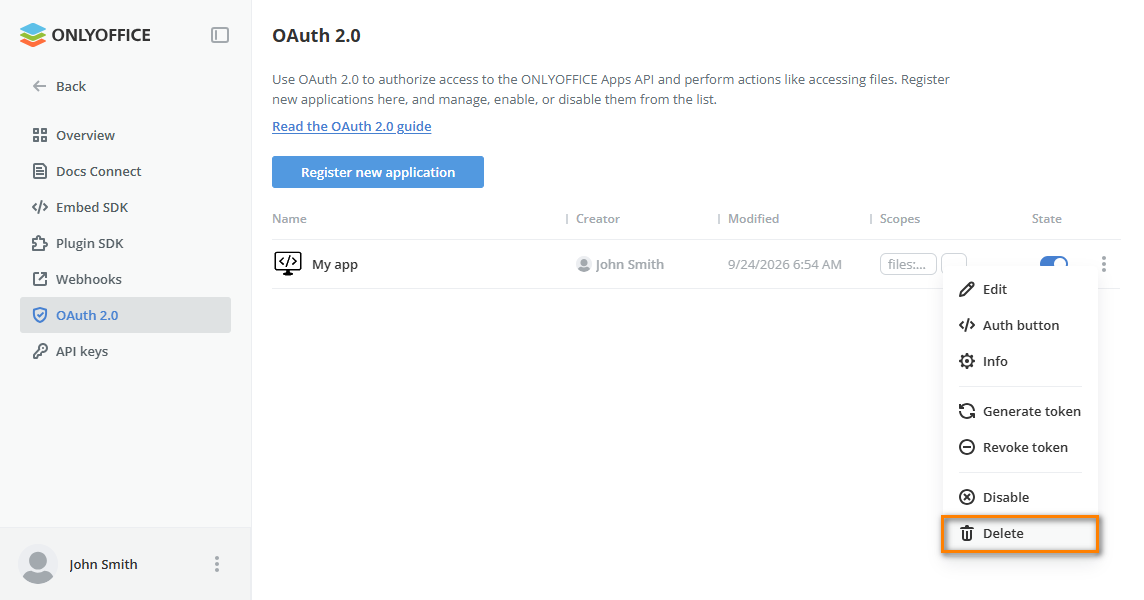
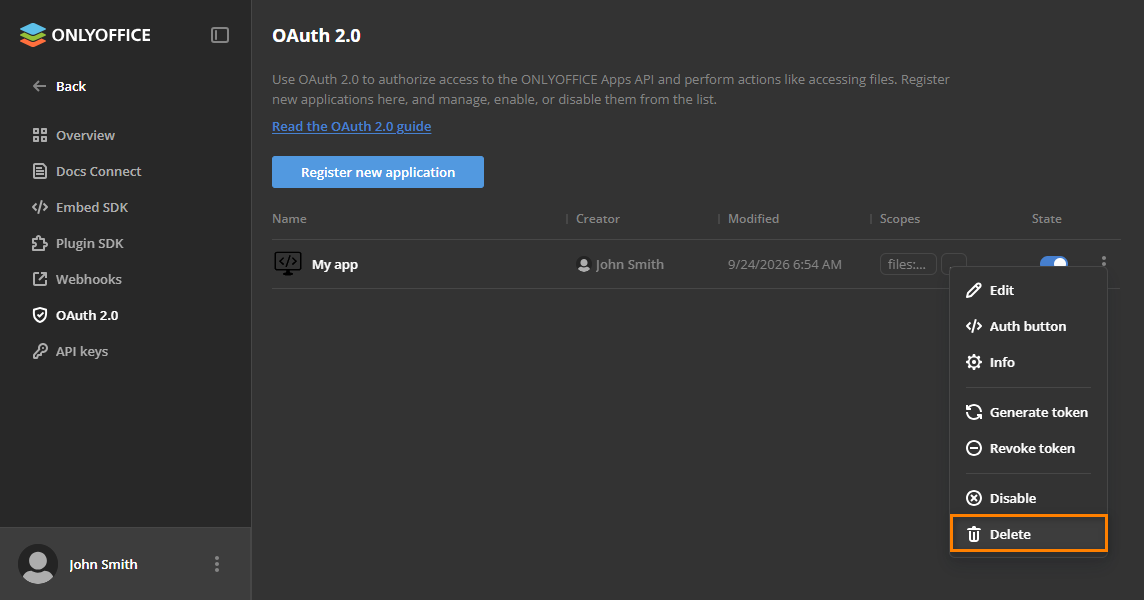
To delete the application, click to open the context menu and choose Delete.
This action stops and deletes all active sessions.