Playground
The Playground serves as an interactive platform for users to explore and test the capabilities of the ONLYOFFICE Apps Embed SDK without registration and installing anything. It provides users with various embedding modes, allowing them to experiment with different ONLYOFFICE Apps configurations seamlessly.
Features
- Script testing. Write and run JavaScript code using the ONLYOFFICE Apps SDK to configure and initialize different embedding modes.
- Live preview. See the result of your configuration instantly in the embedded ONLYOFFICE Apps frame.
- Multiple modes. Test all available embedding modes: manager, editor, viewer, room selector, file selector, frame, system, and public room.
- Customization. Switch themes for convenience.
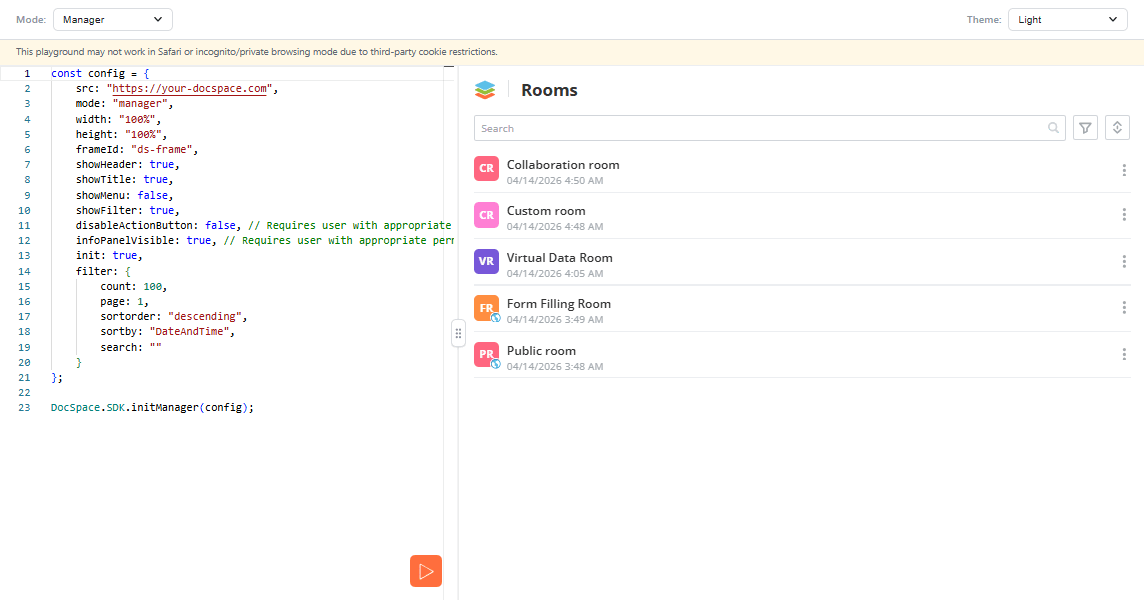
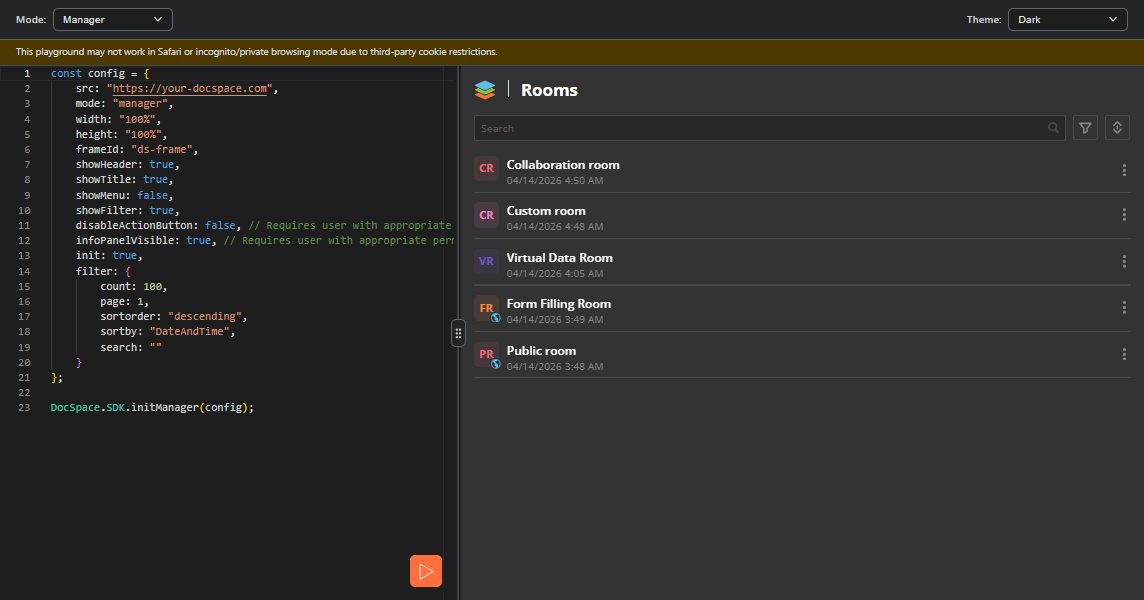
Manager
Explore the document manager to work with rooms, folders, and documents within ONLYOFFICE Apps.
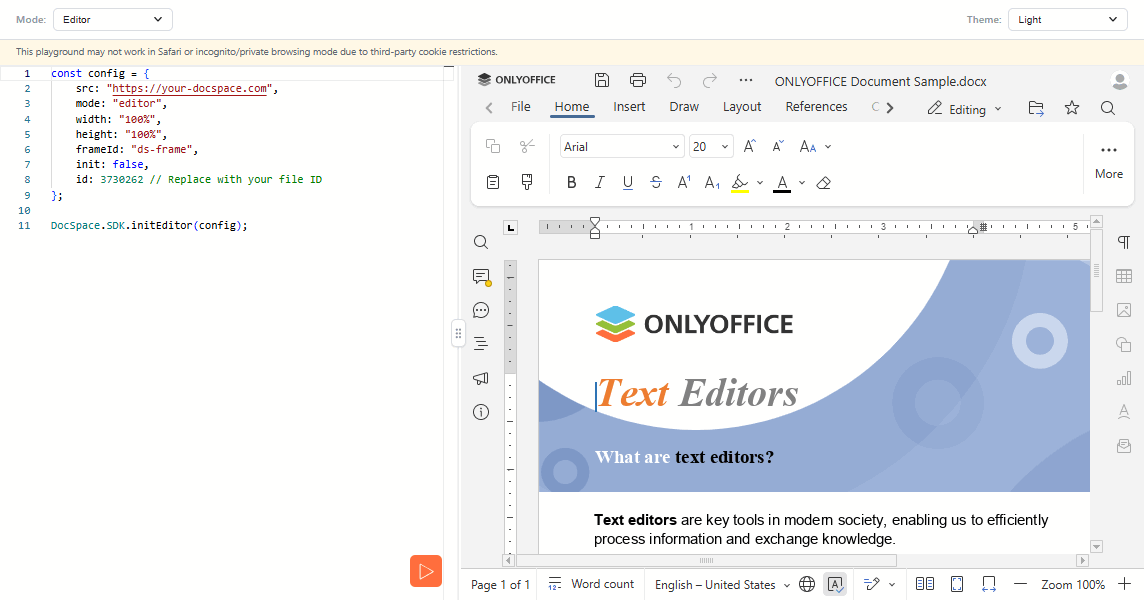
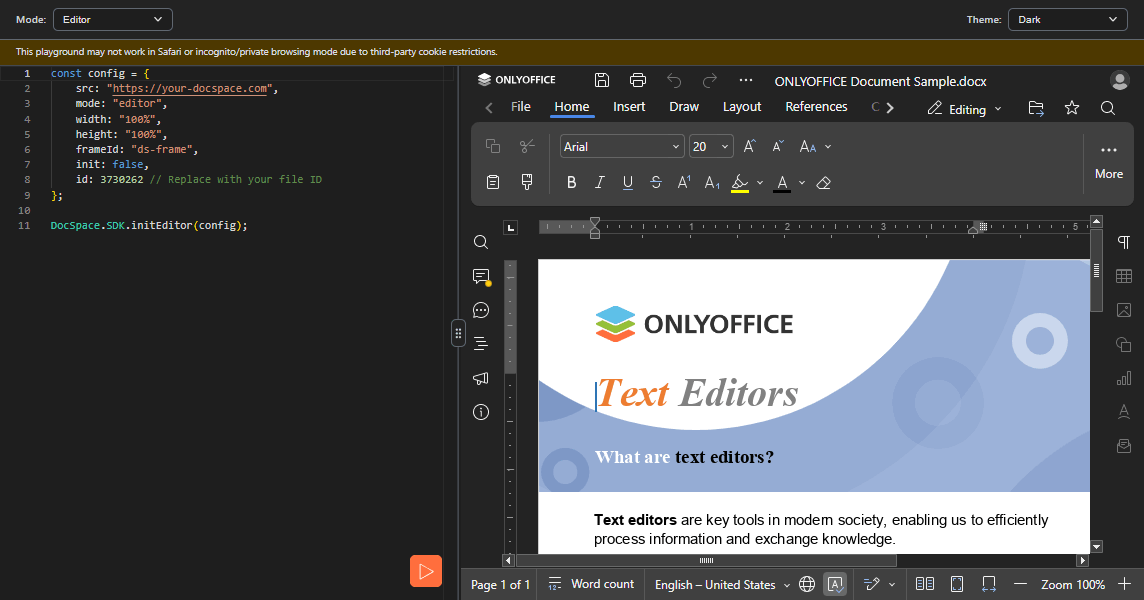
Editor
Open and edit documents directly in the embedded ONLYOFFICE Apps editor.
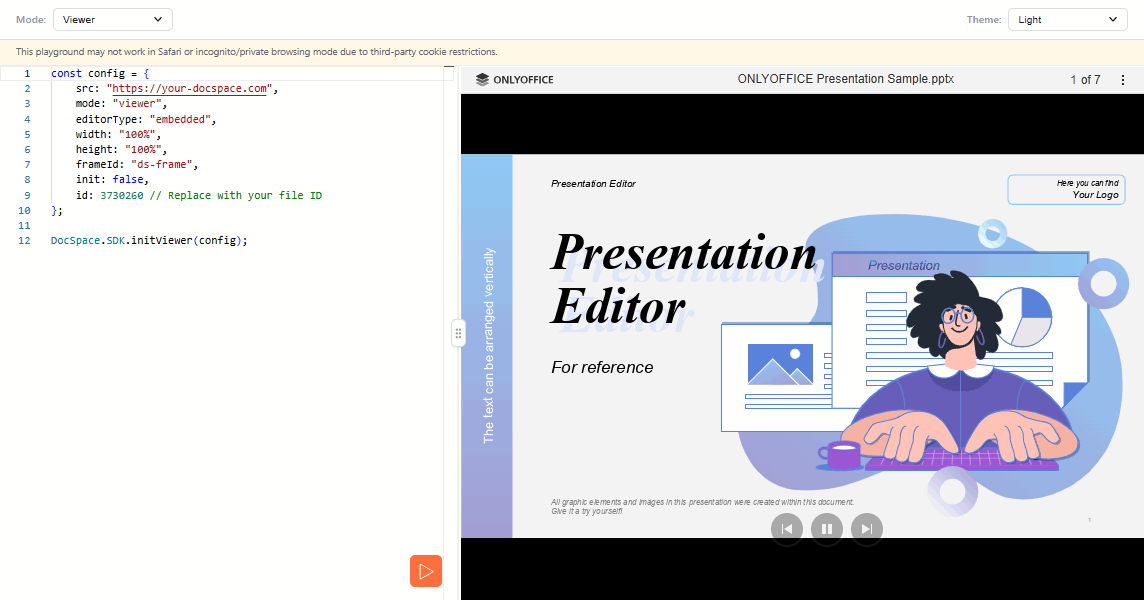
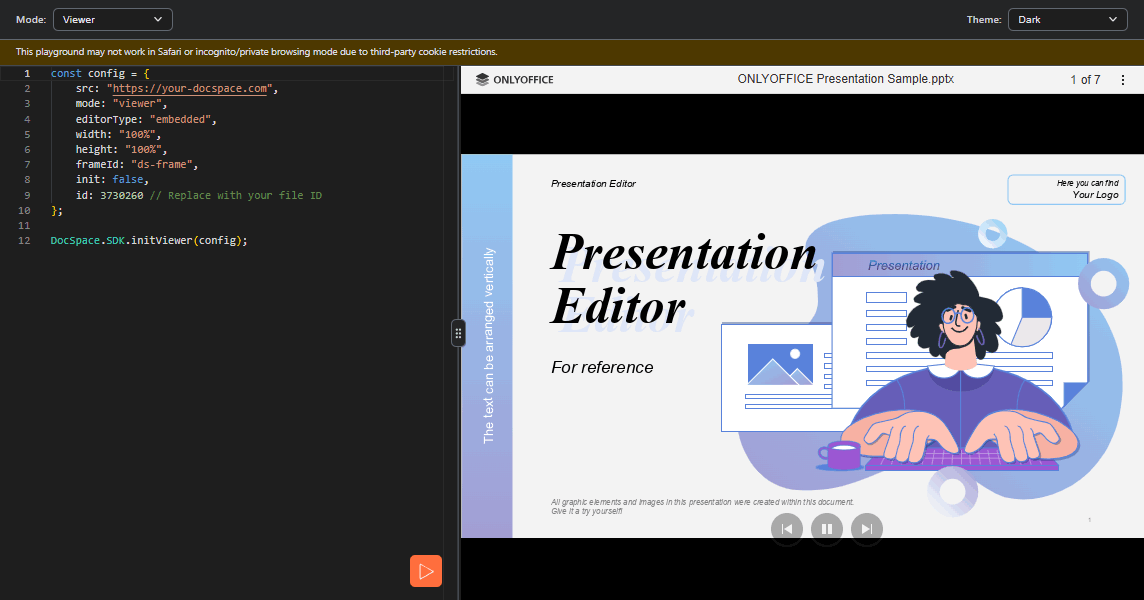
Viewer
View documents in a read-only embedded viewer.
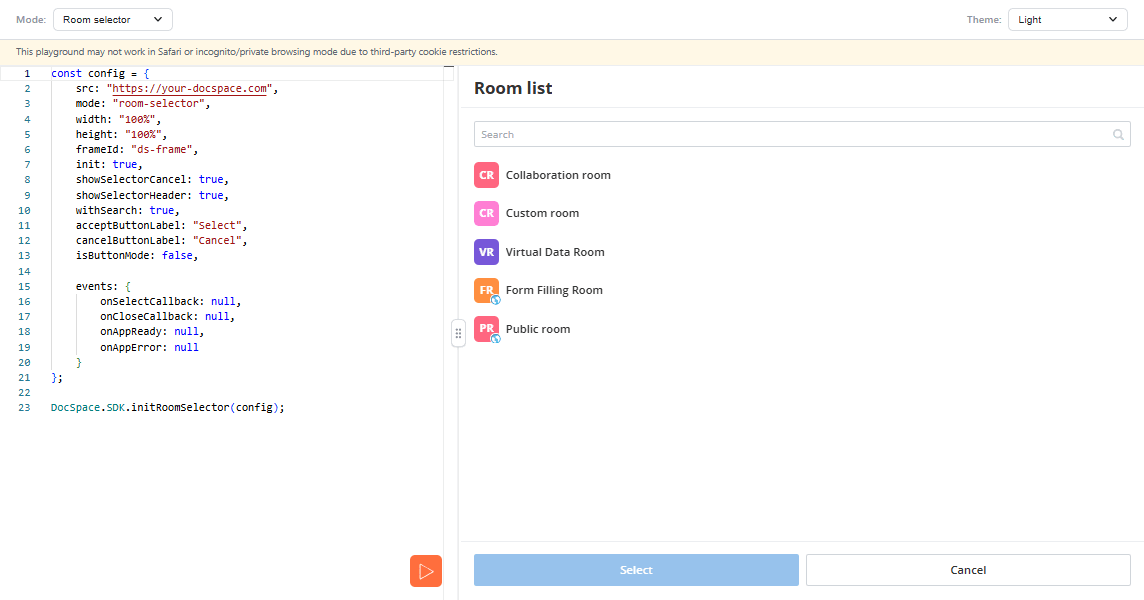
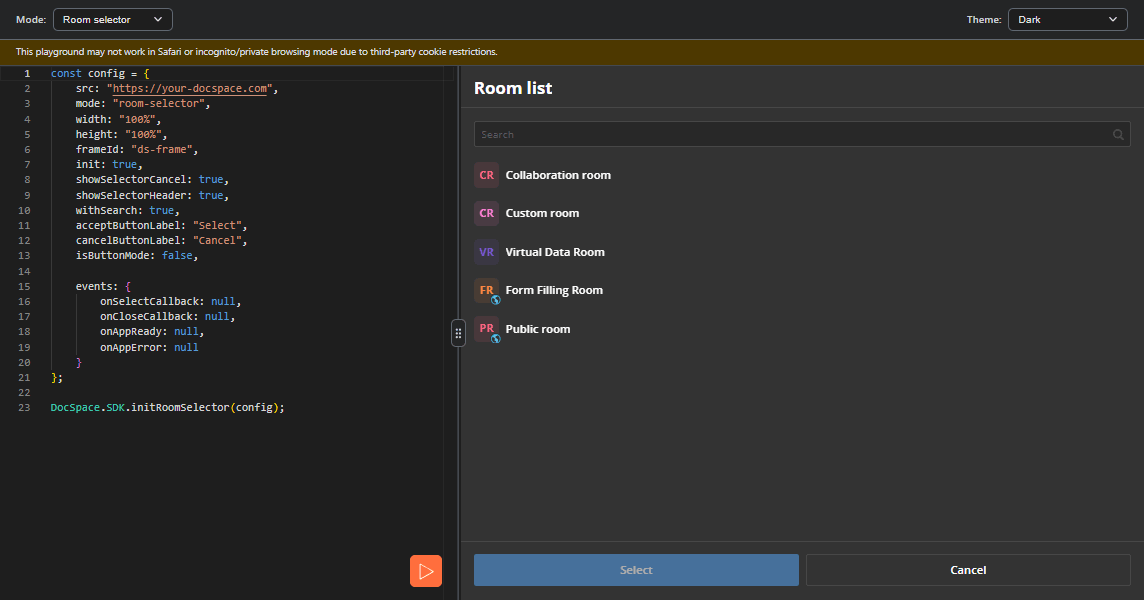
Room selector
Embed a room selector to let users pick an ONLYOFFICE Apps room.
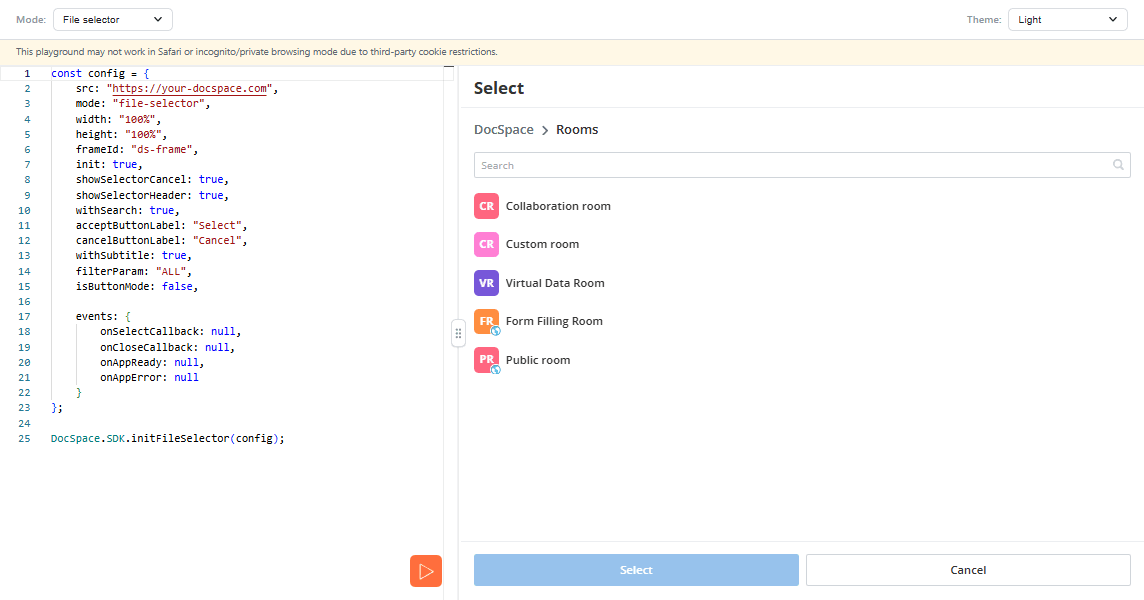
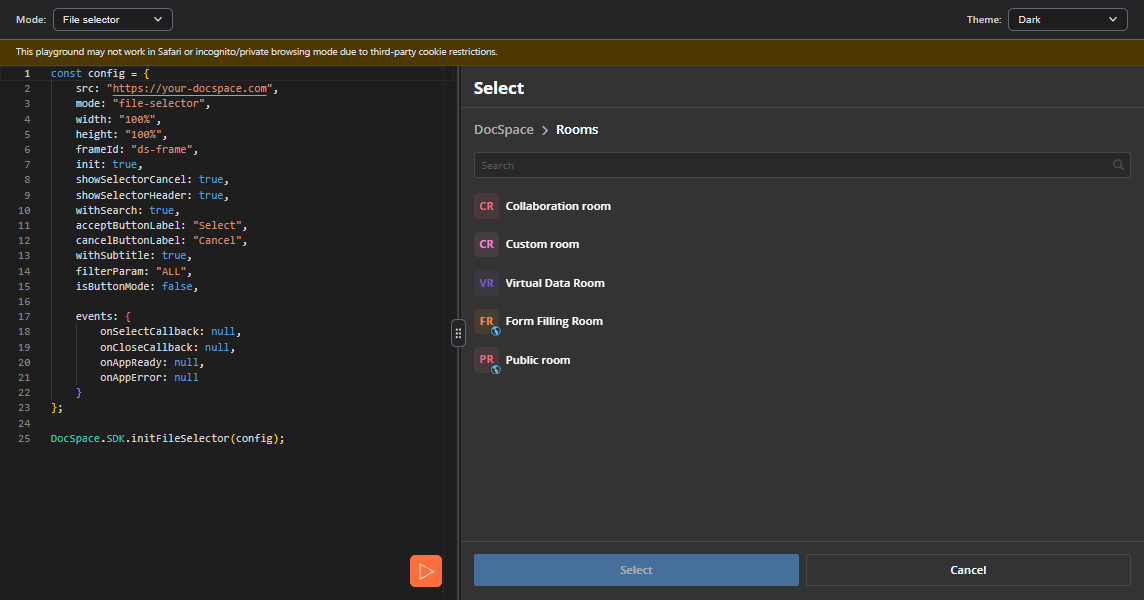
File selector
Embed a file selector to let users pick files from ONLYOFFICE Apps.
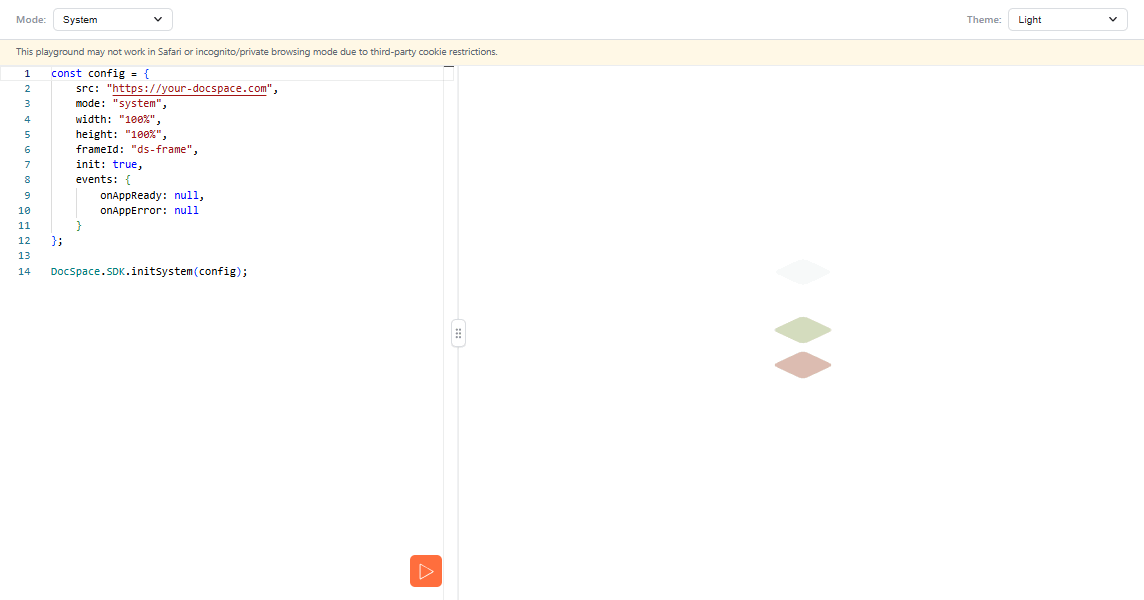
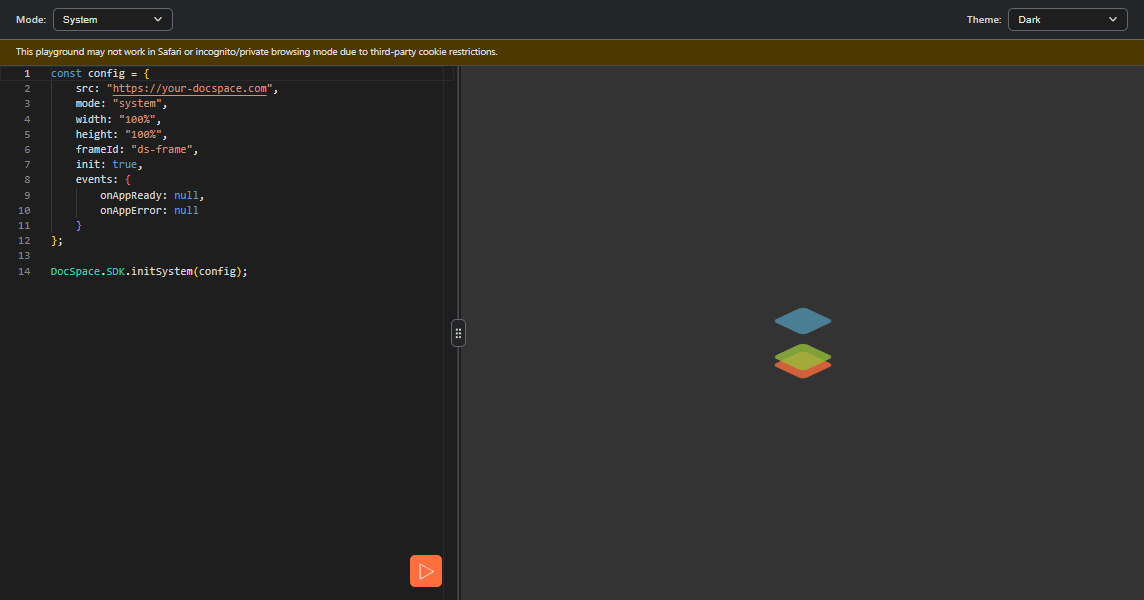
System
Use the system mode to call SDK methods without a visible frame.