Coding plugin
Develop a plugin. Follow the plugin structure described here.
-
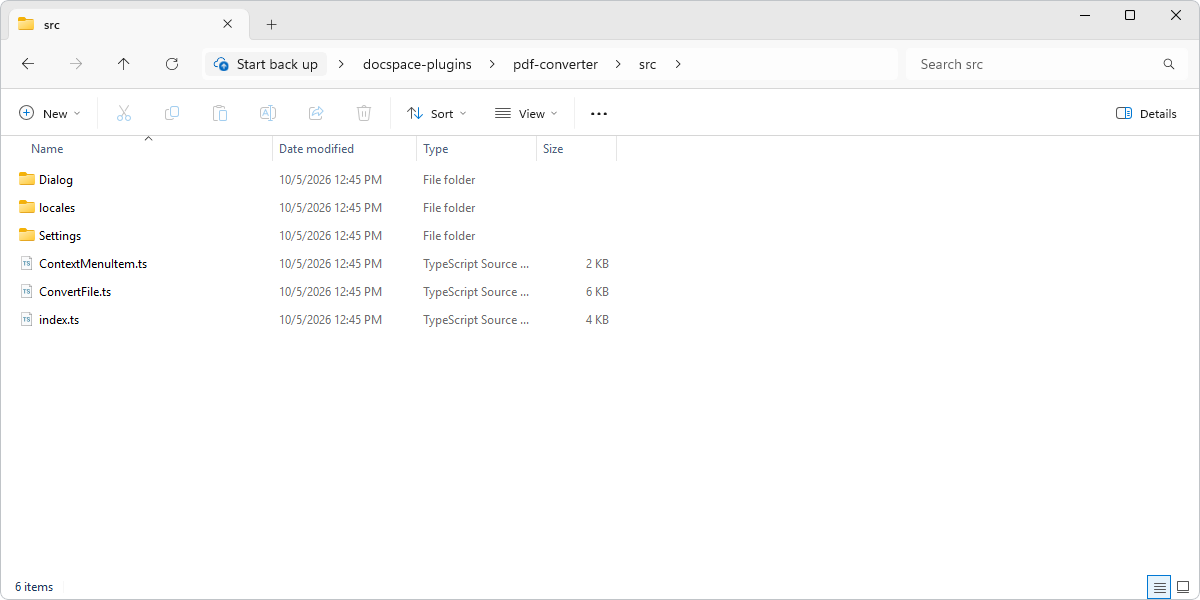
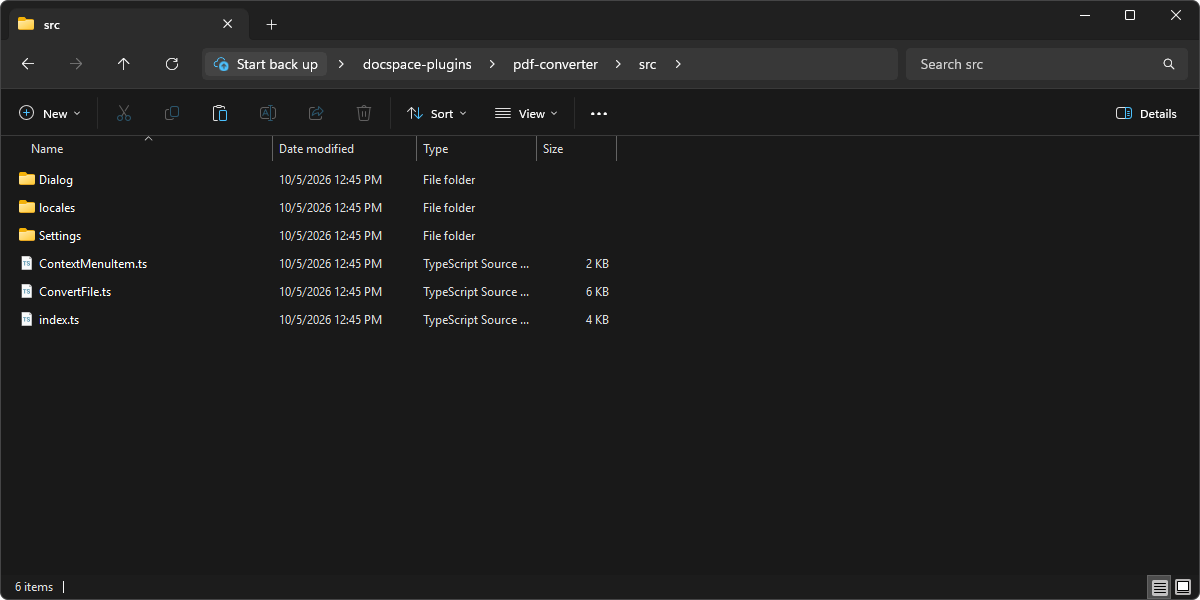
Write code for each plugin type using the corresponding variables, methods and items. Put the scripts into the src folder. Specify the required Plugin interface for each plugin to be embedded in the portal:
- API
- article button
- article navigation
- context menu
- event listener
- file
- info panel
- main button
- postMessage
- profile menu
- settings
-
Specify plugin messages that will be returned by the items. Use the appropriate events that will be processed on the portal side.
-
Learn which plugin components can be used for the ONLYOFFICE Apps plugin interface and add them to your scripts. You can also pass a React component through the
componentordialogBodyComponentproperty instead of a declarative IBox tree.
React components
An item can render a React component instead of a declarative IBox tree. Pass the component through:
componenton IInfoPanelItem, IArticleButtonItem, IArticleNavigationItem, IMediaViewer, and ISettingsdialogBodyComponenton IModalDialog
The component is rendered inside the ONLYOFFICE Apps application tree and reaches the portal through the hooks from @onlyoffice/docspace-plugin-sdk/react:
import {
  usePluginAPI,
  usePluginActions,
  usePluginSettings,
  useCurrentFile,
  useCurrentUser,
  usePluginRuntime,
} from "@onlyoffice/docspace-plugin-sdk/react";
React API Reference
For complete React hooks and API documentation, see:
- React Hooks -
usePluginRuntime,useCurrentFile,usePluginActions,usePluginAPI,useCurrentUser,usePluginSettings - Plugin API Client - HTTP client methods, options, and error handling
- Plugin Actions - Portal UI actions (toasts, modals, navigation)
- Plugin Runtime - Runtime context types
- Plugin Settings - Settings management API
Quick Example
import { useEffect, useState } from "react";
import { usePluginAPI } from "@onlyoffice/docspace-plugin-sdk/react";

type MyDocuments = { files: { id: number; title: string }[] };

function FileList() {
  const api = usePluginAPI();
  const [files, setFiles] = useState<MyDocuments["files"]>([]);

  useEffect(() => {
    const controller = new AbortController();
    api
      .get<MyDocuments>("/files/@my", { count: 20 }, { signal: controller.signal })
      .then((folder) => setFiles(folder.files));
    return () => controller.abort();
  }, []);

  return <ul>{files.map((f) => <li key={f.id}>{f.title}</li>)}</ul>;
}
External Dependencies
react, react-dom, react/jsx-runtime, @onlyoffice/docspace-plugin-sdk/react, and @onlyoffice/apps-ui-kit must stay out of the plugin bundle — ONLYOFFICE Apps supplies them at load time.
Import only from @onlyoffice/apps-ui-kit; do not use subpath imports. The portal only substitutes the exact package specifier @onlyoffice/apps-ui-kit. A plugin that imports @onlyoffice/apps-ui-kit/components/button will fail to load with an error: "…which the portal does not provide."
// ✅ Correct
import { Button, Text } from "@onlyoffice/apps-ui-kit";

// ❌ Wrong — the portal cannot load this
import { Button } from "@onlyoffice/apps-ui-kit/components/button";
For the build configuration, see building a plugin.
Code samples are available at GitHub.