Forms
Works only inside an ONLYOFFICE Apps portal: it needs the portal's API client, stores and translations, and is not part of the public API.
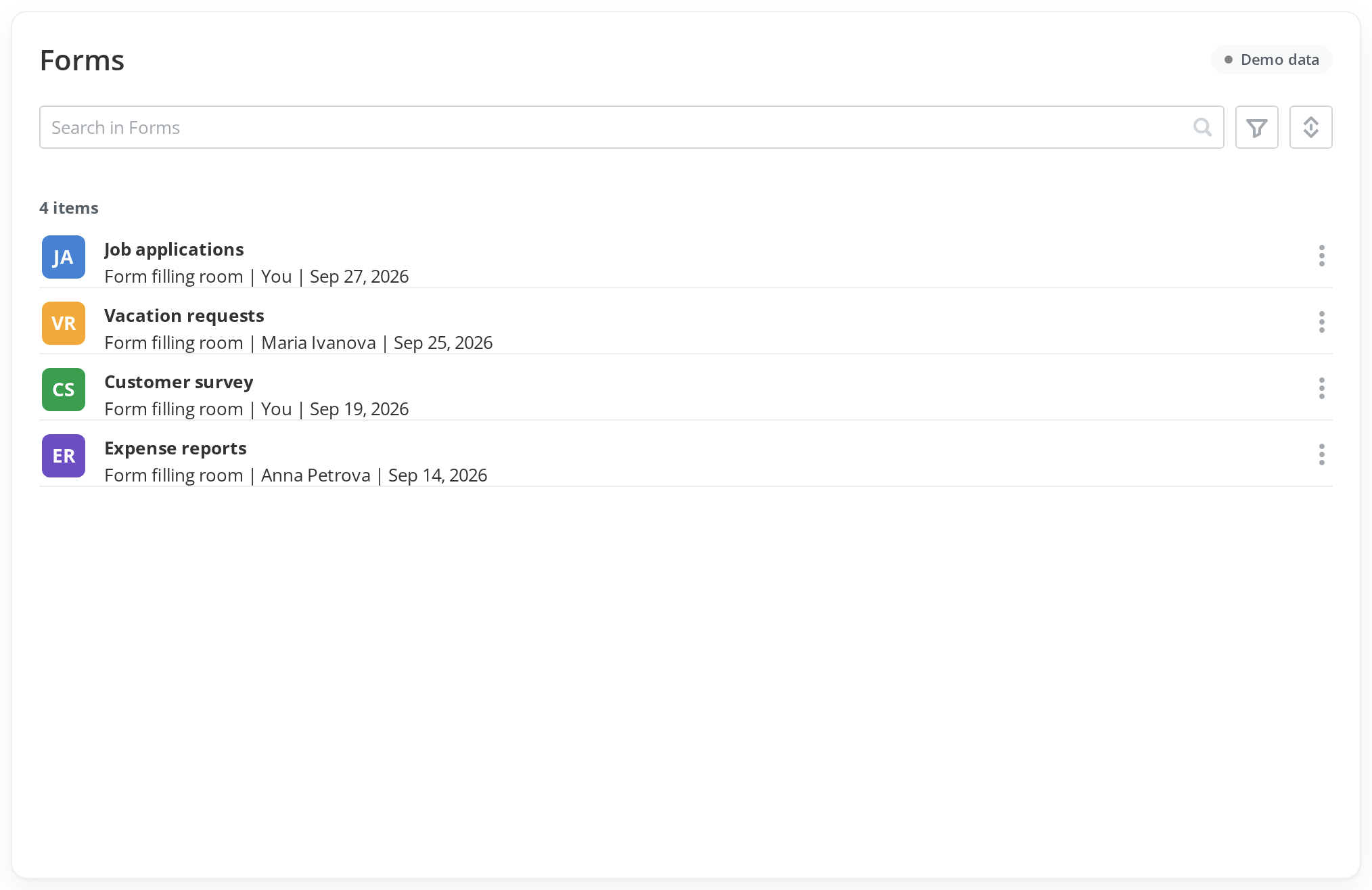
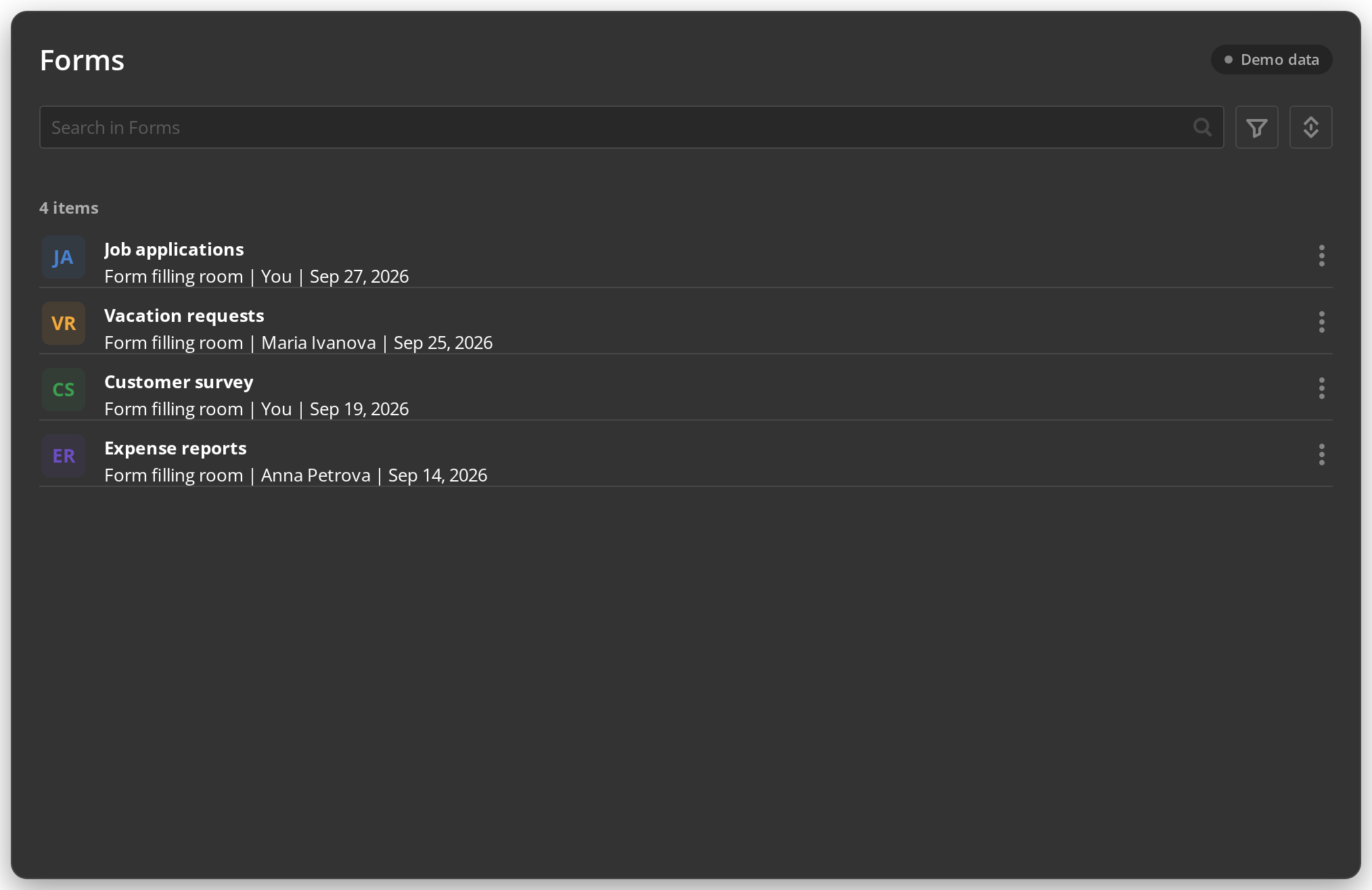
The Forms section: the form-filling rooms the caller can see, with a header, the filter bar and the rows. Search, a sort order and an owner filter narrow the list, and a form room opens in place. There is nothing to create — the filter bar has no main button, and a row's context menu only opens it or copies its link, so this screen never writes to a portal.
Features
- Owner filter —
Me: only the form rooms the caller owns - No room type filter — the section holds one type only, which is how the portal's own filter behaves there
- Search and sort — by name or last modified, newest first by default
- Rooms open in place — see below
- Demo or portal — the same screen on in-memory data or on a real portal
Opening a form room, and the context menu
A click on a room's name, or Open in its context menu, lists what is inside: its PDF forms
and the two folders the portal keeps a form room's submissions in, Complete and In
process, which open the same way. The header becomes the kit's Navigation, with a
breadcrumb back to Forms and a back arrow to the parent.
Inside a room the filter becomes the file-type one — Folders, Documents, Spreadsheets,
Presentations, PDF — sent as filterType, and every level starts with no filter and an empty
search. The list is foldersApi.getFolderByFolderId({ folderId, ... }).
The context menu is the same as on Rooms: Open for rooms and folders, Open in ONLYOFFICE for a file (a toast in the demo), and Copy link for a file on a real portal.
Choosing a form room or folder in a picker
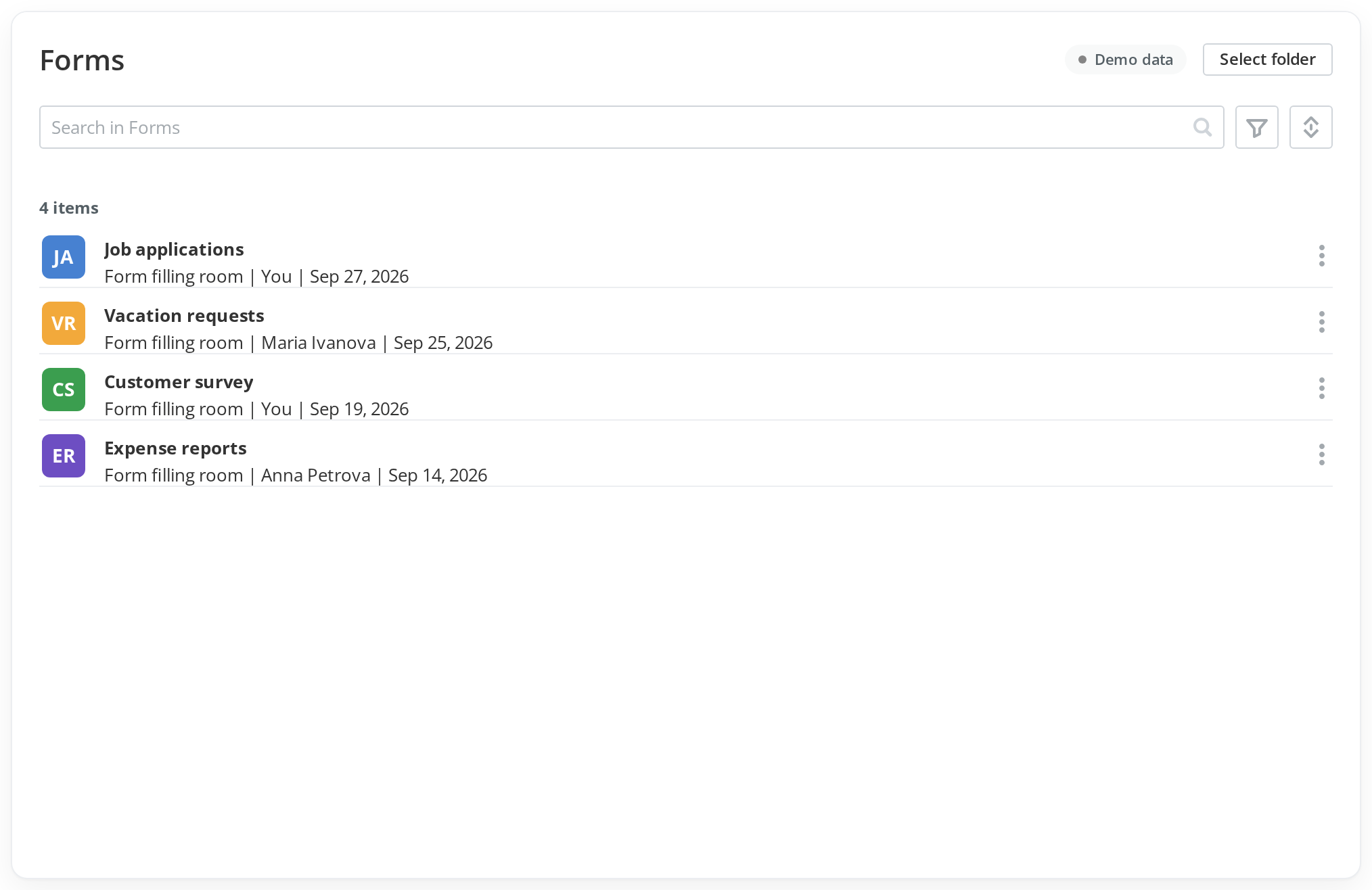
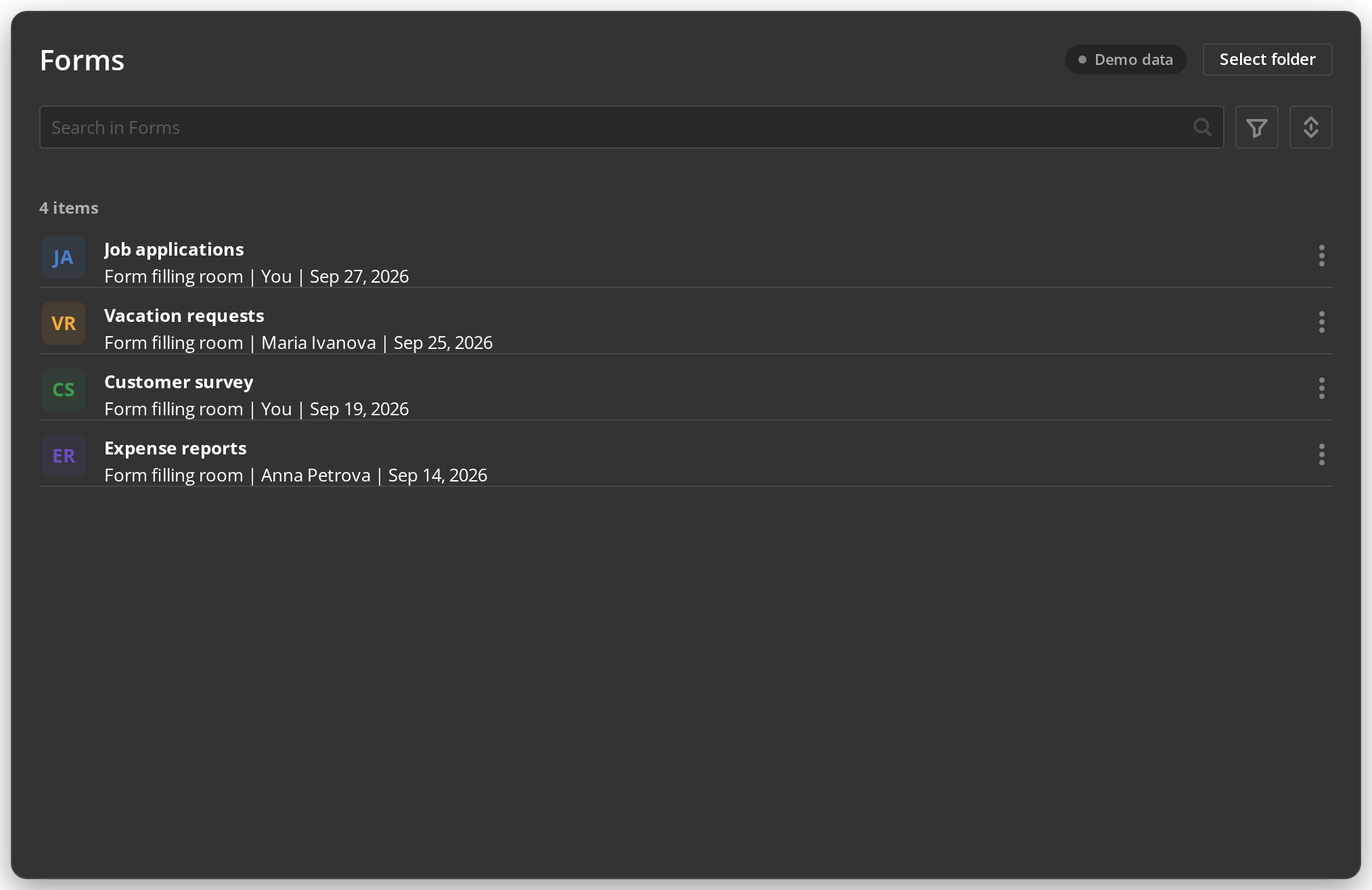
With withFolderPicker, the header carries Select folder, which opens a picker whose root
holds Forms and nothing else. Inside it are the form rooms, then a room's Complete and
In process folders. Open takes wherever the picker stands — Forms itself, a room or one
of its folders — and the list opens there. At the picker's root Open is disabled.
FilesSelector has no way to show the Forms section alone, and on the way back out of a form
room it falls through to Rooms; the picker here is the kit's Selector over the list's own
source, which keeps the section fixed.
Where the rows come from
The header says which source answered: Demo data, or the host of the connected portal.
- No portal. With nothing picked in the API Config toolbar the list runs on
demoSource("forms"): four form-filling rooms, two of them owned byYou, which is whoMemeans in the demo. - A portal. Pick one in the toolbar and the story reads that portal's Forms section, as whoever the key belongs to.
The list is the same call as Rooms with a different search area:
| Control | Request parameter |
|---|---|
| Search | filterValue |
| Owner: Me | subjectId (the caller's id) with subjectFilter: SubjectFilter.Owner |
| Sort | sortBy ("AZ", "DateAndTime") and sortOrder |
| — | searchArea=Forms, always |
searchArea=Forms is not in the SDK yet
The server splits rooms between the two sections by search area: Forms returns form-filling
rooms and nothing else, Active returns everything but them (SearchArea.cs in the ASC.Files
server). @onlyoffice/docspace-api-sdk predates that split — its SearchArea stops at
AiAgents — but the server reads the area by name from the query string, so the story passes
the string with a cast:
const FORMS_SEARCH_AREA = "Forms" as unknown as SearchArea;
A portal that predates the Forms section does not know the name; the list then shows the error
it answered instead of rows. Drop the cast once the SDK carries SearchArea.Forms.
Usage
import { SearchArea, SortOrder } from "@onlyoffice/docspace-api-sdk";
import { useApi } from "@onlyoffice/apps-ui-kit/providers/api";

const { roomsApi } = useApi();

const response = await roomsApi.getRoomsFolder({
  // Not in the SDK's SearchArea yet; the server takes the name.
  searchArea: "Forms" as unknown as SearchArea,
  filterValue: "survey",
  sortBy: "DateAndTime",
  sortOrder: SortOrder.Descending,
  count: 100,
});

const { folders: formRooms, total } = response.data.response;
Owner here is a plain tag group rather than the portal's roomFilterOwner, for the reason
given on the Rooms page.