MCPServersSelector
Portal only
Works only inside an ONLYOFFICE Apps portal: it needs the portal's API client, stores and translations, and is not part of the public API.
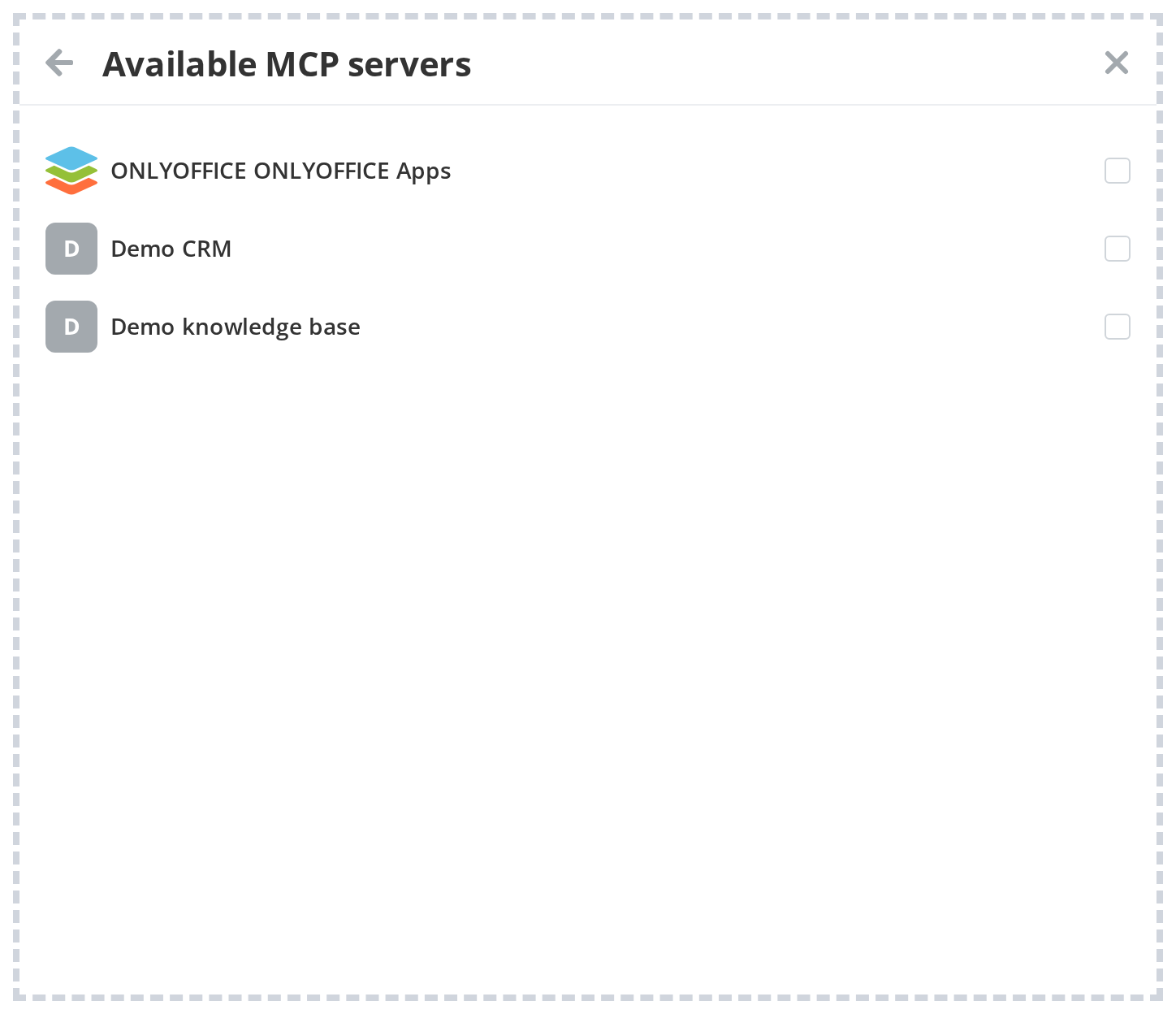
MCPServersSelector is a multi-select panel for choosing available MCP (Model Context Protocol) servers to connect to an AI agent.
Features
- Live API mode — Fetches available MCP servers from the API in batches of 100 with infinite scroll
- Multi-select — Users can select and deselect multiple servers simultaneously
- Pre-selection — Pass
initedSelectedServerswith server IDs to restore a previous selection on open - Disabled items — Servers with
needReset: trueare rendered as disabled - Back navigation — Separate
onBackClickandonClosecallbacks for two-level navigation - Cancel button — Built-in cancel button that triggers
onBackClick
Default
A basic MCPServersSelector with default settings.
import MCPServersSelector from "@onlyoffice/apps-ui-kit/selectors/MCPServers";

<MCPServersSelector
  initedSelectedServers={["server-id-1"]}
  onSubmit={(servers) => saveConnectedServers(servers.map((s) => s.id))}
  onClose={() => setOpen(false)}
  onBackClick={() => navigateBack()}
/>