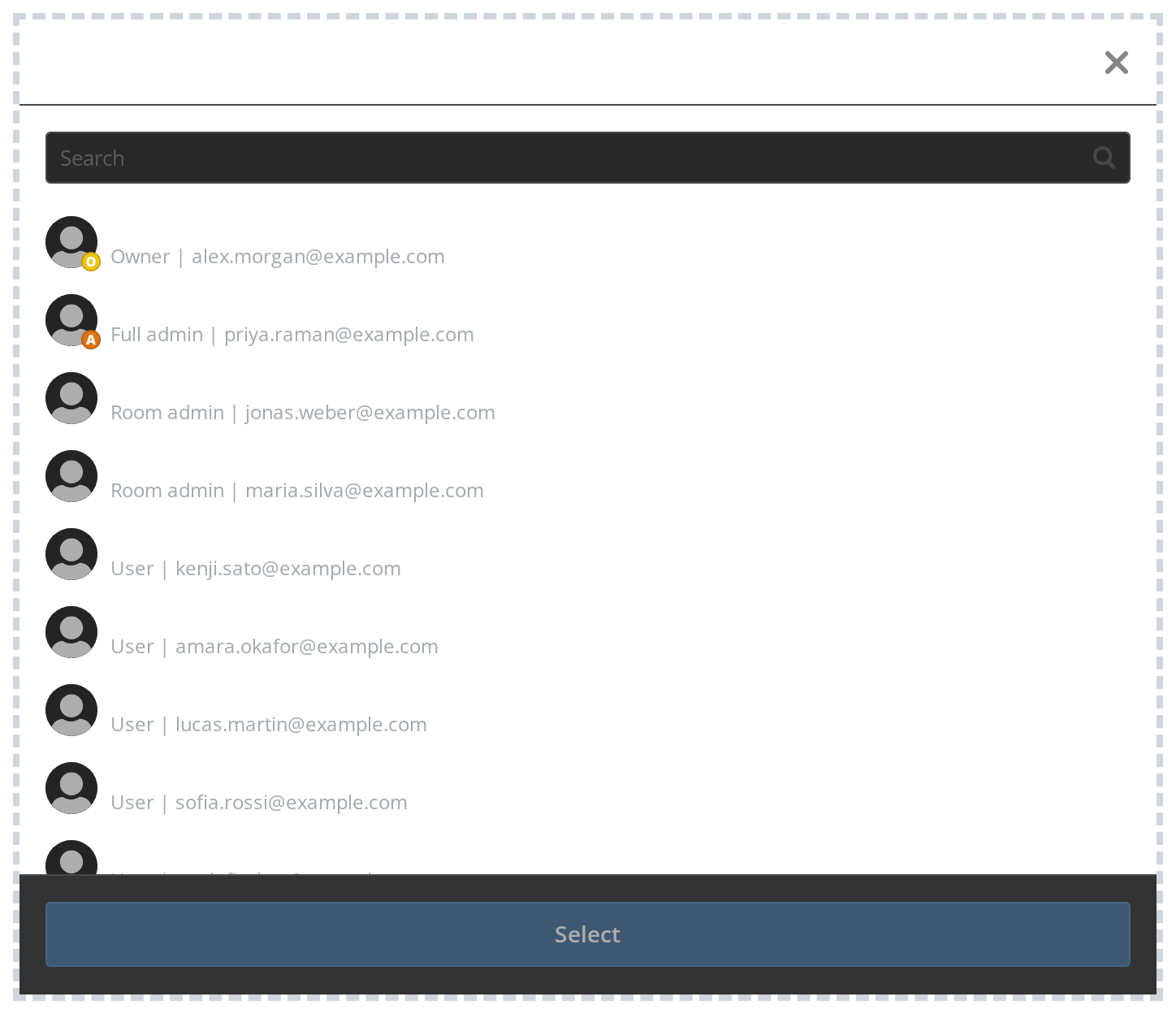
PeopleSelector

Portal only

Works only inside an ONLYOFFICE Apps portal: it needs the portal's API client, stores and translations, and is not part of the public API.

PeopleSelector is a searchable, paginated selector for choosing users and groups from the ONLYOFFICE Apps system.

Features​

  • Live API mode — Fetches members, groups, and guests from the ONLYOFFICE Apps Search API with infinite scroll
  • Tabs — Toggle Members, Groups, and Guests tabs via withGroups and withGuests
  • Single / multi-select — Controlled by isMultiSelect
  • Room scope — Pass roomId to filter users with access to a specific room
  • Access rights — Optional access-right dropdown via withAccessRights
  • Current user — Highlights the current user with a "(Me)" label via currentUserId
  • Exclusions — Hide or disable specific users via excludeItems / disableInvitedUsers
  • Header / aside / cancel — Fully composable via withHeader, useAside, withCancelButton

Default​

A basic PeopleSelector with default settings.
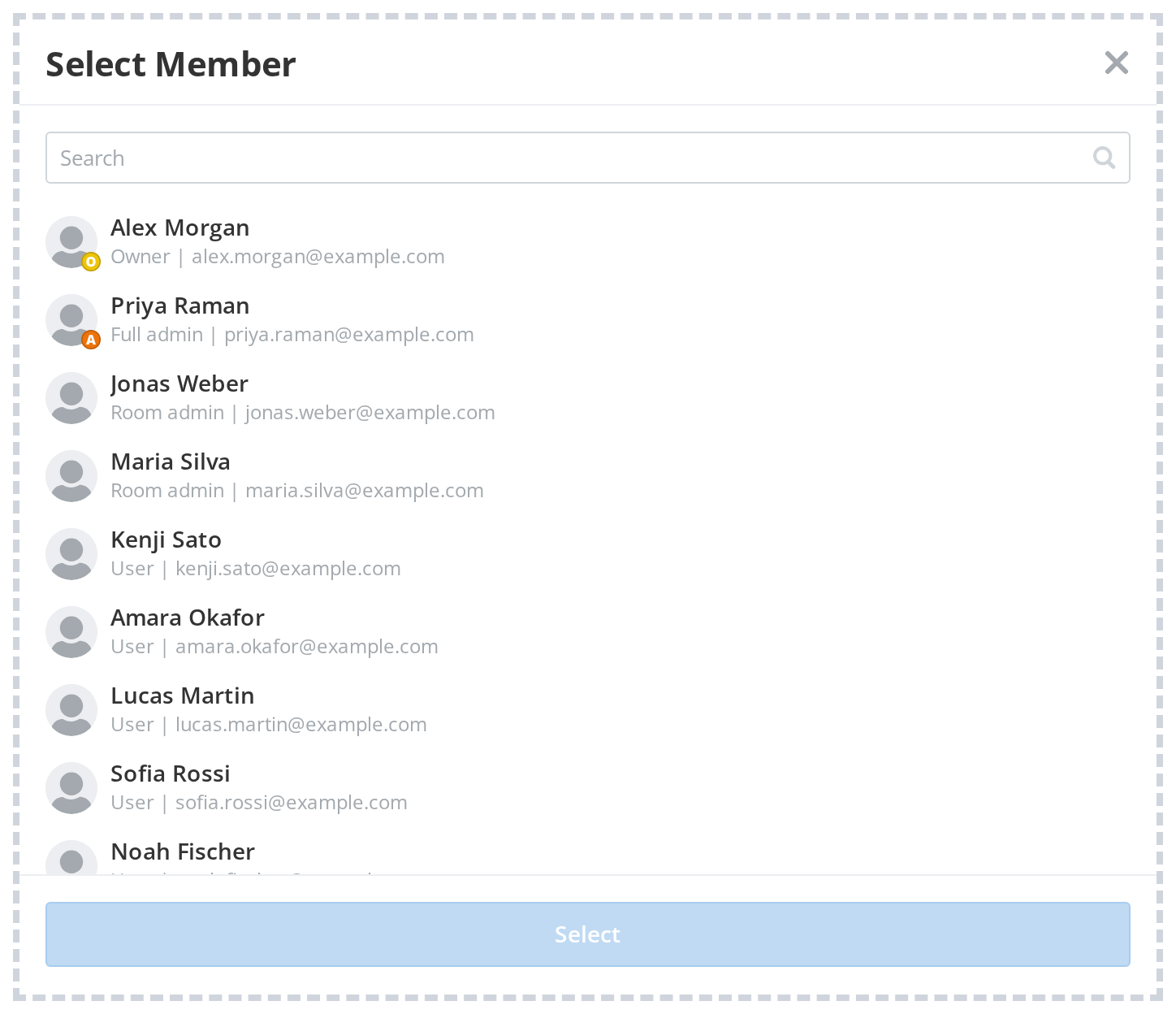
DefaultDefault
import PeopleSelector from "@onlyoffice/apps-ui-kit/selectors/People";

<PeopleSelector
withHeader
headerProps={{ headerLabel: "Select Member", onCloseClick: () => setOpen(false) }}
onSubmit={(items) => console.log(items[0])}
/>

Properties​

PropertyTypeDescription
withHeader?booleanShow the header bar with a label and close button. Default: false.
headerProps?object
isMultiSelect?booleanAllow selecting multiple items at once. Default: false.
onSubmit?functionCalled with selected TSelectorItem array (and optional access right) on confirm.
onClose?functionCalled when the selector panel is dismissed.
id?-HTML id attribute for the root element.
className?-Additional CSS class name for the root element.
withGroups?-Show a Groups tab alongside the Members tab. Default: false.
isGroupsOnly?-Show only the Groups tab (no Members tab). Default: false.
withGuests?-Show a Guests tab alongside the Members tab. Default: false.
isGuestsOnly?-Show only the Guests tab. Default: false.
currentUserId?-ID of the current user — displayed with a '(Me)' label.
filterUserId?-ID of a user to remove from the list.
withOutCurrentAuthorizedUser?-Remove the current authorized user from the list entirely. Default: false.
excludeItems?-Array of user IDs to exclude from results.
disableInvitedUsers?-Array of user IDs to show as disabled (already invited).
disableDisabledUsers?-Disable terminated users in the list. Default: false.
roomId?-Scope the list to users/groups with access to this room ID.
targetEntityType?-Entity type used for shared-access queries when roomId is set. Default: room.
onlyRoomMembers?-Only show members already in the room. Default: false.
isAgent?-Adjusts empty screen description text for AI agent context. Default: false.
useAside?-Render the selector inside an Aside panel with a backdrop. Default: false.
withoutBackground?-Remove the background overlay in Aside mode. Default: false.
withBlur?-Apply blur effect to the Aside backdrop. Default: false.
withCancelButton?-Show a cancel button in the footer. Default: false.
withFooterCheckbox?-Show a checkbox in the footer. Default: false.
emptyScreenHeader?-Custom header text for the empty state screen.
emptyScreenDescription?-Custom description text for the empty state screen.
onCancel?-Called when the cancel button is clicked.