Uploader
Works only inside an ONLYOFFICE Apps portal: it needs the portal's API client, stores and translations, and is not part of the public API.
Uploader is a file upload component that supports chunked uploads, folder uploads, and file size validation. It uses the ONLYOFFICE Apps API SDK for upload operations and provides a drag-and-drop interface.
Default file upload
This example shows the basic file uploader with multiple file support and file type restrictions.
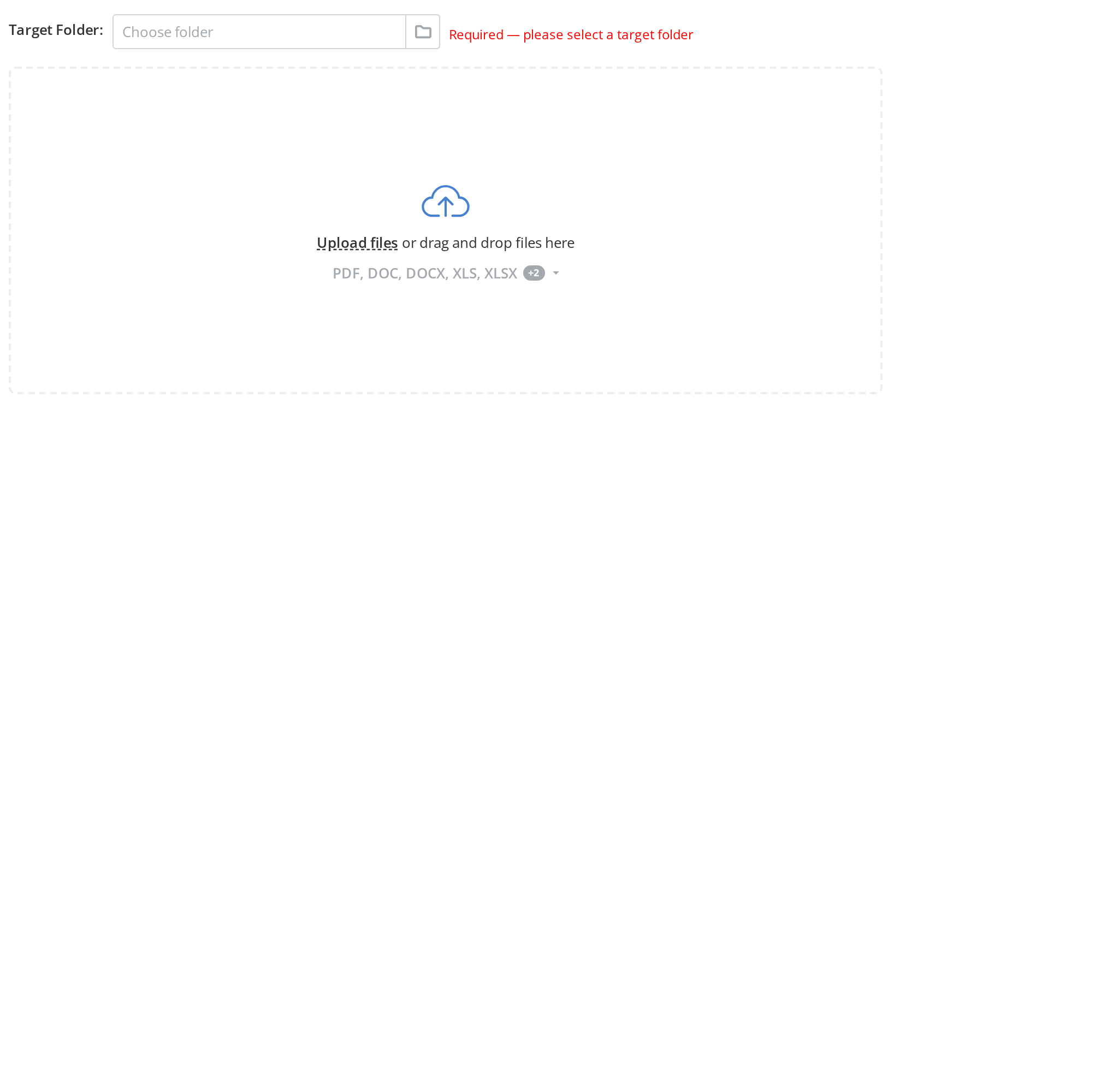
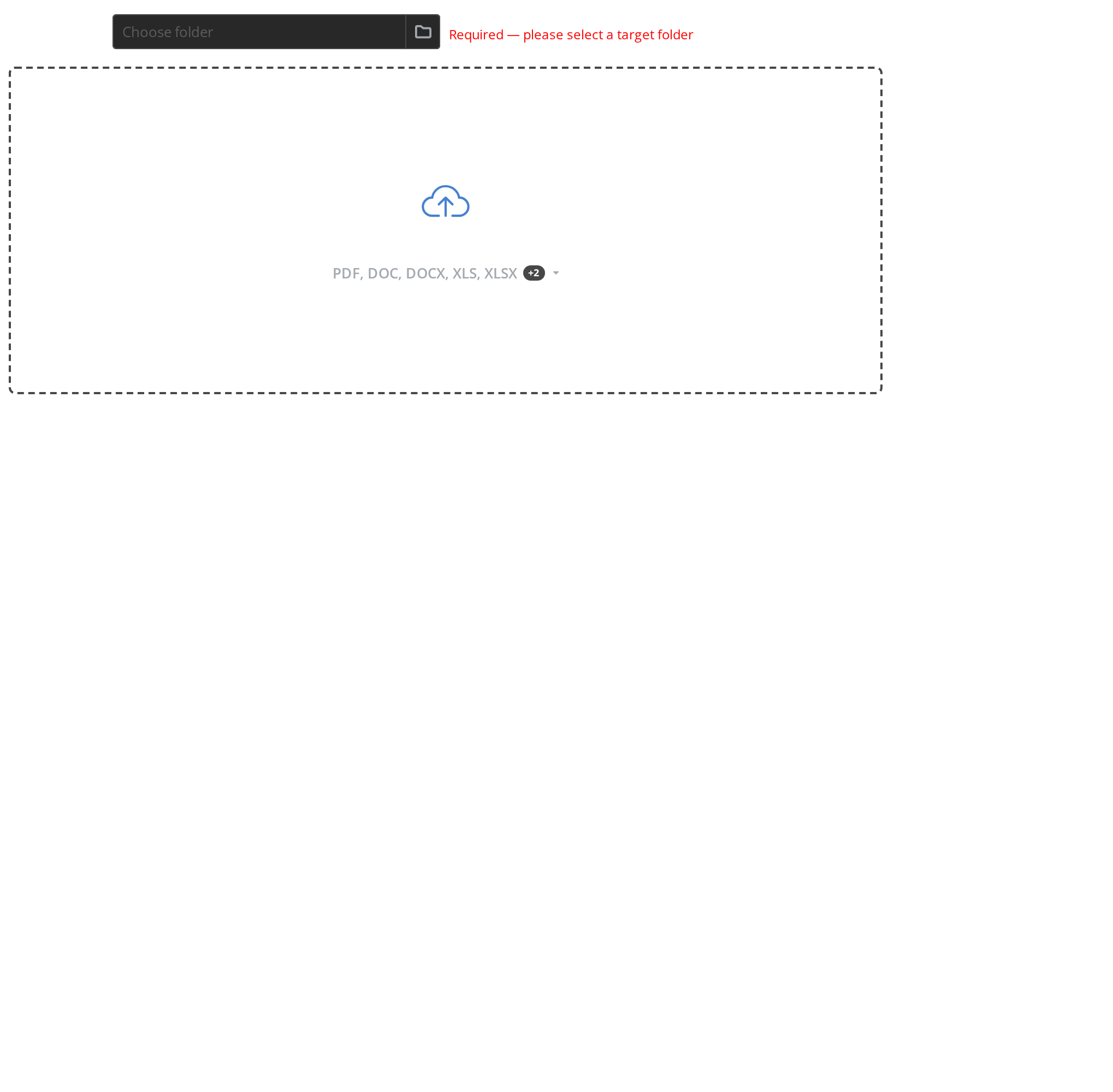
Basic usage with file type restrictions and multiple file upload enabled:
<Uploader
  width="800px"
  height="300px"
  accept=".pdf,.doc,.docx,.xls,.xlsx,.ppt,.pptx"
  shortText="PDF, DOC, DOCX, XLS, XLSX"
  fullText="PDF, DOC, DOCX, XLS, XLSX, PPT, PPTX"
  badgeValue={2}
  linkMainText="Upload files"
  secondaryText="or drag and drop files here"
  isMultipleUpload={true}
  targetId="123"
/>
Single file upload
Demonstrates uploading a single file at a time.
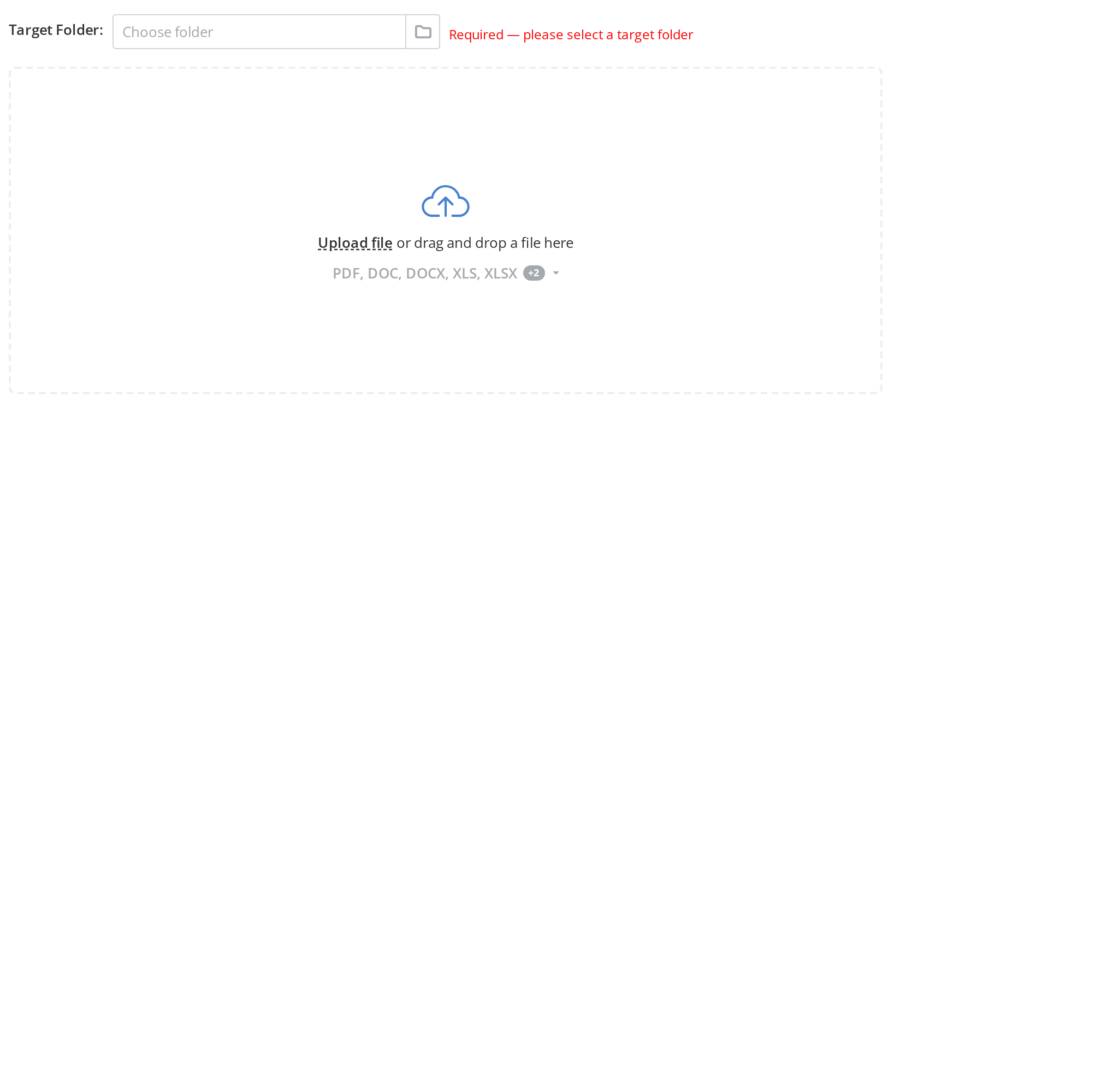
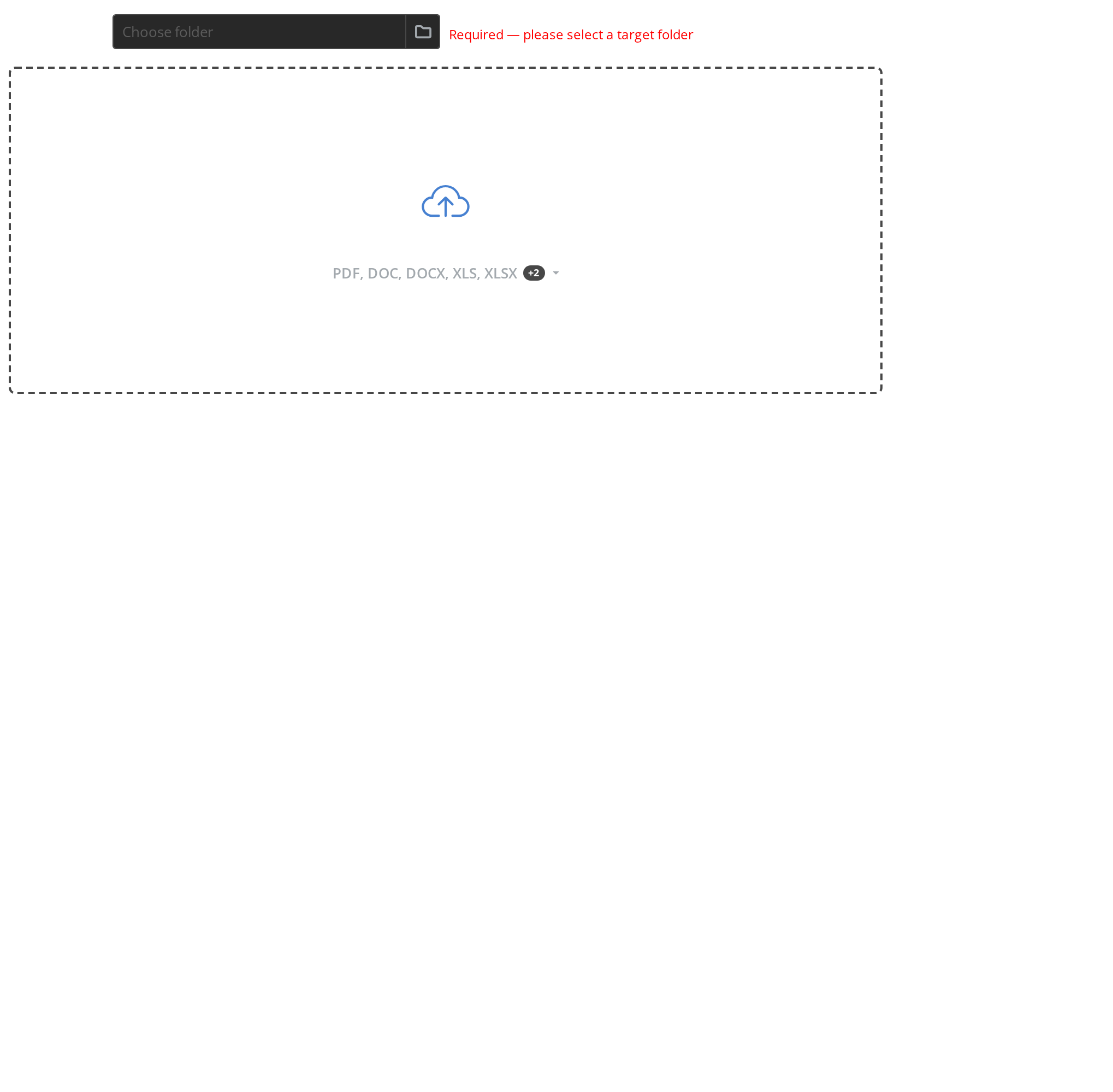
Restrict to single file upload by setting isMultipleUpload to false:
<Uploader
  linkMainText="Upload file"
  secondaryText="or drag and drop a file here"
  isMultipleUpload={false}
  targetId="123"
/>
Folder upload
Shows how to enable folder upload mode for uploading entire directories.
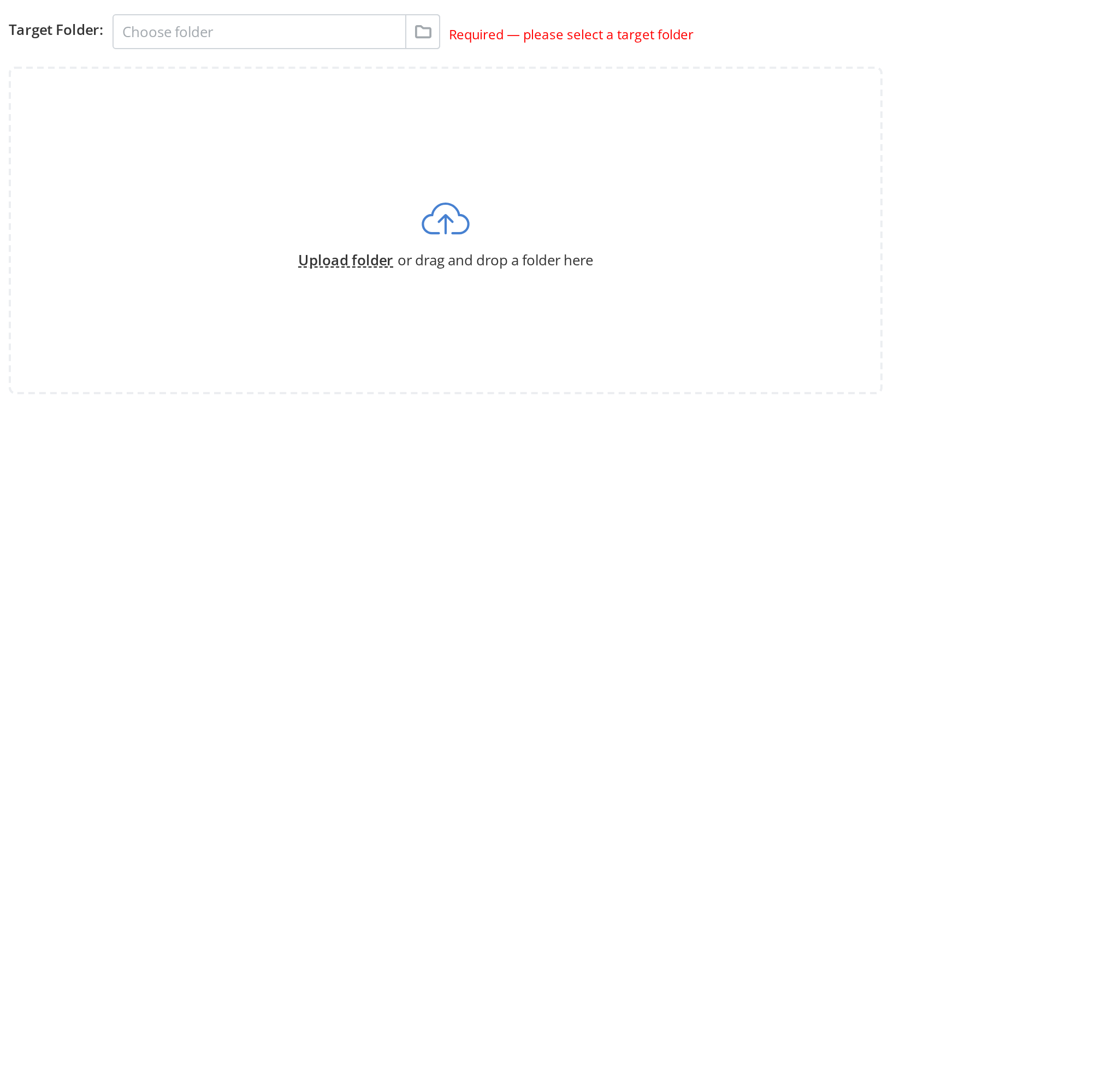
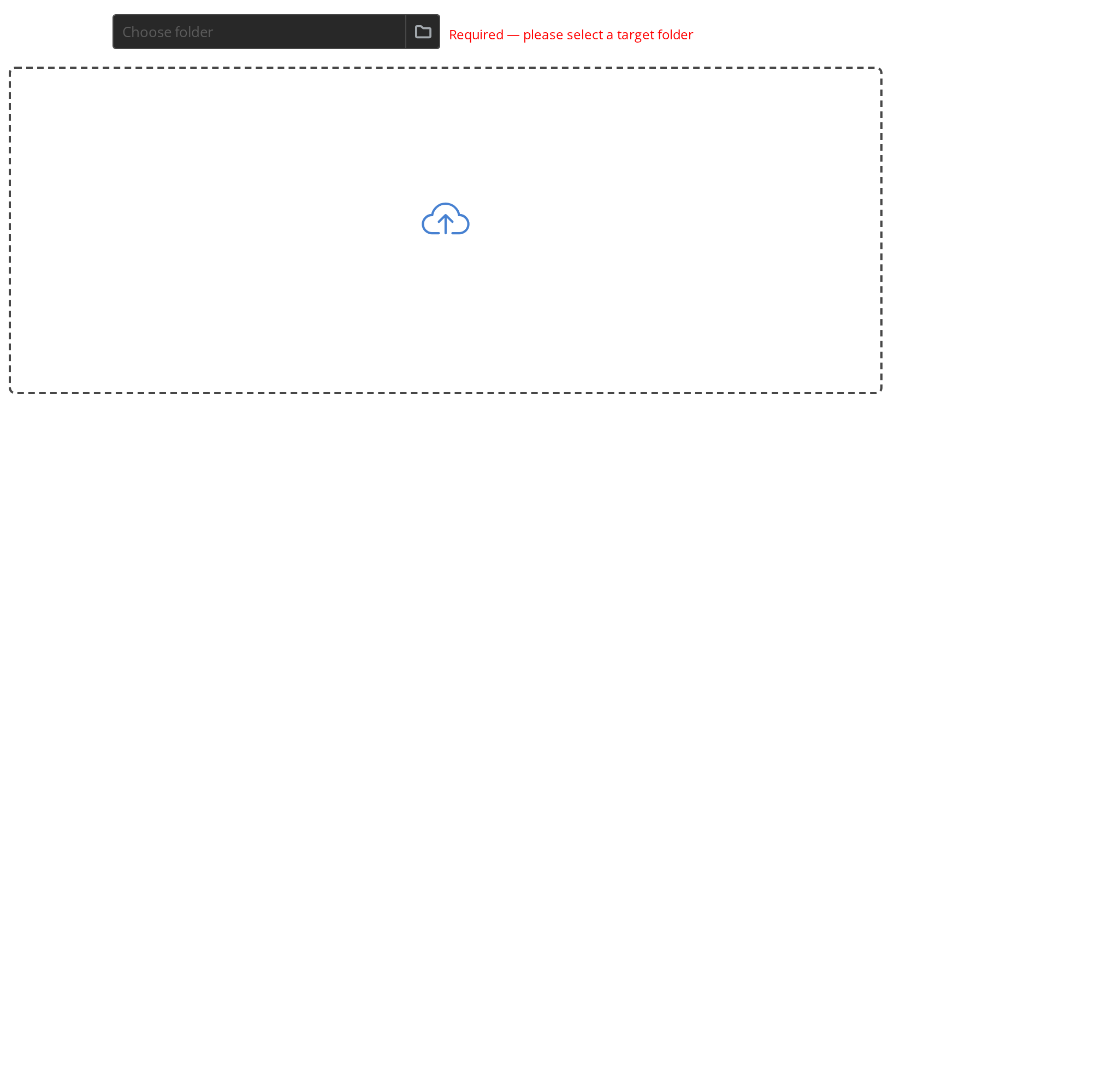
Enable folder upload with isFolderUpload prop:
<Uploader
  shortText="Any files"
  linkMainText="Upload folder"
  secondaryText="or drag and drop a folder here"
  isFolderUpload={true}
  isMultipleUpload={true}
  targetId="123"
/>
Single folder upload
Demonstrates uploading a single folder at a time.
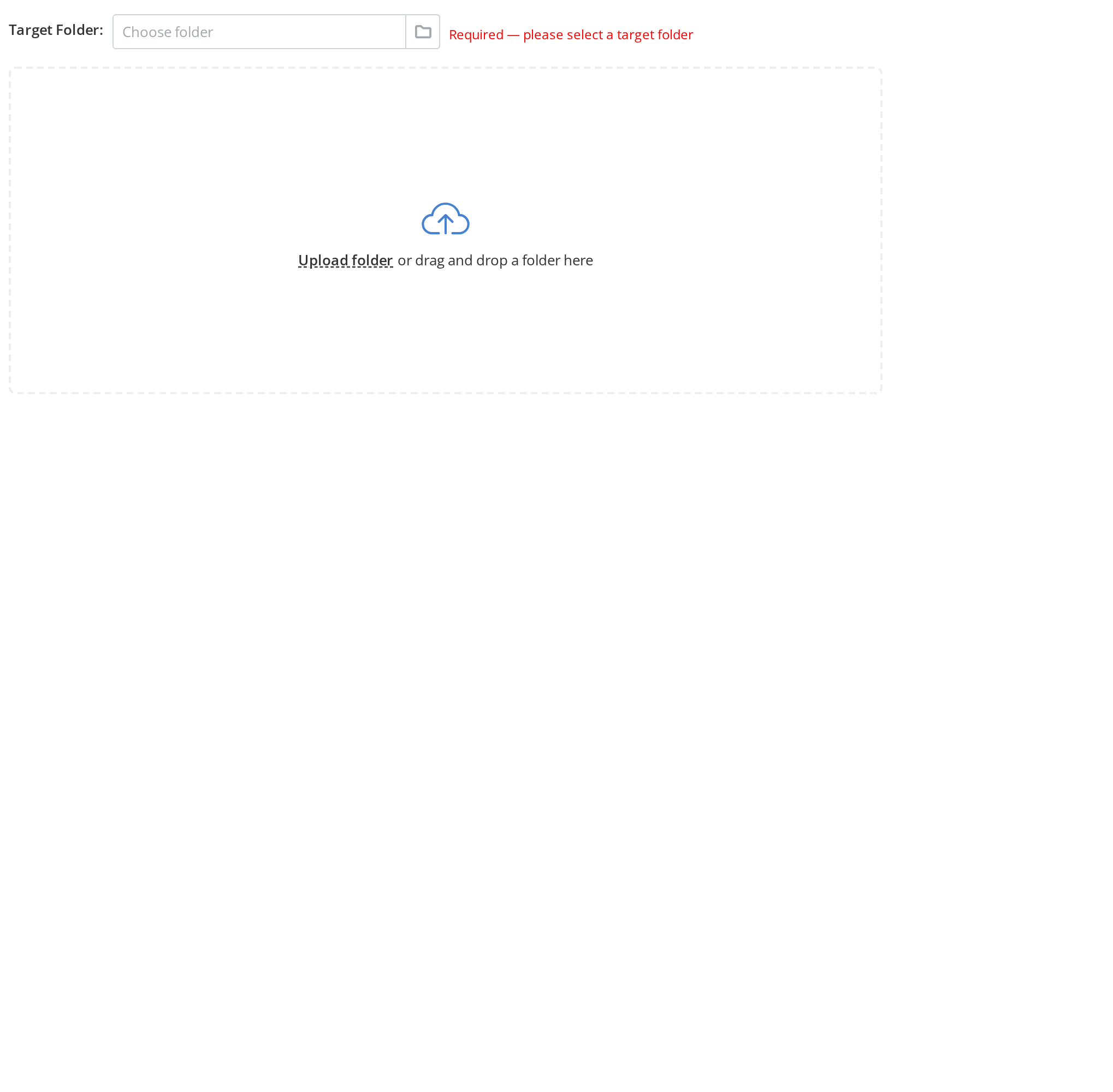
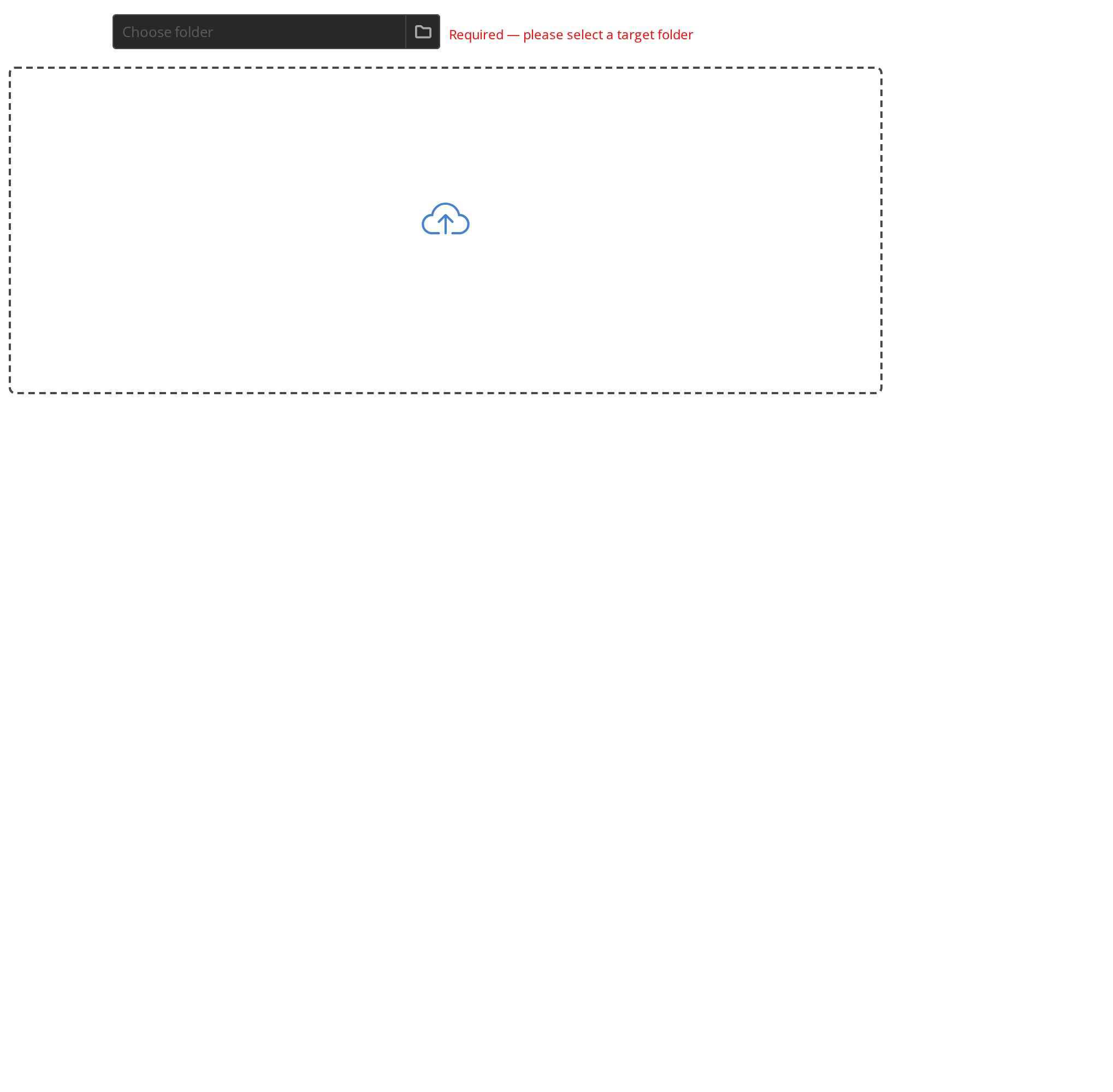
<Uploader
  linkMainText="Upload folder"
  secondaryText="or drag and drop a folder here"
  isFolderUpload={true}
  isMultipleUpload={false}
  targetId="123"
/>
Image upload
Specialized uploader for image files only.
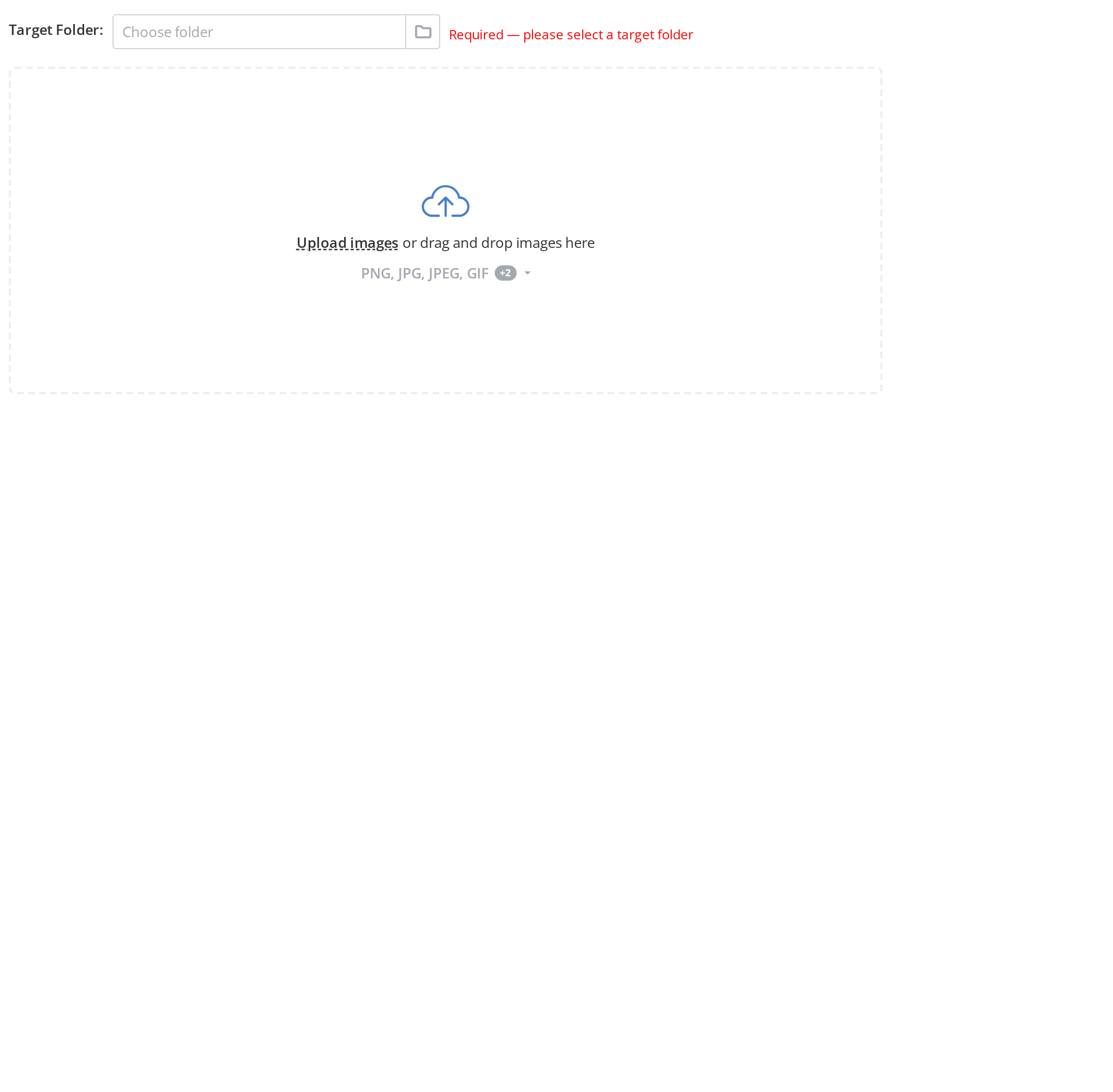
Restrict to image file types:
<Uploader
  accept=".png,.jpg,.jpeg,.gif,.webp,.svg"
  shortText="PNG, JPG, JPEG, GIF"
  fullText="PNG, JPG, JPEG, GIF, WEBP, SVG"
  badgeValue={2}
  linkMainText="Upload images"
  secondaryText="or drag and drop images here"
  targetId="123"
/>
With size limit
Shows how to set maximum file size per upload.
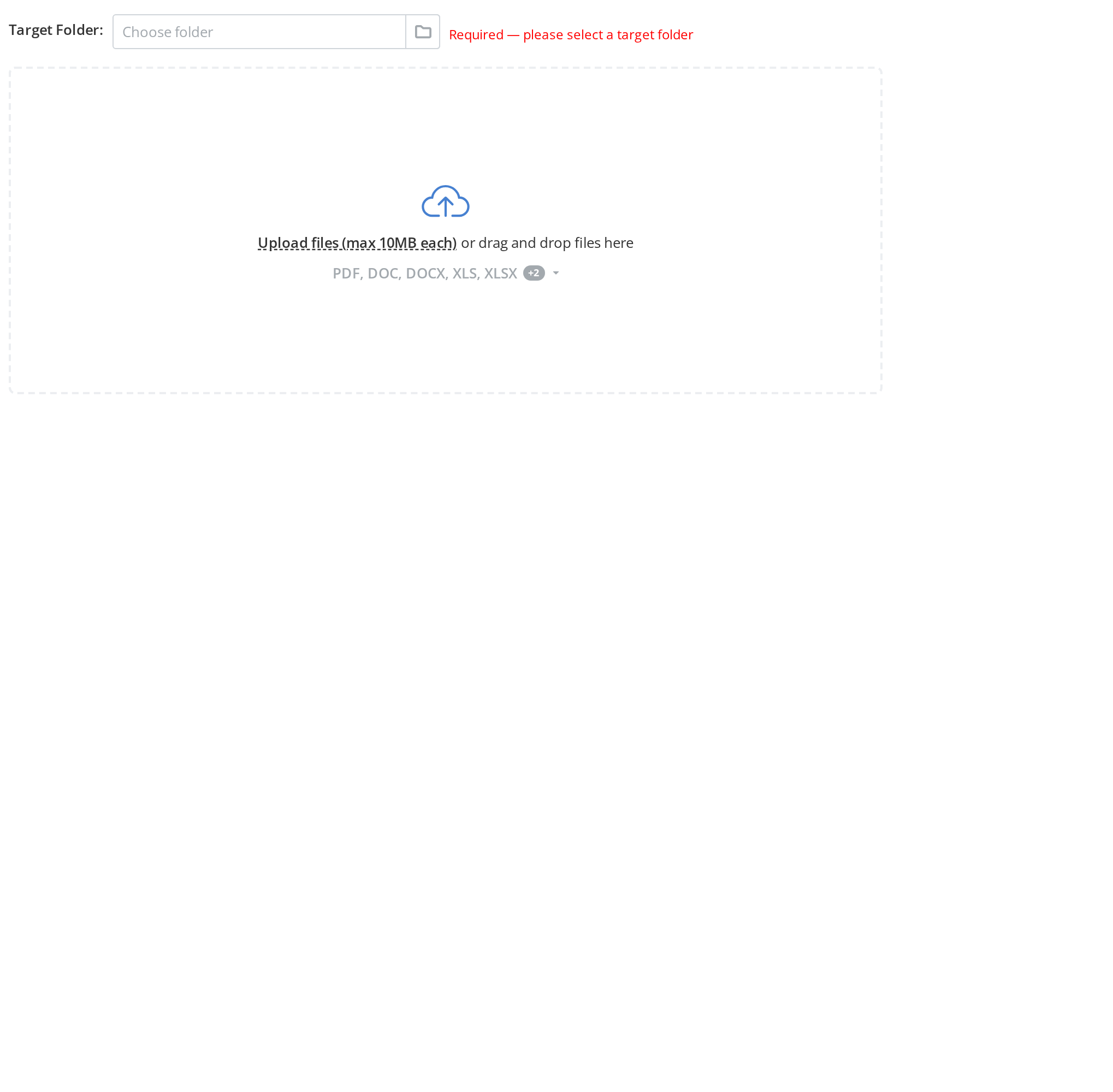
Set maximum file size with maxPerUploadSize:
<Uploader
  linkMainText="Upload files (max 10MB each)"
  maxPerUploadSize="10MB"
  targetId="123"
/>
With total size limit
Demonstrates setting both per-file and total upload size limits.
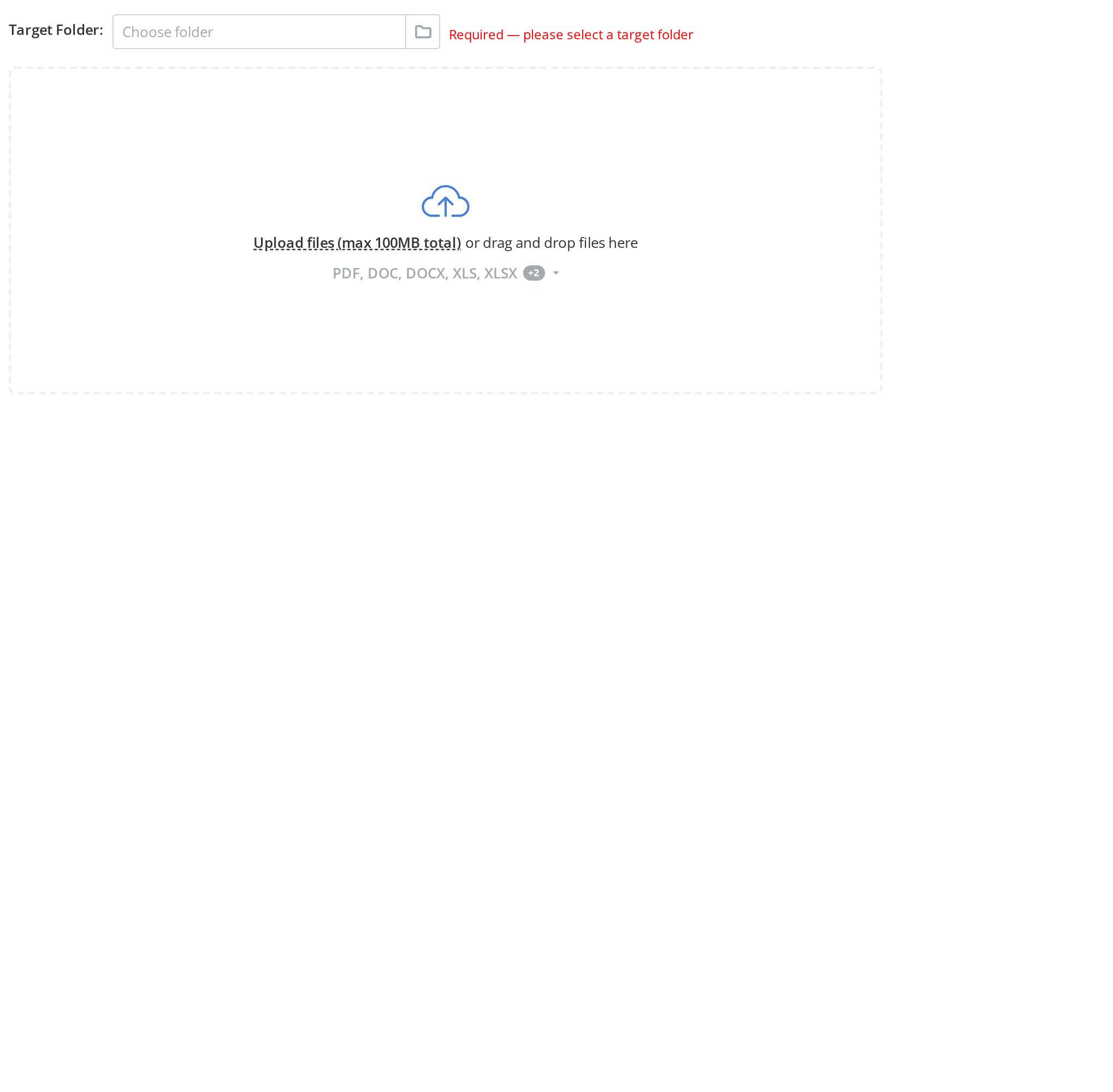
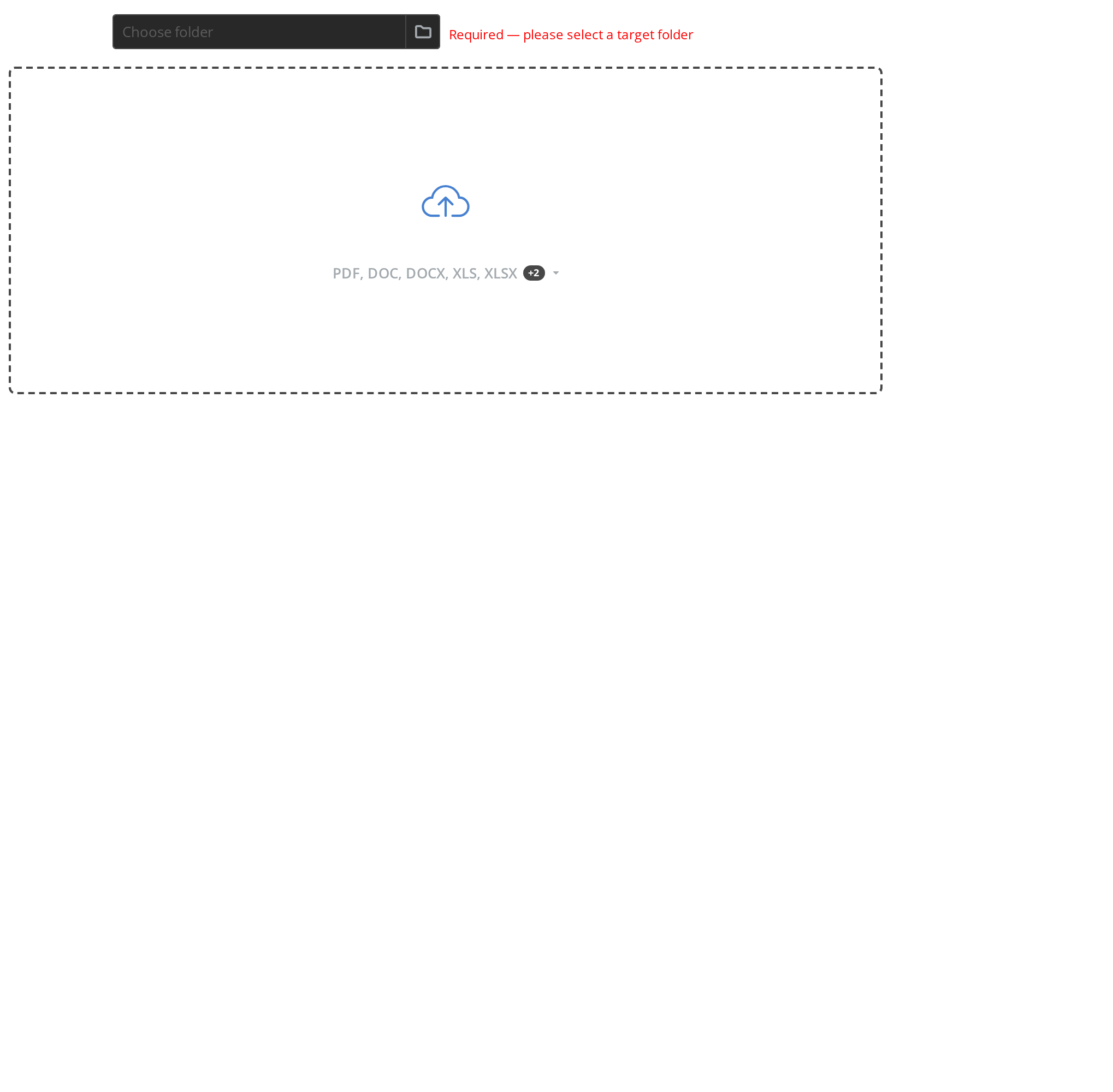
Set both individual and total size limits:
<Uploader
  linkMainText="Upload files (max 100MB total)"
  maxPerUploadSize="10MB"
  maxTotalUploadSize="100MB"
  targetId="123"
/>
Any file types
Allows uploading any file type without restrictions.
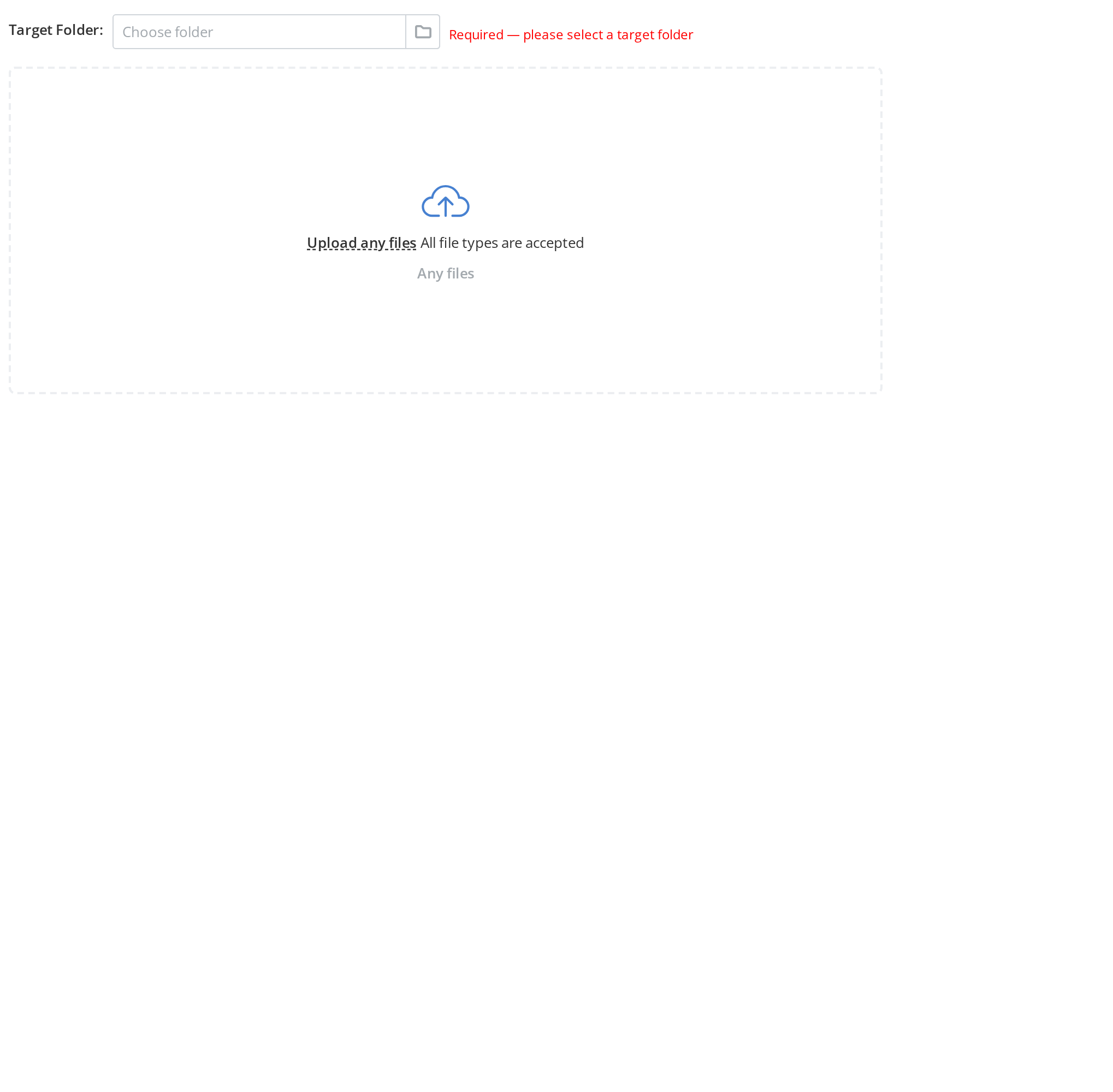
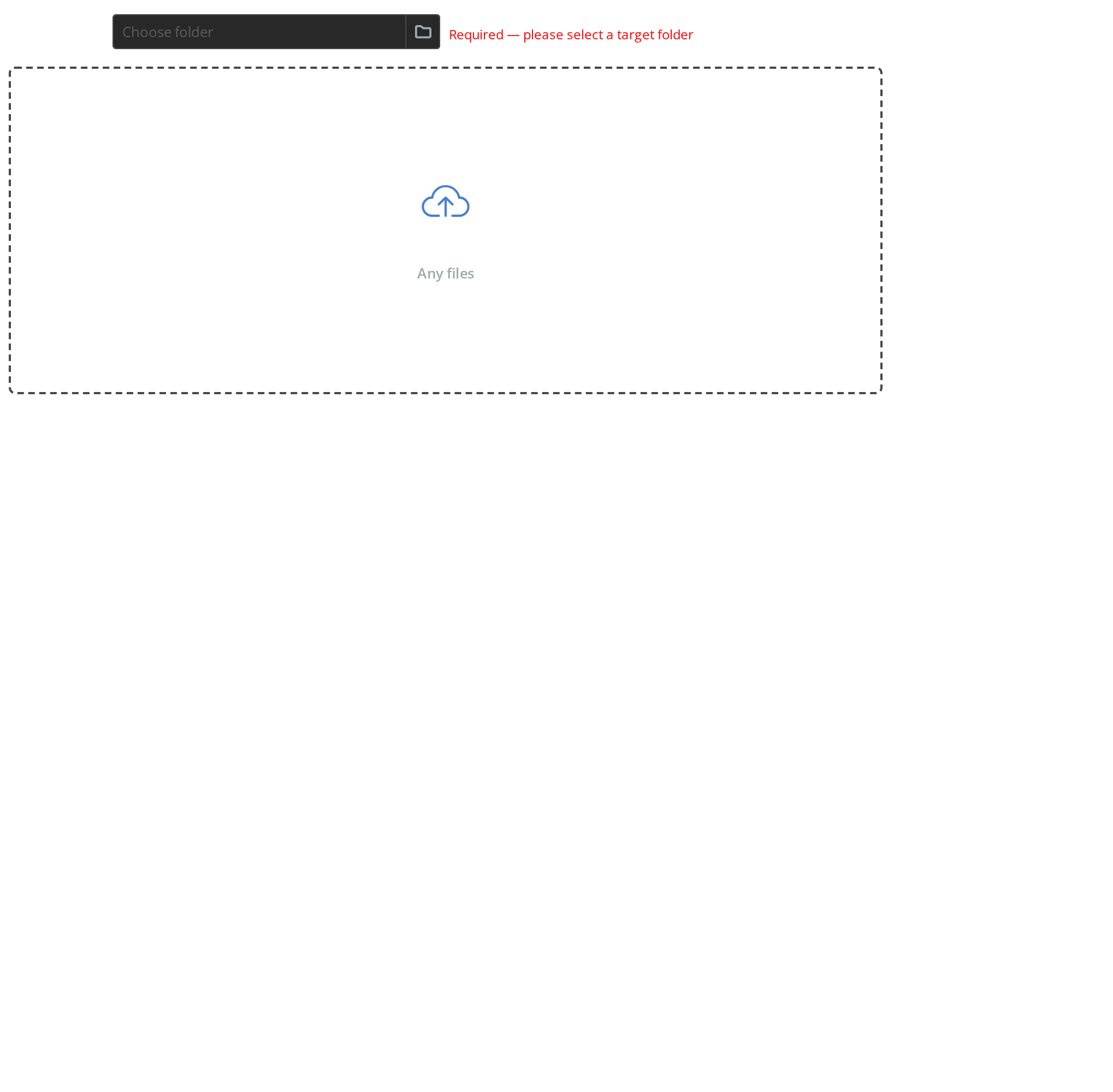
Accept all file types with wildcard:
<Uploader
  accept="*"
  shortText="Any files"
  linkMainText="Upload any files"
  secondaryText="All file types are accepted"
  targetId="123"
/>
Custom upload settings
Shows how to customize chunk size, thread count, and concurrent file uploads.
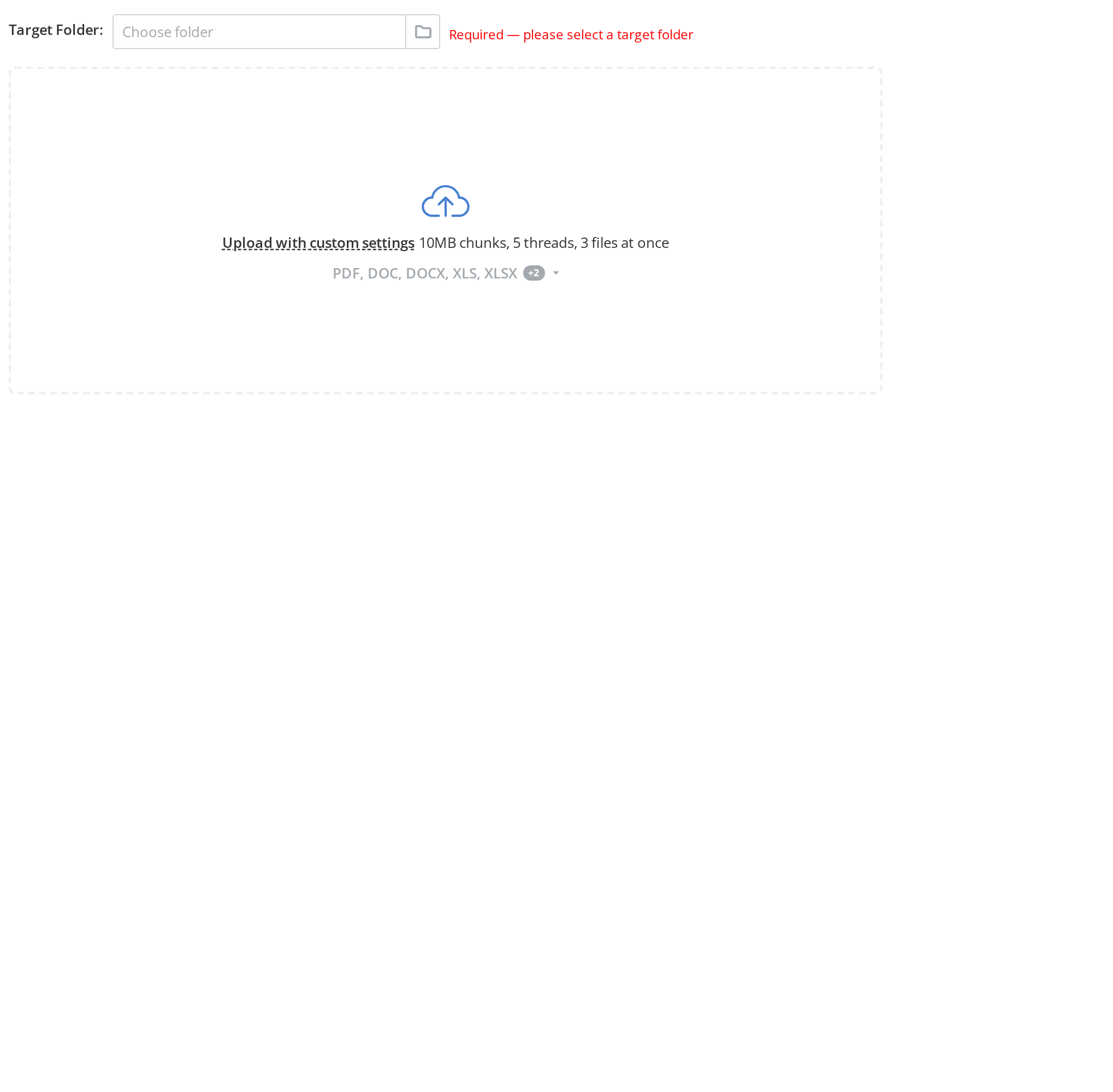
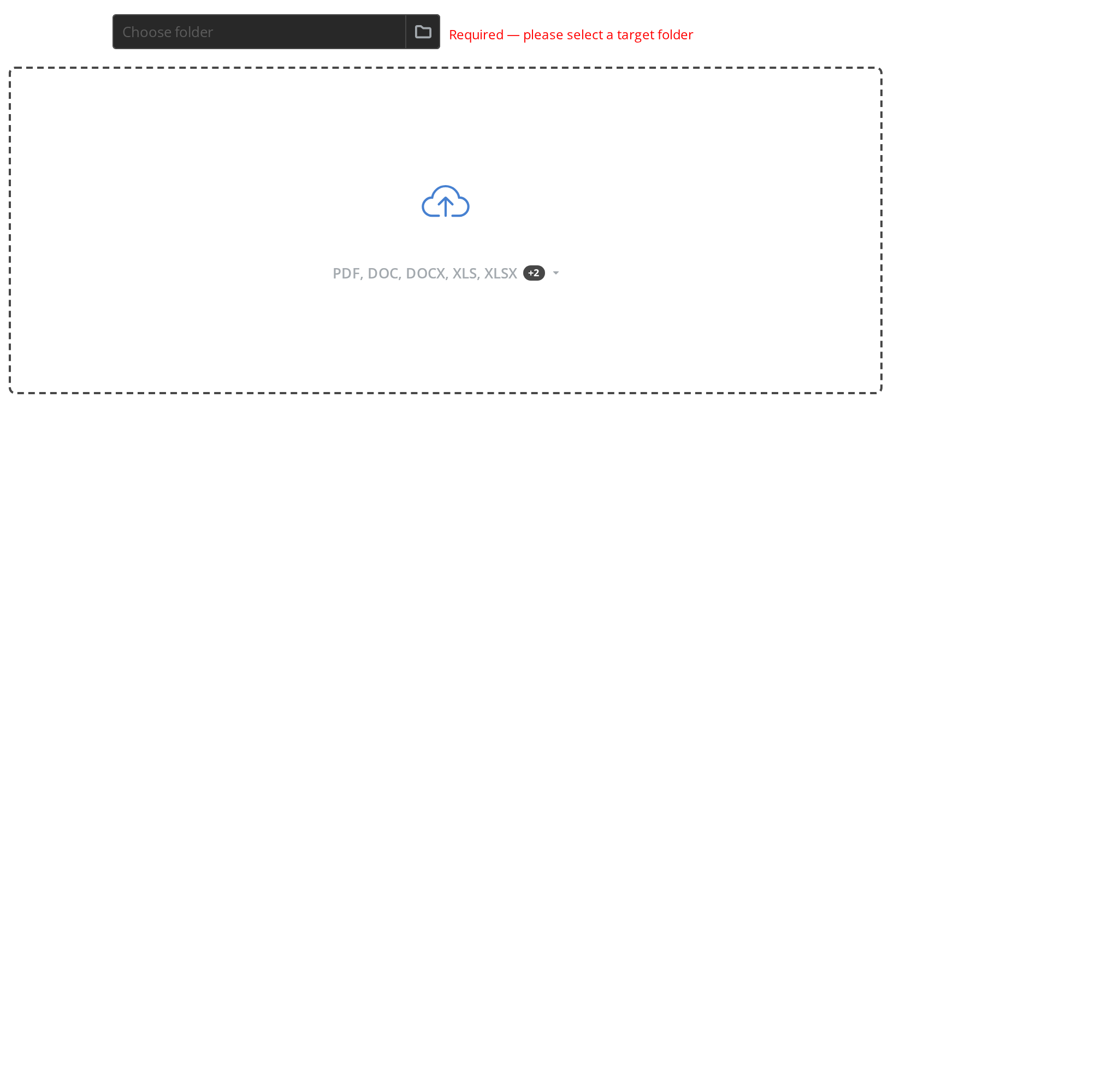
Configure upload behavior with filesSettings:
<Uploader
  filesSettings={{
    chunkUploadSize: 10 * 1024 * 1024,
    maxUploadThreadCount: 5,
    maxUploadFilesCount: 3,
  }}
  linkMainText="Upload with custom settings"
  secondaryText="10MB chunks, 5 threads, 3 files at once"
  targetId="123"
/>