
ArticleItem

One catalog entry of the Article panel's body: an icon, a label and an optional badge. The Article page describes it in full.

ArticleItemArticleItem

Props​

PropertyTypeDescription
icon?stringundefinedCatalog item icon.
textstringCatalog item text.
showText?booleanundefinedSets the catalog item to display text.
onClick?((e: MouseEvent<Element, MouseEvent>, id?: string | undefined) => void) | undefinedInvokes a function upon clicking on a catalog item.
onDrop?((id?: string | undefined, text?: string | undefined, item?: ArticleItemType | undefined) => void) | undefinedInvokes a function upon dragging and dropping a catalog item.
showInitial?booleanundefinedTells when the catalog item should display initial on icon, text should be hidden.
isEndOfBlock?booleanundefinedSets the catalog item as end of block.
isActive?booleanundefinedSets catalog item active.
isDragging?booleanundefinedSets the catalog item available for dragndrop.
isDragActive?booleanundefinedSets the catalog item active for dragndrop.
showBadge?booleanundefinedSets the catalog item to display badge.
labelBadge?stringnumberundefinedLabel in catalog item badge.
iconBadge?stringundefinedSets custom badge icon.
onClickBadge?((id?: string | undefined) => void) | undefinedInvokes a function upon clicking on the catalog item badge.
isHeader?booleanundefinedSets the catalog item to be displayed as a header.
folderId?stringundefinedAccepts folder id.
badgeTitle?stringundefinedTitle for the badge tooltip.
badgeComponent?ReactNodeCustom badge component.
title?stringundefinedTitle for the item tooltip.
linkDataTArticleLinkDataLink data for routing.
item?ArticleItemTypeundefinedItem data.
iconNode?ReactNodeCatalog item icon for SSR.
withAnimation?booleanundefined
dataTooltipId?stringundefined
isDisabled?booleanundefined

Stories​

Default​

DefaultDefault

Icon Only​

Icon OnlyIcon Only

With Badge​

With BadgeWith Badge

With Custom Badge​

With Custom BadgeWith Custom Badge

Active​

ActiveActive

Dragging​

DraggingDragging

Drag Target​

Drag TargetDrag Target HeaderHeader

End Of Block​

End Of BlockEnd Of Block

Css Customization​

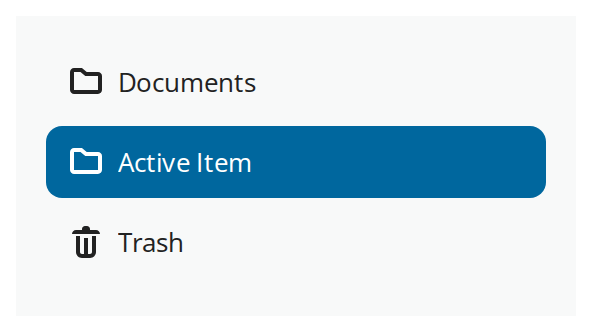
The row's variables set on one wrapper -- they are listed under CSS variables on the Article page.
Css CustomizationCss Customization