评论
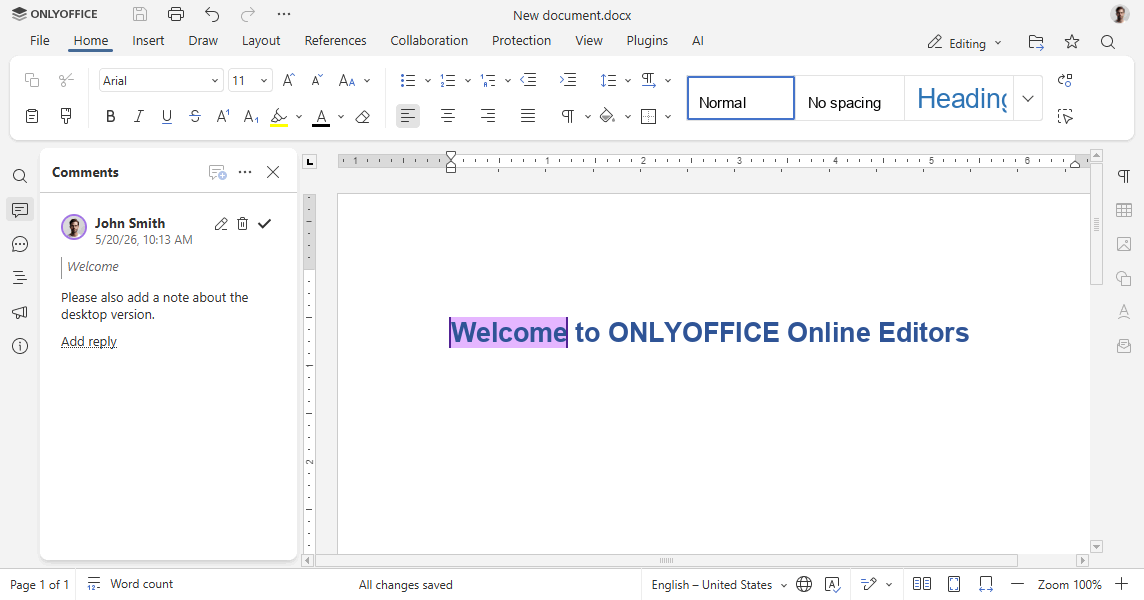
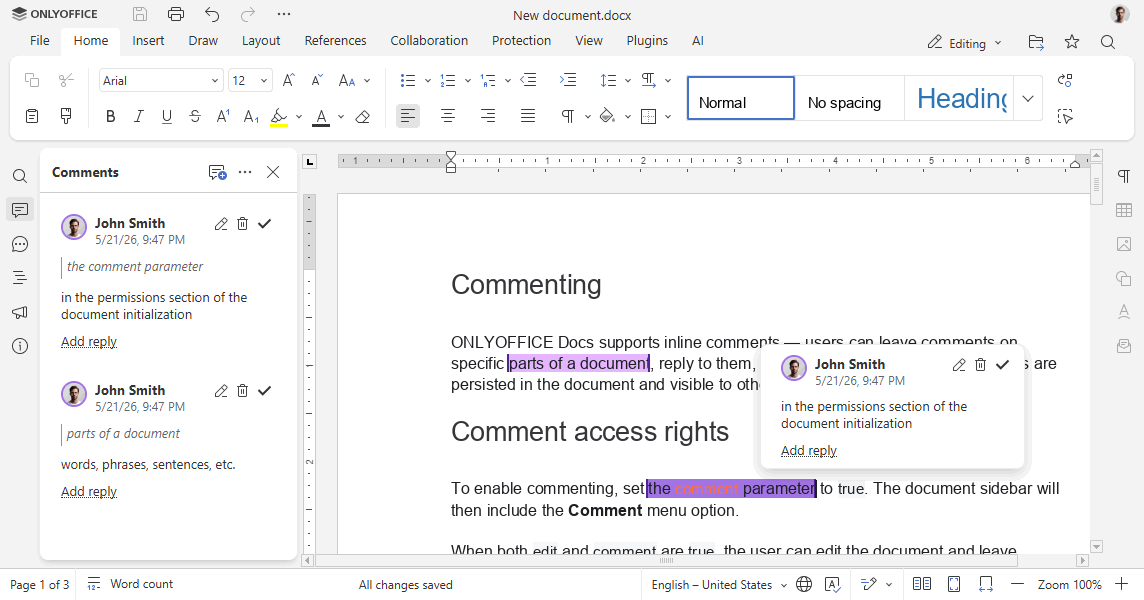
ONLYOFFICE 文档支持内嵌评论——用户可以对文档的特定部分添加评论、进行回复,以及编辑或删除评论。所有评论都会保存在文档中,并对打开该文档的其他用户可见。
评论权限
要启用评论功能,请将文档初始化权限部分中的 comment 参数设置为 true。文档侧边栏随后将包含评论菜单选项。
当 edit 和 comment 都为 true 时,用户可以编辑文档并添加评论。当 edit 为 false 且 comment 为 true 时,文档以仅评论模式打开。
const config = {
  document: {
    permissions: {
      edit: false,
      comment: true,
    },
  },
};

const docEditor = new DocsAPI.DocEditor("placeholder", config);
备注
仅当 mode 参数设置为 edit 时,评论功能才可用。
按作者限制评论编辑
-
要仅允许用户编辑自己的评论,请将
editCommentAuthorOnly设置为true:const config = {document: {permissions: {editCommentAuthorOnly: true,},},};const docEditor = new DocsAPI.DocEditor("placeholder", config); -
要仅允许用户删除自己的评论,请将
deleteCommentAuthorOnly设置为true:const config = {document: {permissions: {deleteCommentAuthorOnly: true,},},};const docEditor = new DocsAPI.DocEditor("placeholder", config);
按群组限制评论访问
-
通过 editorConfig 部分中
user参数的group字段,将用户分配到一个或多个群组(以逗号分隔):const config = {editorConfig: {user: {id: "78e1e841",name: "John Smith",group: "Group1,Group2",},},};const docEditor = new DocsAPI.DocEditor("placeholder", config); -
使用权限部分中的
commentGroups参数定义用户可以查看、编辑或删除哪些群组的评论:备注一旦指定了
commentGroups,查看、编辑和删除所有评论的默认权限将被禁用。如果当前用户不属于任何群组,则可以编辑、删除和查看所有群组的评论。const config = {document: {permissions: {commentGroups: {edit: ["Group2", ""],remove: [""],view: "",},},},};const docEditor = new DocsAPI.DocEditor("placeholder", config);"edit": ["Group2", ""]— 用户可以编辑来自Group2的用户以及不属于任何群组的用户所添加的评论(例如,在第三方编辑器中添加的评论)。"remove": [""]— 用户可以删除不属于任何群组的用户所添加的评论(例如,在第三方编辑器中添加的评论)。"view": ""— 用户可以查看任何用户添加的评论。
电子表格中的线程式评论
为确保 ONLYOFFICE 电子表格评论在其他编辑器中正确显示,所有评论以两种格式存储——原始格式和线程式格式:
-
原始评论格式如下所示:
${author1}:comment${author2}:reply1${author2}:reply2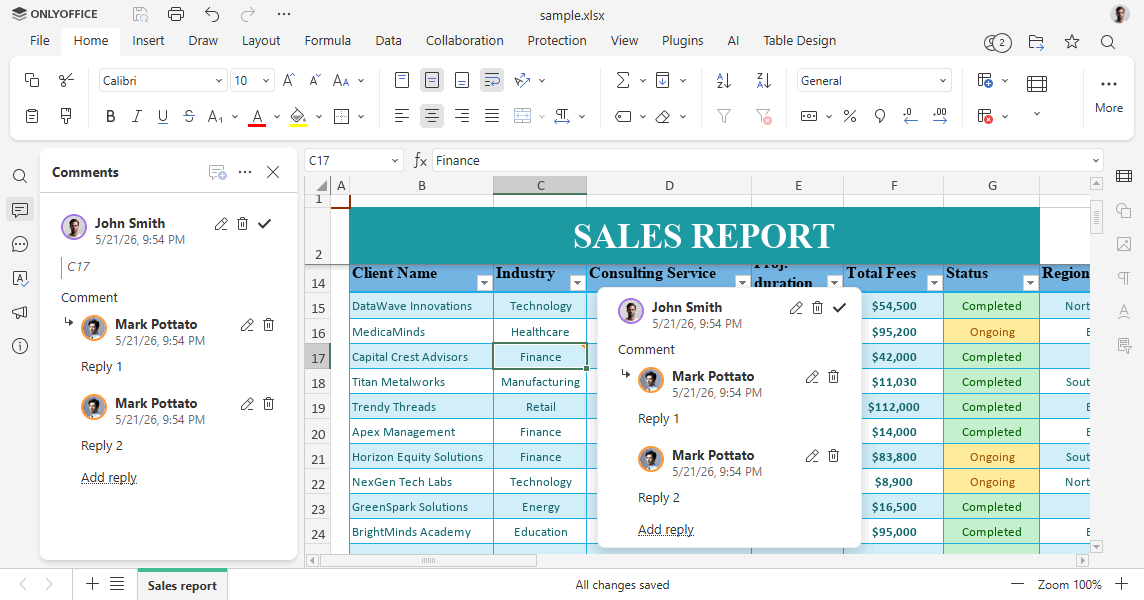
-
要将原始评论转换为线程式格式,如果评论以
${author}:\n前缀开头,则会去除该前缀。
打开文件时:
- 如果文件中存在线程式评论,则直接使用。
- 如果仅存在原始格式的评论,则会将其转换为线程式评论。