为所有页面添加水印
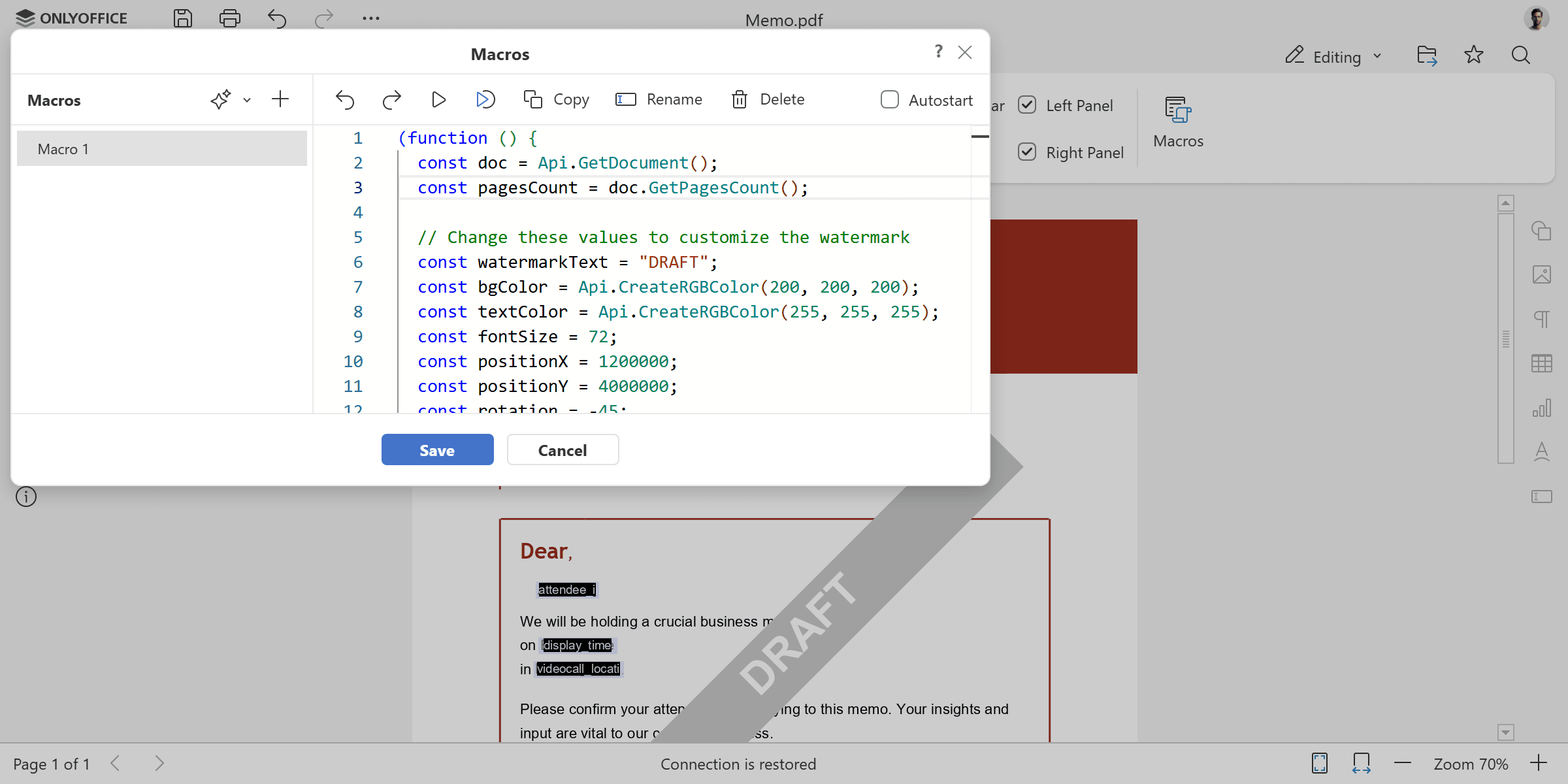
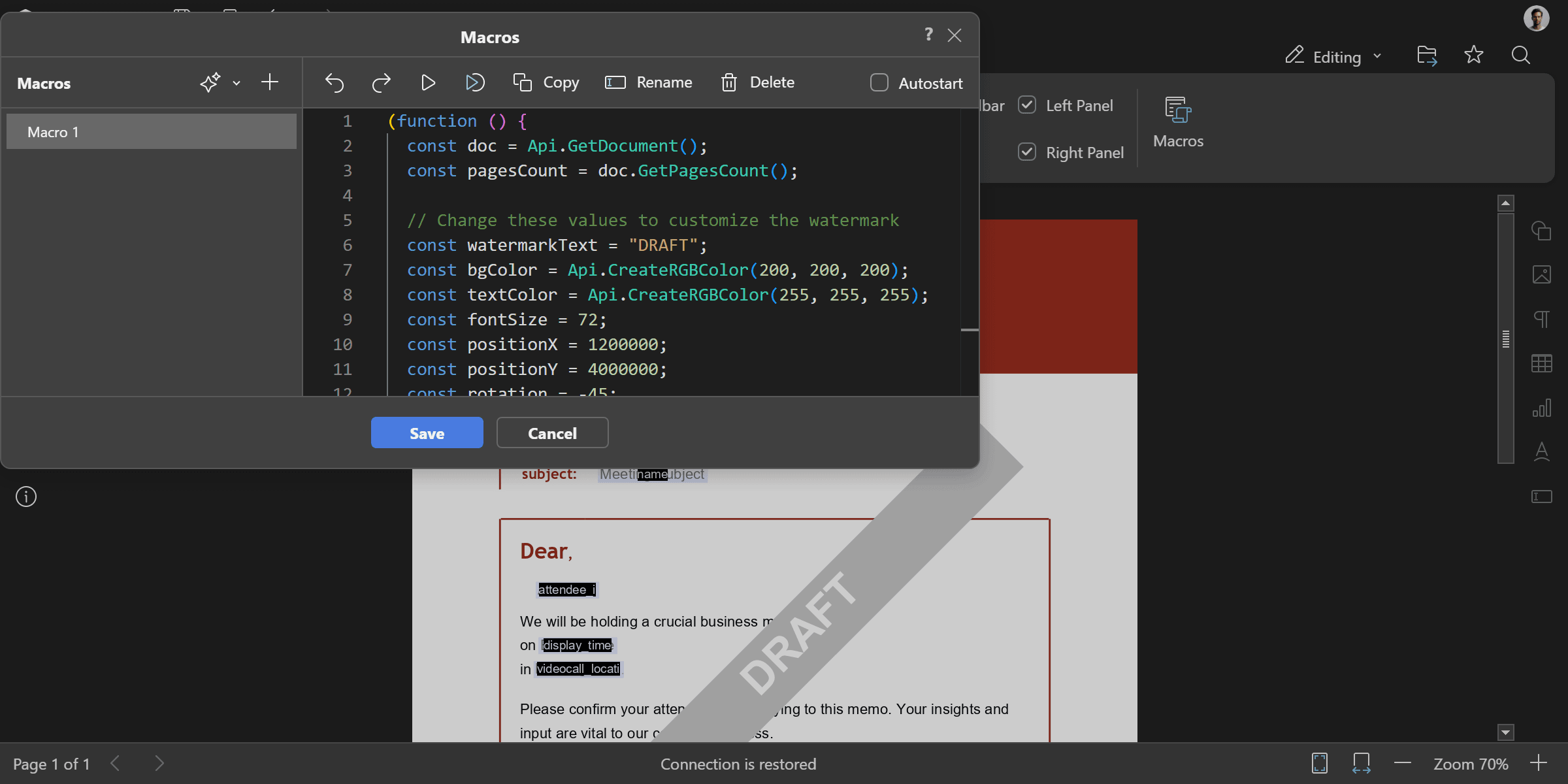
为 PDF 文档的每一页添加对角线水印形状。水印为旋转 -45 度的灰色矩形,带有白色粗体文字。您可以根据需要修改水印文字、颜色、大小和位置。
(function () {
  const doc = Api.GetDocument();
  const pagesCount = doc.GetPagesCount();

  // 修改以下值以自定义水印
  const watermarkText = "DRAFT";
  const bgColor = Api.CreateRGBColor(200, 200, 200);
  const textColor = Api.CreateRGBColor(255, 255, 255);
  const fontSize = 72;
  const positionX = 1200000;
  const positionY = 4000000;
  const rotation = -45;

  // 为文档中的每一页添加水印
  for (let i = 0; i < pagesCount; i++) {
    const page = doc.GetPage(i);
    const fill = Api.CreateSolidFill(bgColor);
    const stroke = Api.CreateStroke(0, Api.CreateNoFill());
    const watermark = Api.CreateShape(
      "rect",
      160 * 36000,
      20 * 36000,
      fill,
      stroke,
    );
    watermark.SetPosition(positionX, positionY);
    watermark.SetRotation(rotation);
    // 获取水印内容,添加文字、字号、粗体和填充颜色
    const content = watermark.GetContent();
    const para = content.GetElement(0);
    para.SetJc("center");
    const run = para.AddText(watermarkText);
    run.SetFontSize(fontSize);
    run.SetBold(true);
    run.SetFill(Api.CreateSolidFill(textColor));

    // 将水印添加到页面
    page.AddObject(watermark);
  }
})();
使用方法: GetDocument, CreateSolidFill, CreateRGBColor, CreateStroke, CreateNoFill, CreateShape, SetRotation, GetContent, GetElement, SetJc, AddText, SetFontSize, SetBold, SetFill, GetPagesCount, GetPage, SetPosition, AddObject
结果