删除注释
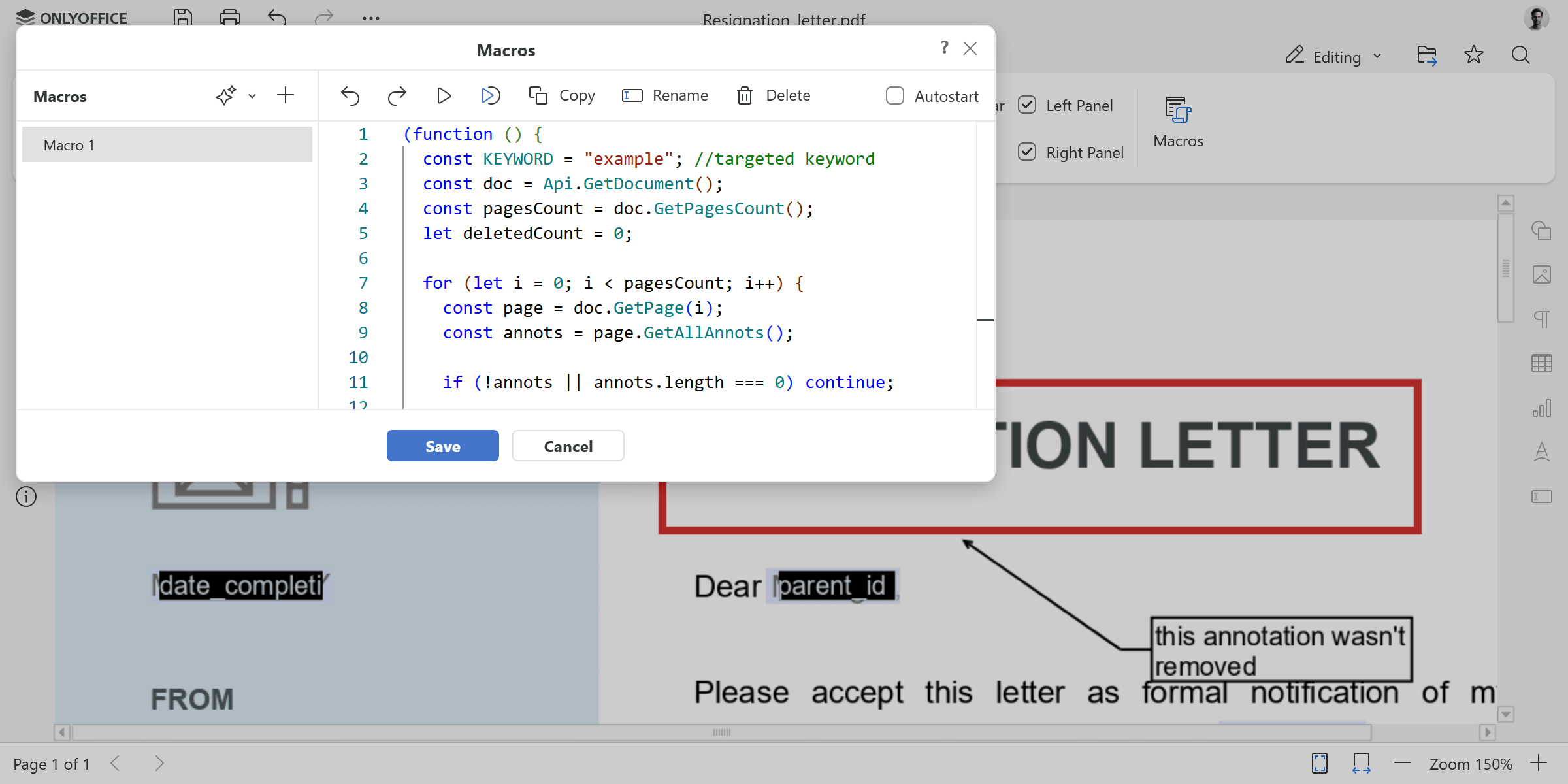
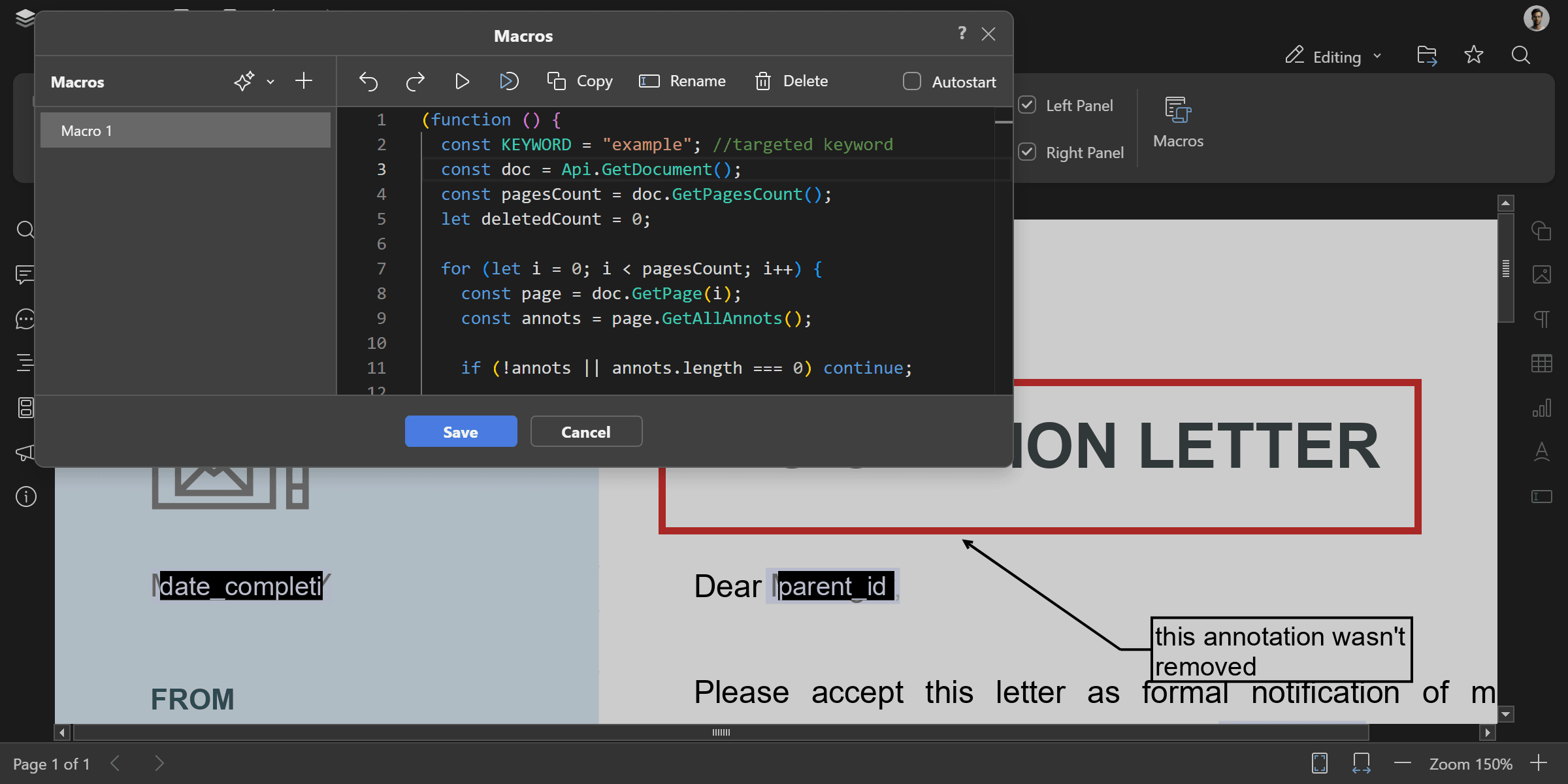
遍历 PDF 文档中的所有页面,并删除包含指定关键字的注释。
(function () {
  const KEYWORD = "example"; //目标关键字
  const doc = Api.GetDocument();
  const pagesCount = doc.GetPagesCount();
  let deletedCount = 0;

  for (let i = 0; i < pagesCount; i++) {
    const page = doc.GetPage(i);
    const annots = page.GetAllAnnots();

    for (let j = 0; j < annots.length; j++) {
      const annot = annots[j];
      const contents = ((annot && annot.GetContents()) || "").toLowerCase();

      if (contents.includes(KEYWORD.toLowerCase())) {
        annot.Delete(); //删除注释
        deletedCount++;
      }
    }
  }

  console.log("Deleted annotations containing keyword:", KEYWORD);
  console.log("Total deleted:", deletedCount);
})();
使用方法: GetDocument, GetPagesCount, GetPage, GetAllAnnots, GetContents, Delete
结果