IMediaViewer
Properties for the Media Viewer component that allows plugins to display custom content.
To open the viewer, return an IMessage with
Actions.showMediaViewer in actions
and pass the configuration in mediaViewerProps.
Use Actions.updateMediaViewer and
Actions.closeMediaViewer to update or close it.
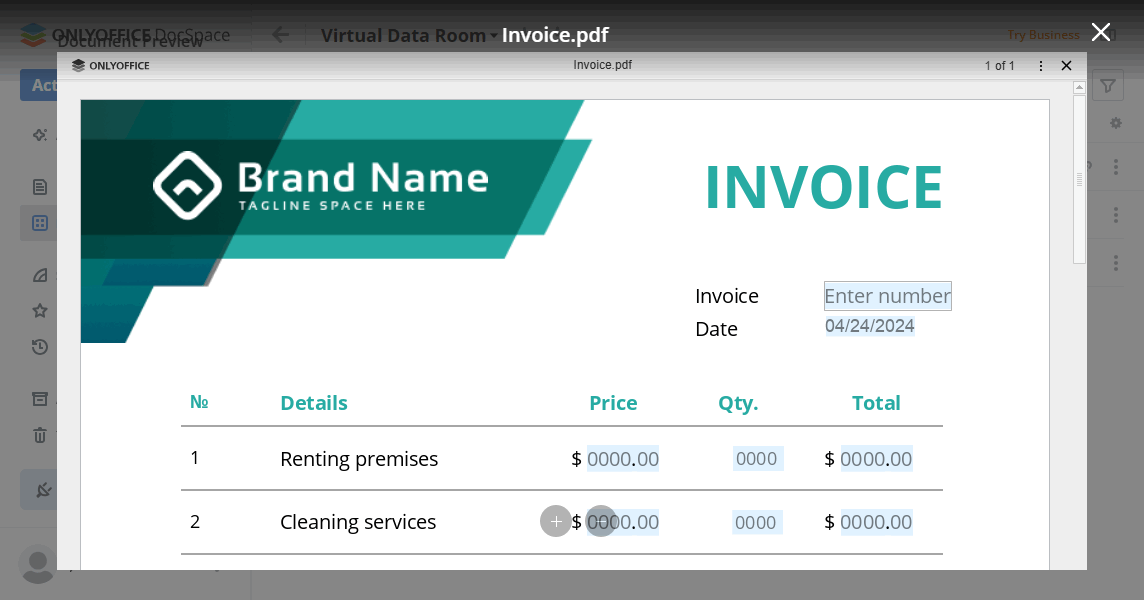
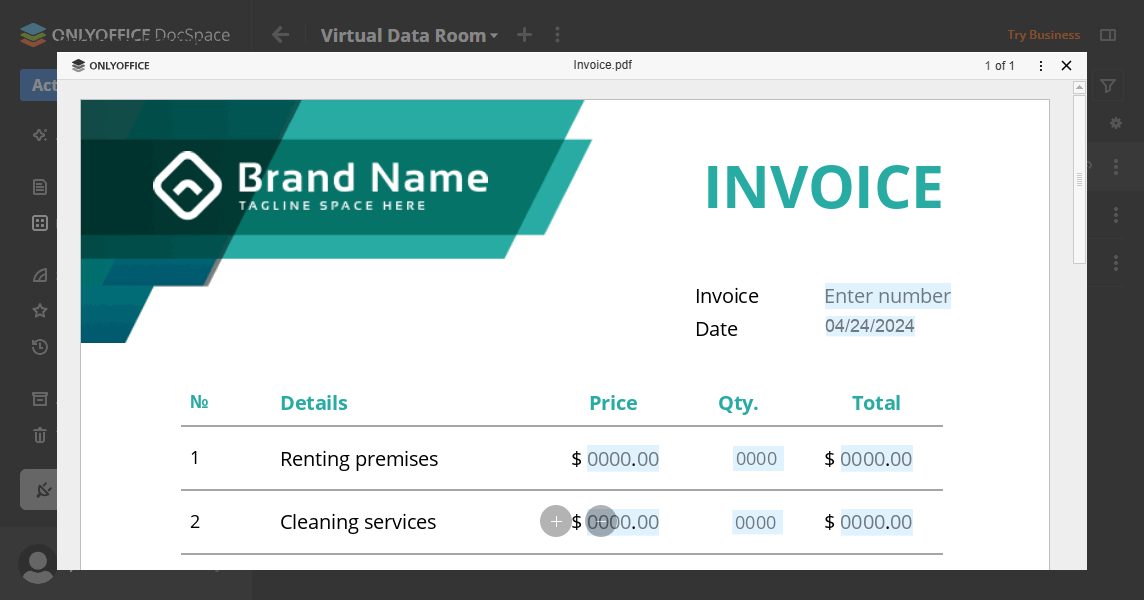
Examples
Display custom video player in Media Viewer
const mediaViewerProps: IMediaViewer = {
  title: "Custom Video Player",
  content: {
    widthProp: "100%",
    heightProp: "100%",
    displayProp: "flex",
    children: [
      {
        component: Components.iFrame,
        props: {
          id: "video-player-frame",
          src: "https://player.example.com/video/12345",
          width: "100%",
          height: "100%",
          sandbox: "allow-scripts allow-same-origin",
          style: { border: "none" }
        }
      }
    ]
  },
  onClose: () => {
    return {
      actions: [Actions.closeMediaViewer]
    };
  },
  onLoad: (data) => {
    console.log("Media viewer loaded with fileId:", data.fileId);
    return { actions: [] };
  }
};
Display custom image viewer with playlist navigation
const mediaViewerProps: IMediaViewer = {
  title: "Image with Annotations",
  content: {
    widthProp: "100%",
    heightProp: "100%",
    children: [
      {
        component: Components.iFrame,
        props: {
          id: "annotation-viewer",
          src: "https://annotator.example.com/image/67890",
          width: "100%",
          height: "100%"
        }
      }
    ]
  },
  playlistFilter: {
    filesExsts: [".jpg", ".png", FilesExst.svg],
    filesSecurity: [FilesSecurity.Read],
    usersTypes: [UsersType.user, UsersType.collaborator],
    devices: [Devices.desktop, Devices.tablet]
  },
  navigation: {
    onNext: () => {
      console.log("Next file");
      return { actions: [] };
    },
    onPrevious: () => {
      console.log("Previous file");
      return { actions: [] };
    },
    onFileChange: (data) => {
      console.log("File changed to:", data.fileId);
      return { actions: [] };
    }
  }
};
Properties
| Property | Type | Description |
|---|---|---|
fileId? | string | number | The ID of the file to display in the media viewer. If not specified, the first file in the playlist will be displayed. |
content | IBox | The custom content to render inside the media viewer. This should be a Box component that contains your custom UI elements. |
title? | string | Optional title to display in the media viewer header. If not provided, the default file name will be used. |
onClose? | () => TReturnMessage | Callback function that is called when the media viewer should be closed. This is triggered when the user clicks the close button, background, or presses ESC. Can return a TReturnMessage with Actions.closeMediaViewer to close the viewer. |
playlistFilter? | IMediaViewerPlaylistFilter | Filter that determines which files are included in the media viewer playlist used for navigation. If not specified, the playlist is not filtered. |
navigation? | IMediaViewerNavigation | Navigation callbacks invoked when the user moves between files in the media viewer playlist. If not specified, no navigation callbacks are triggered. |
onLoad? | (data: { fileId: string | number; }) => TReturnMessage | A function that is executed when the plugin viewer is mounted. It is called once when the viewer is first displayed. |
IMediaViewerPlaylistFilter
Filter configuration for media viewer playlist. Defines which files should be included in the playlist.
Properties
| Property | Type | Description |
|---|---|---|
filesExsts? | string[] | Allowed file extensions (e.g., [FilesExst.doc, ".drawio", ".md"]). If not specified, all extensions are allowed. |
filesSecurity? | FilesSecurity[] | Required security permissions for files. If not specified, all security permissions are allowed. |
usersTypes? | UsersType[] | The types of users who will see the media viewer. Currently the following user types are available: owner, docSpaceAdmin, roomAdmin, collaborator, user. If this parameter is not specified, then the media viewer will be displayed for all user types. |
devices? | Devices[] | The types of devices where the media viewer will be displayed. At the moment the following device types are available: mobile, tablet, desktop. If this parameter is not specified, then the media viewer will be displayed in any device types. |
IMediaViewerNavigation
Navigation callbacks for media viewer. Called when user navigates through the playlist.
Properties
| Property | Type | Description |
|---|---|---|
onNext? | () => TReturnMessage | Called when navigating to next file. |
onPrevious? | () => TReturnMessage | Called when navigating to previous file. |
onFileChange? | (data: { fileId: string | number; }) => TReturnMessage | Called when file changes. |