Plugin structure
Each DocSpace plugin is a folder with files. It must contain the following files required for the plugin to work.
Files created automatically
Running the npx create-docspace-plugin command (see creating a plugin template) creates the following files and folders in the plugin root folder:
.prettierrc.json
The configuration file for the prettier npm package. This file can be edited.
custom.d.ts
The TypeScript declaration file that allows importing .css files in the plugin source files. This file can be edited. For more information, see Styling plugin.
src
A folder for the plugin source files.
src/index.ts
The entry point for building the plugin. This file is required. All the necessary functionality is added to this file for the plugin to work in the specified scope. In this file, the plugin is declared in the window.Plugins.[pluginName] DocSpace scope, where pluginName must match the corresponding parameter from the package.json file:
window.Plugins.PDFConverter = plugin || {}
package.json
A file with the information about the plugin and dependencies. This file can be edited and the new dependencies can be added.
tsconfig.json
The TypeScript configuration file. This file can be edited.
webpack.config.js
The webpack configuration file. This file can be edited, but it is important that in the output parameter, the filename field is equal to plugin.js and the path field is equal to dist:
const config = {
  output: {
    filename: "plugin.js",
    path: path.resolve(dirname, "dist"),
  },
}
Files added separately
The following folders are not part of the plugin template — one is created by you, the other by the build:
assets
A folder for storing plugin images. This folder is not created automatically by the npx create-docspace-plugin command — create it yourself in the plugin root folder and add the images described below. When building the plugin, its contents are included in the plugin archive only if the folder exists.
Nesting is not supported. The number of icons and their sizes will depend on the plugin types you implement. The number of plugin icons must not exceed 10. The following formats are currently supported: .jpg, .jpeg, .png, .svg.
-
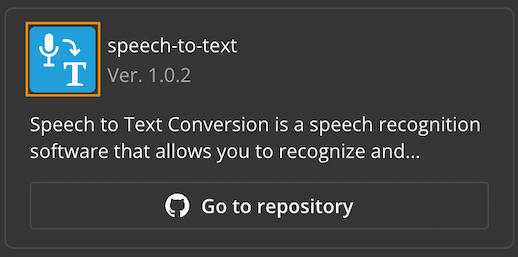
The default plugin type requires a logo image. It is equal to the logo parameter from the package.json file. The logo will be displayed in the list of plugins on the DocSpace Plugins tab. The required icon size is 48x48 px. Otherwise, it will be compressed to this size.

-
The context menu plugin uses an icon for the context menu button. The required icon size is 16x16 px. Otherwise, it will be compressed to this size.
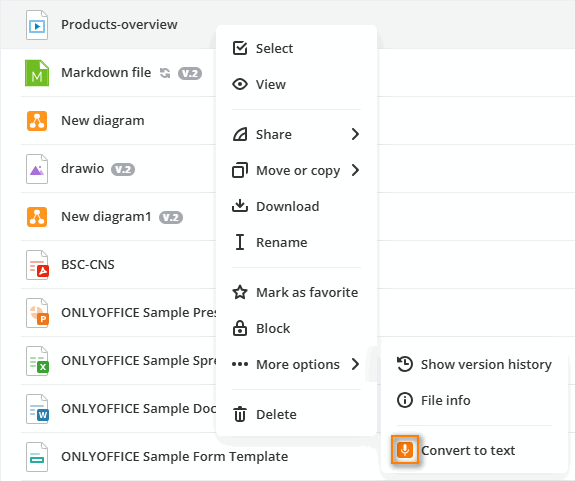
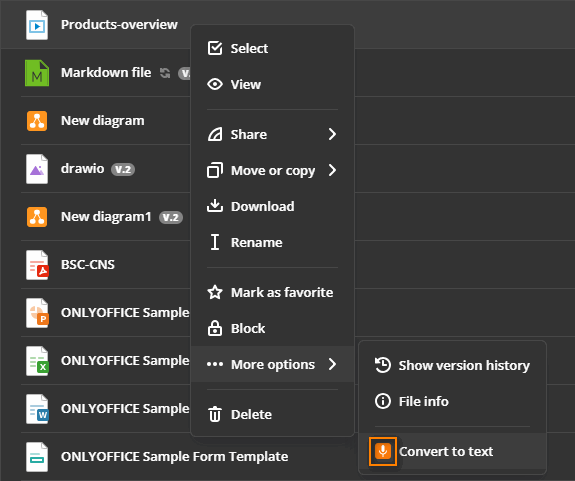
This icon can also be used for the main button icon. For example, in the Draw.io plugin, the same icon is used for the context and main button menu.
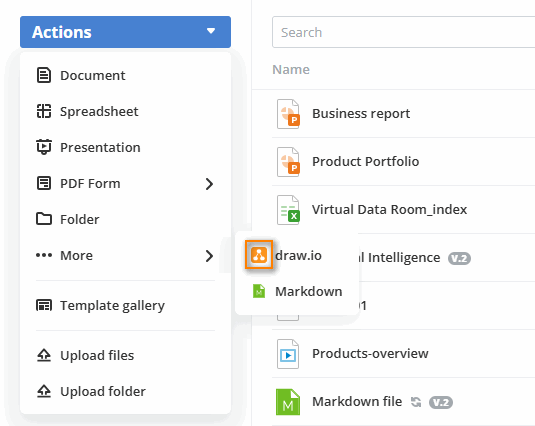

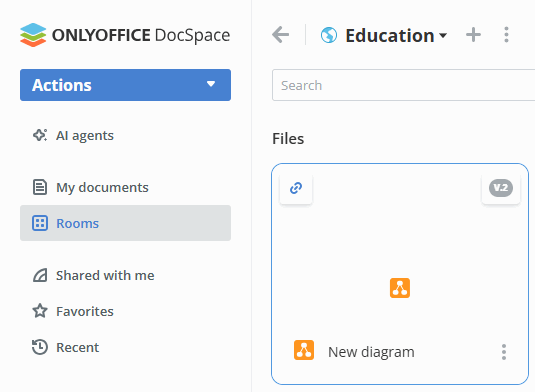
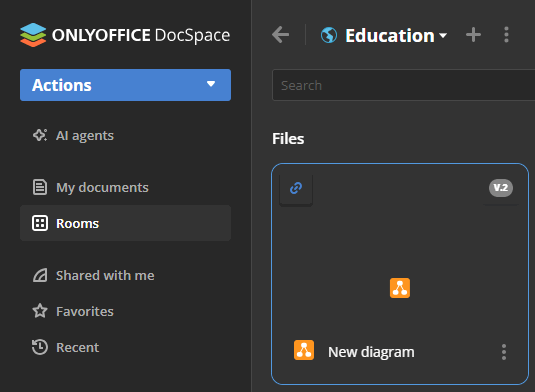
The Draw.io plugin also uses the specific file icon near the .drawio files, which are created with the file plugin type. The preferred icon size for the table format is 32x32 px.


It is recommended to add another icon of the 96x96 px size for the file tile view.
dist
A folder for storing the compiled plugin version. It is not part of the plugin template — this folder is created automatically when running the npm run build command. For more information, see building a plugin.