AI Settings
Works only inside an ONLYOFFICE Apps portal: it needs the portal's API client, stores and translations, and is not part of the public API.
The portal's AI settings screens, from ai-agent/settings. Each is a page of @onlyoffice/ai-chat with the kit's layout applied, and reads and writes the same AI service the chat talks to, so it has to sit inside AiAgentProviders. Without a portal the stories run against the demo portal the mock service worker plays, under a banner that says so: its models, assignments and MCP servers are made up, and a change is saved in memory only, until the page is reloaded.
import AiAgentProviders from "@onlyoffice/apps-ui-kit/ai-agent/providers";
import { AiModels } from "@onlyoffice/apps-ui-kit/ai-agent/settings";

<AiAgentProviders locale="en" isAvailable>
  <AiModels />
</AiAgentProviders>;
Props
| Property | Type | Description |
|---|---|---|
locale | string | Language of the settings pages; also sets their direction. Default: en. |
Stories
Models
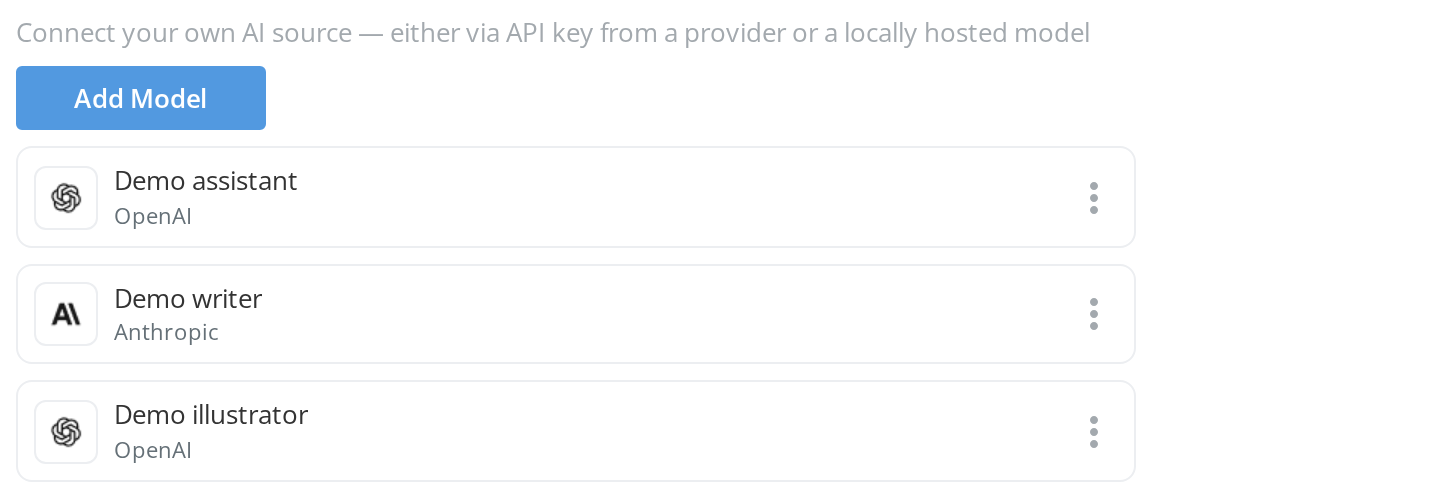
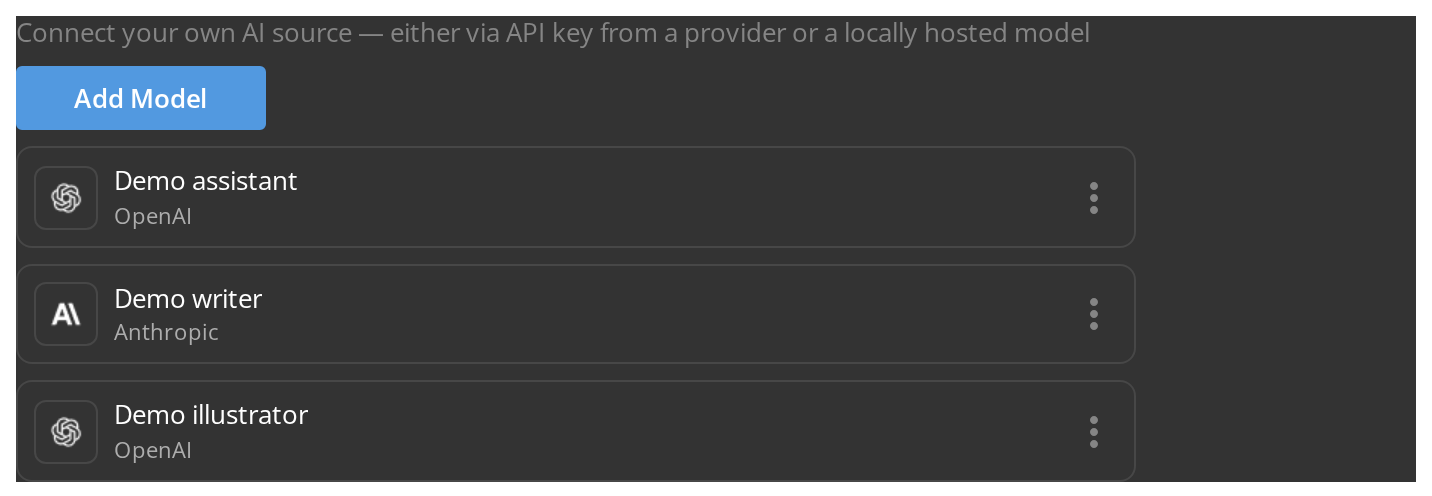
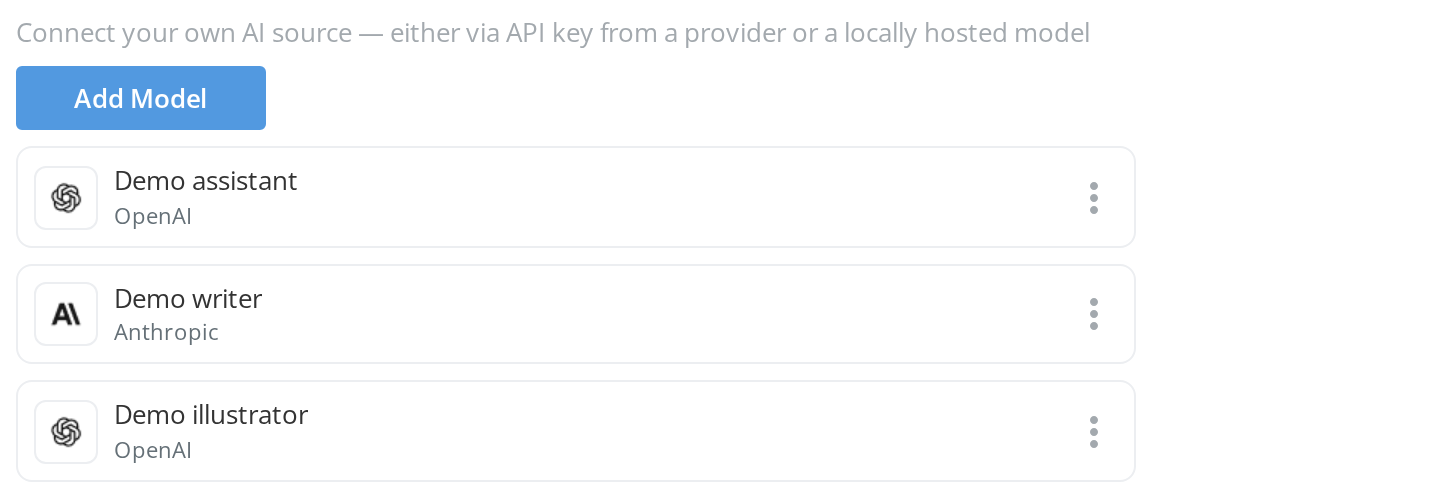
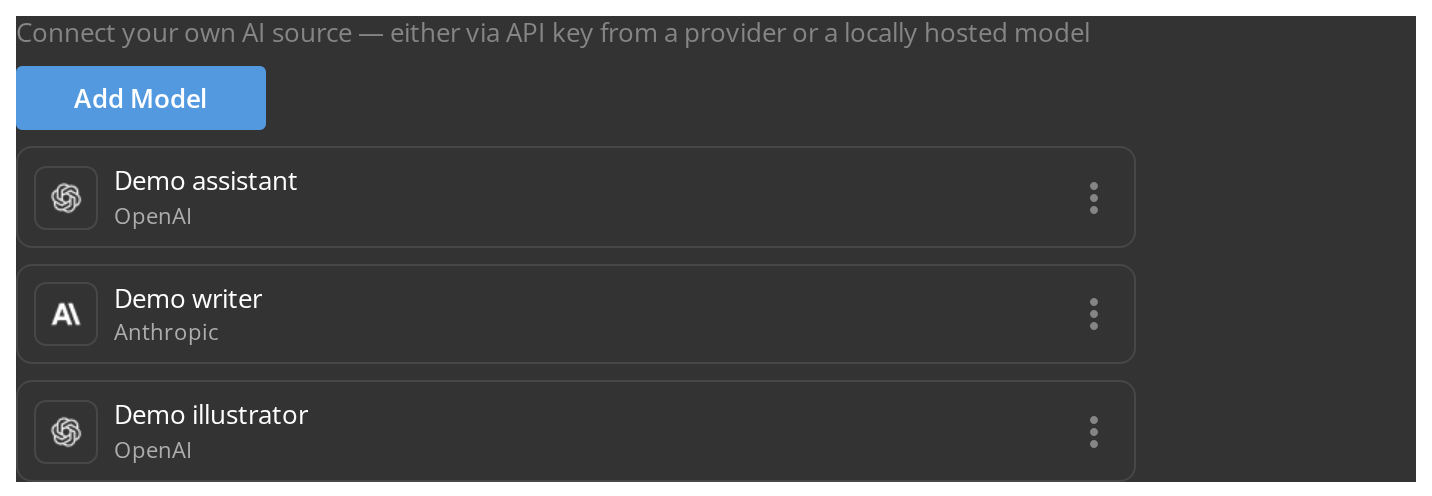
The AI models connected to the portal, one row each with its provider and a menu, and Add Model to connect another from a provider's API key or a locally hosted model. On the demo portal the list holds three made-up models, and one added or removed there is gone again after a reload.
Model Assignment Page
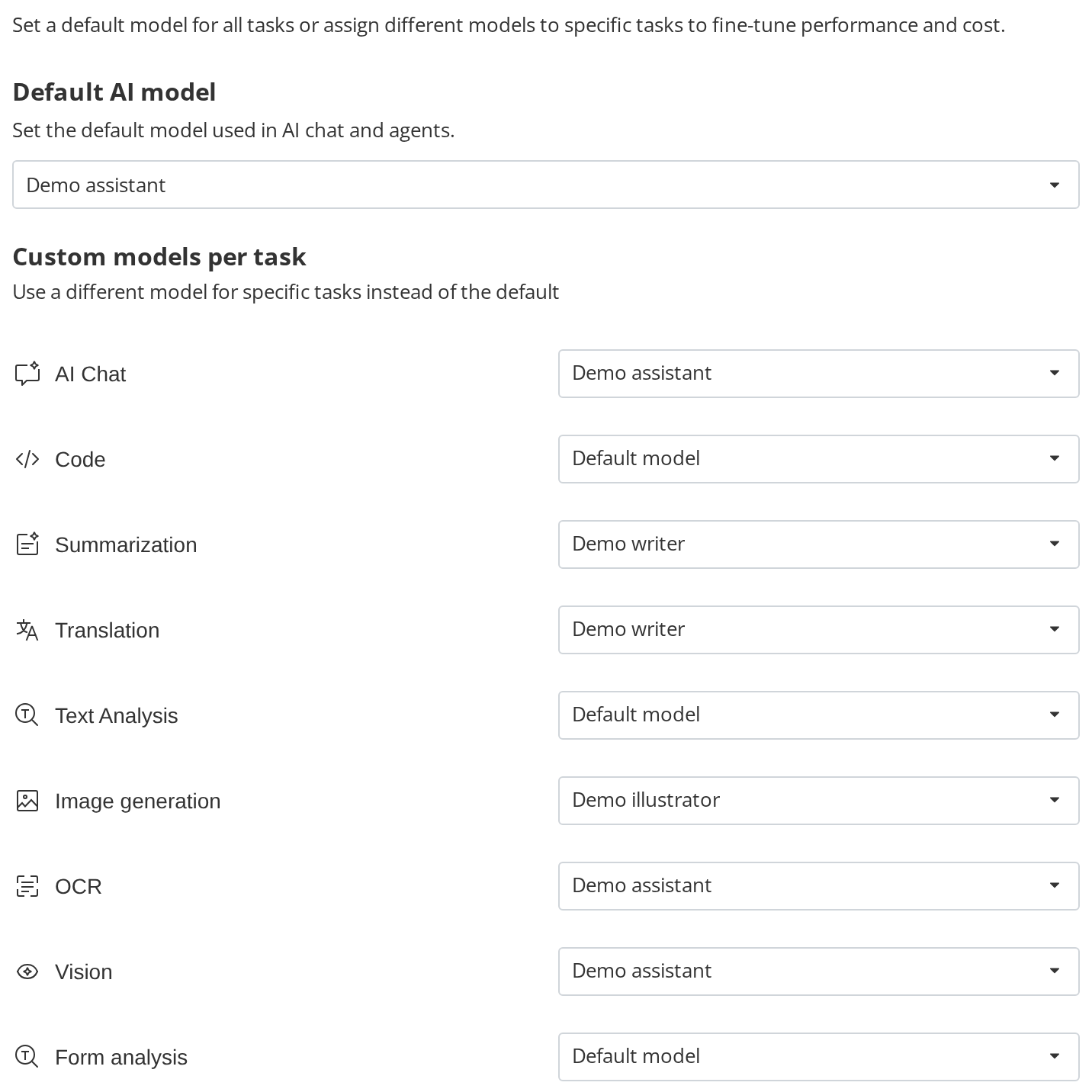
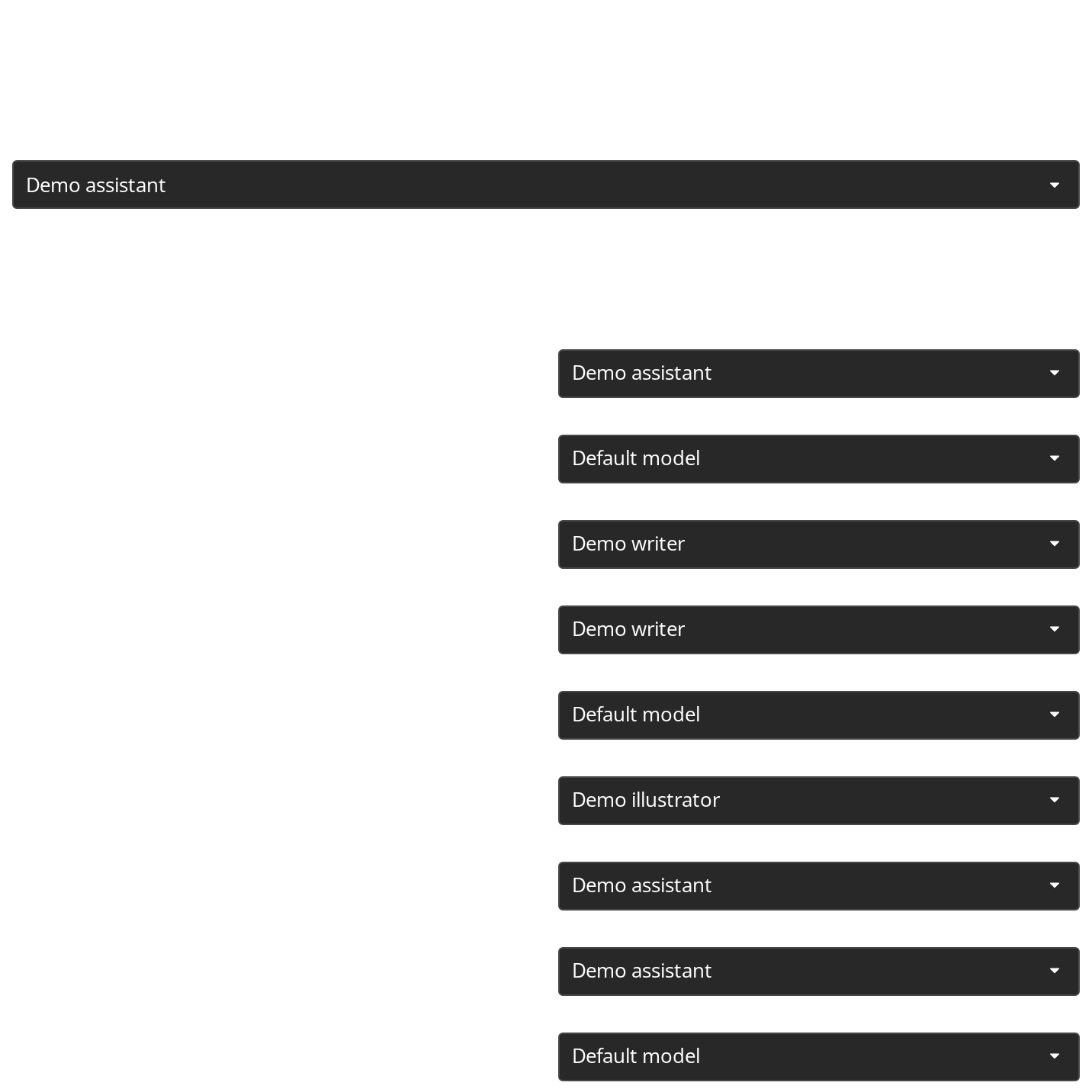
Which model answers by default, and which one each task uses instead of it: chat, code, summarization, translation, OCR, vision and the rest. The Default AI model heading and its description come from the kit's translations; the field's own caption is turned off because it would repeat the heading.
Mcp Servers List
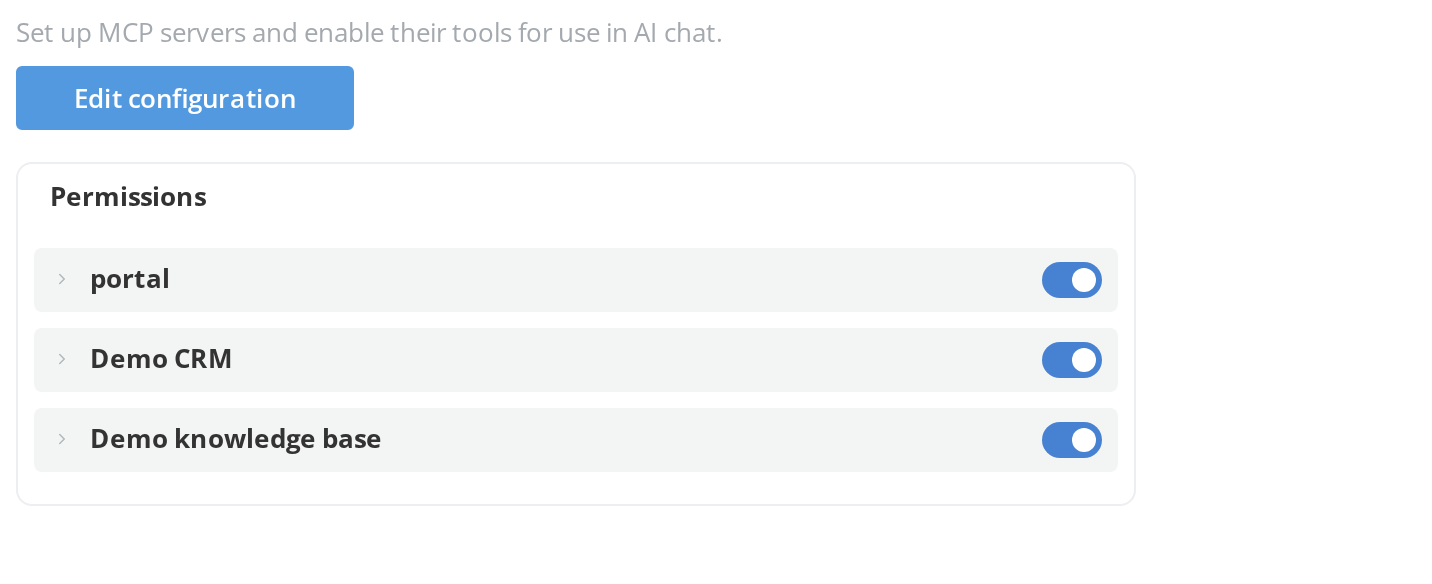
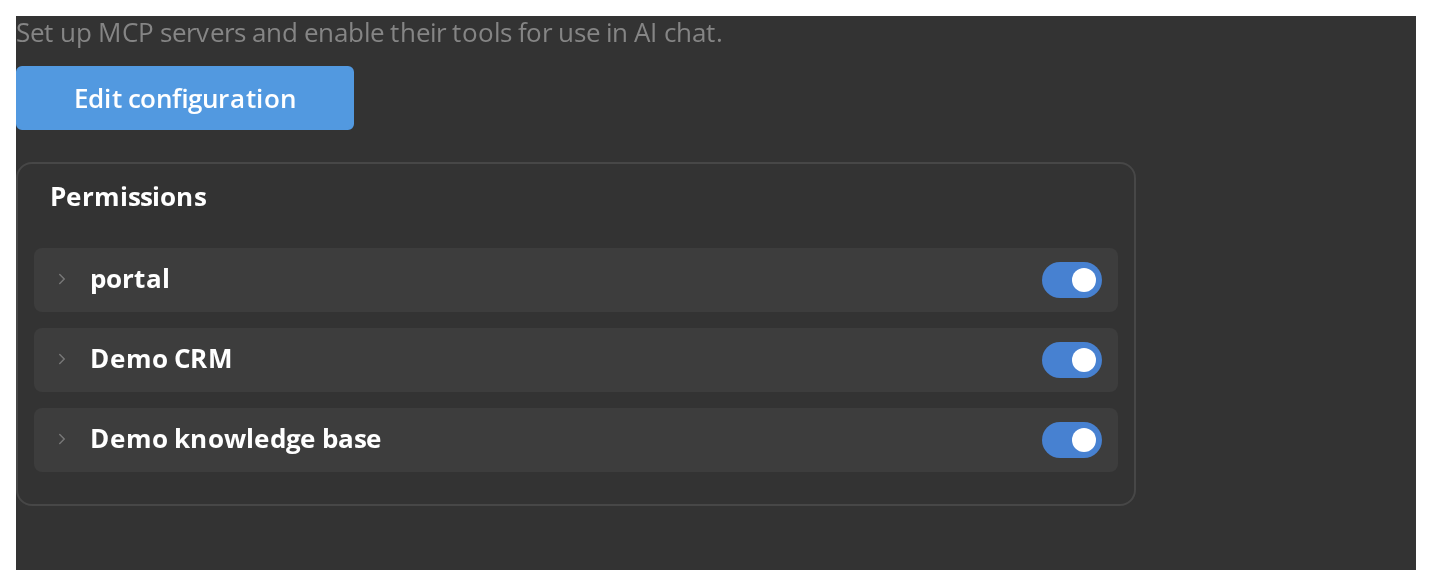
The MCP servers whose tools the chat may call. Edit configuration opens an inline editor for the servers' JSON configuration, with Save and Cancel. On the demo portal the page lists the portal's own server and two made-up custom ones; with no server connected, that button is all the page shows.
Web Search Settings
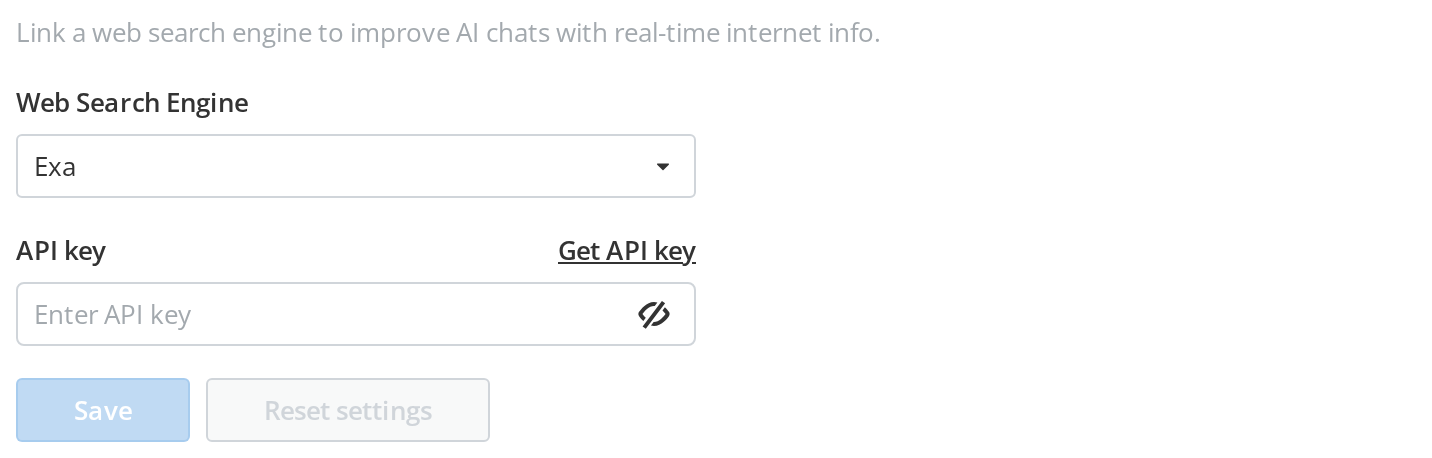
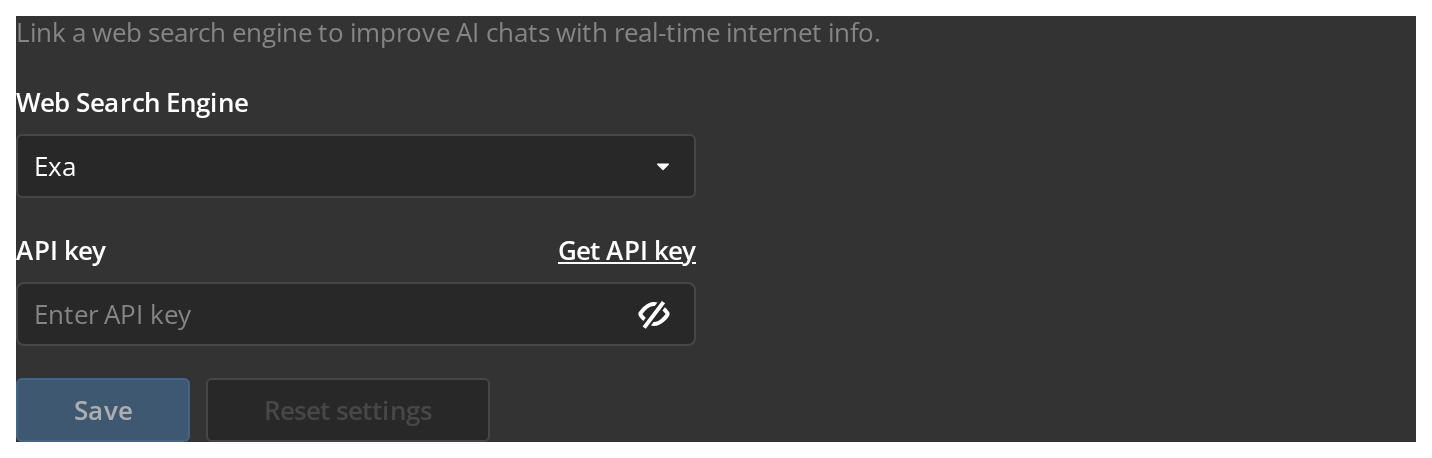
The search engine the chat uses to look things up on the web, and its API key. The fields are stacked rather than side by side, to fit a settings column. Save stays disabled until a key is entered.