Rooms
Works only inside an ONLYOFFICE Apps portal: it needs the portal's API client, stores and translations, and is not part of the public API.
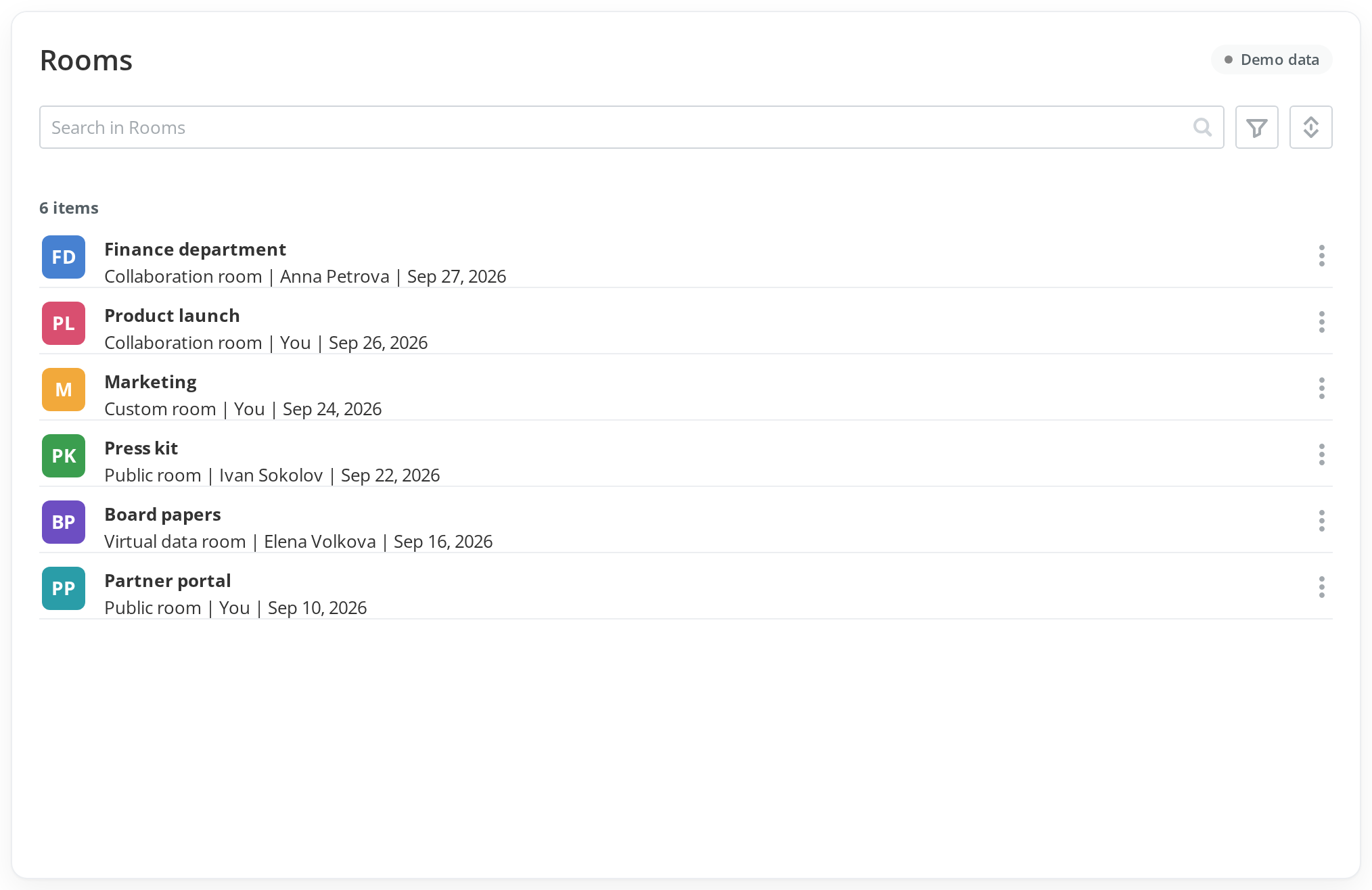
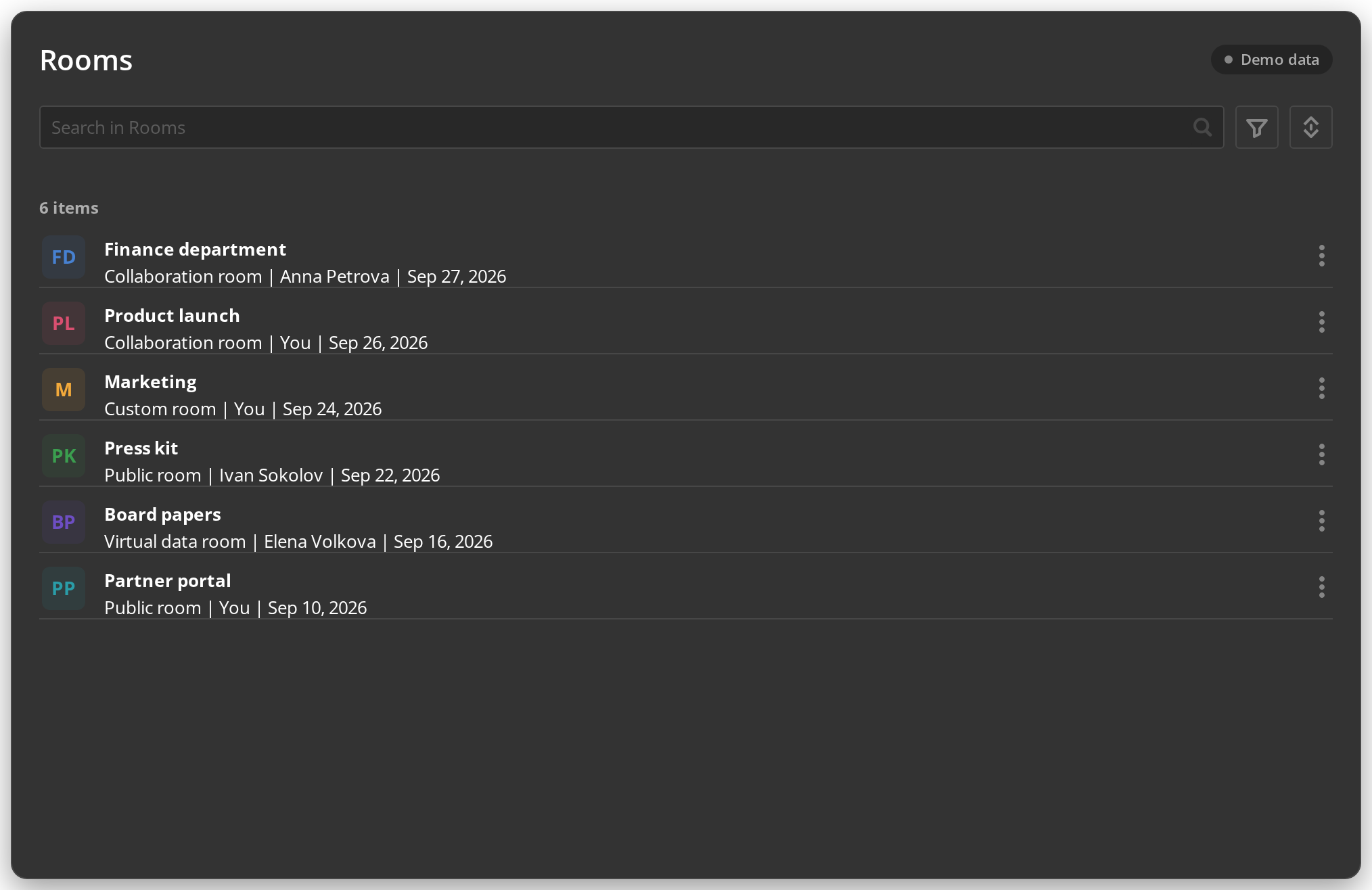
The Rooms section: the active rooms the caller can see, with a header, the filter bar and the rows. Search, a sort order and two filter groups narrow the list, and a room — then a folder in it — opens in place. There is nothing to create — the filter bar has no main button, and a row's context menu only opens it or copies its link, so this screen never writes to a portal.
Features
- Room type filter — Collaboration, Public, Custom, Virtual data room
- Owner filter —
Me: only the rooms the caller owns. It combines with the room type - Search and sort — by name or last modified, newest first by default
- No form rooms — form-filling rooms live in the Forms section, as in the portal
- Rooms open in place — see below
- Demo or portal — the same screen on in-memory data or on a real portal
Opening rooms and folders, and the context menu
A click on a room's name, or Open in its context menu, lists what is inside; a folder in it
opens the same way. The header becomes the kit's Navigation: the title, a breadcrumb back to
Rooms (the room itself drawn with the room's mark), and a back arrow to the parent.
Inside a room the filter changes to what the portal offers there: Type — Folders,
Documents, Spreadsheets, Presentations, PDF — sent as filterType. Room type and owner mean
nothing inside a room, so every level starts with no filter and an empty search. The list is
foldersApi.getFolderByFolderId({ folderId, ... }), and its pathParts become the breadcrumb.
Each row has a context menu with the minimum a read-only list needs:
Choosing a room or folder in a picker
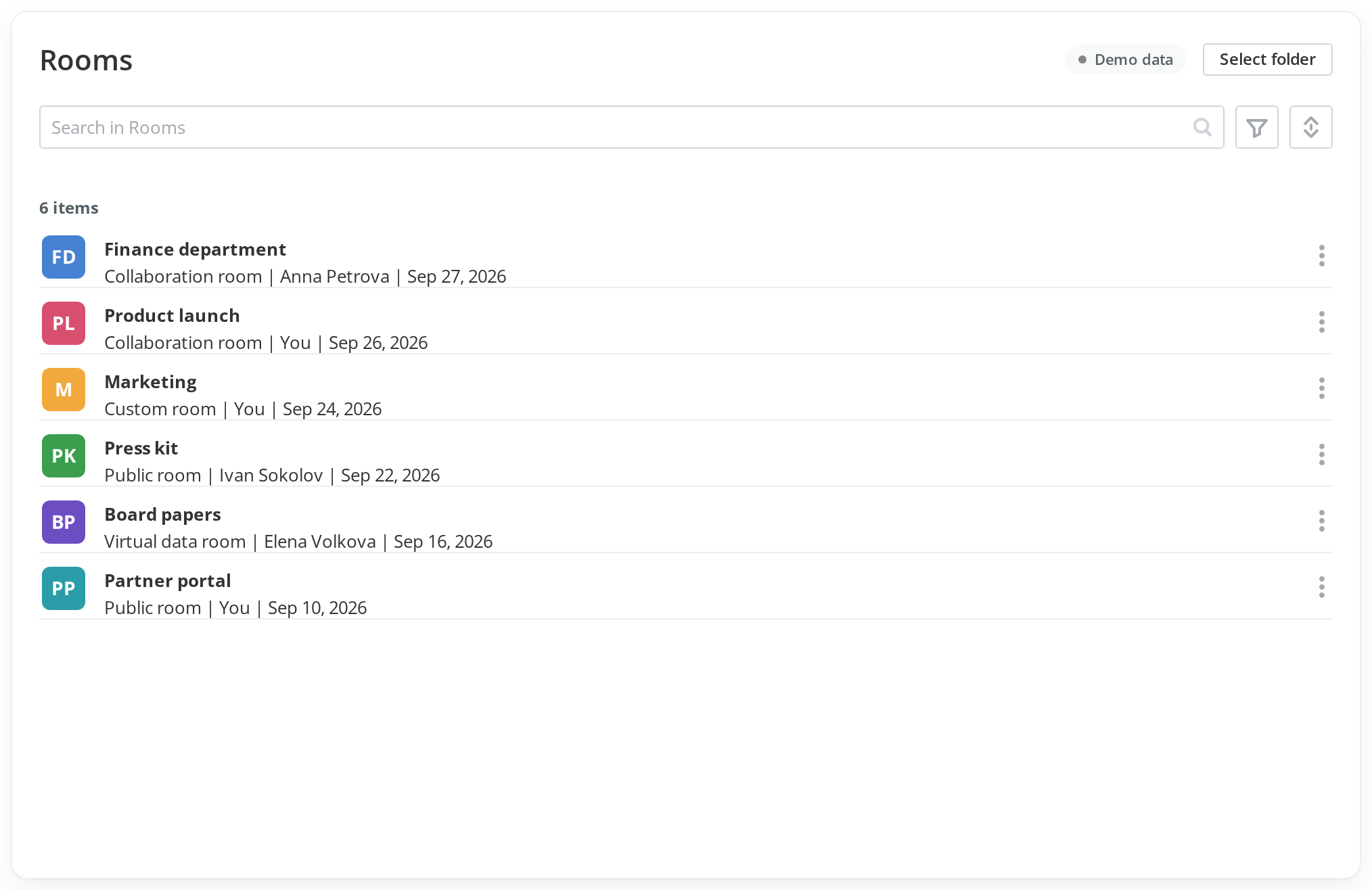
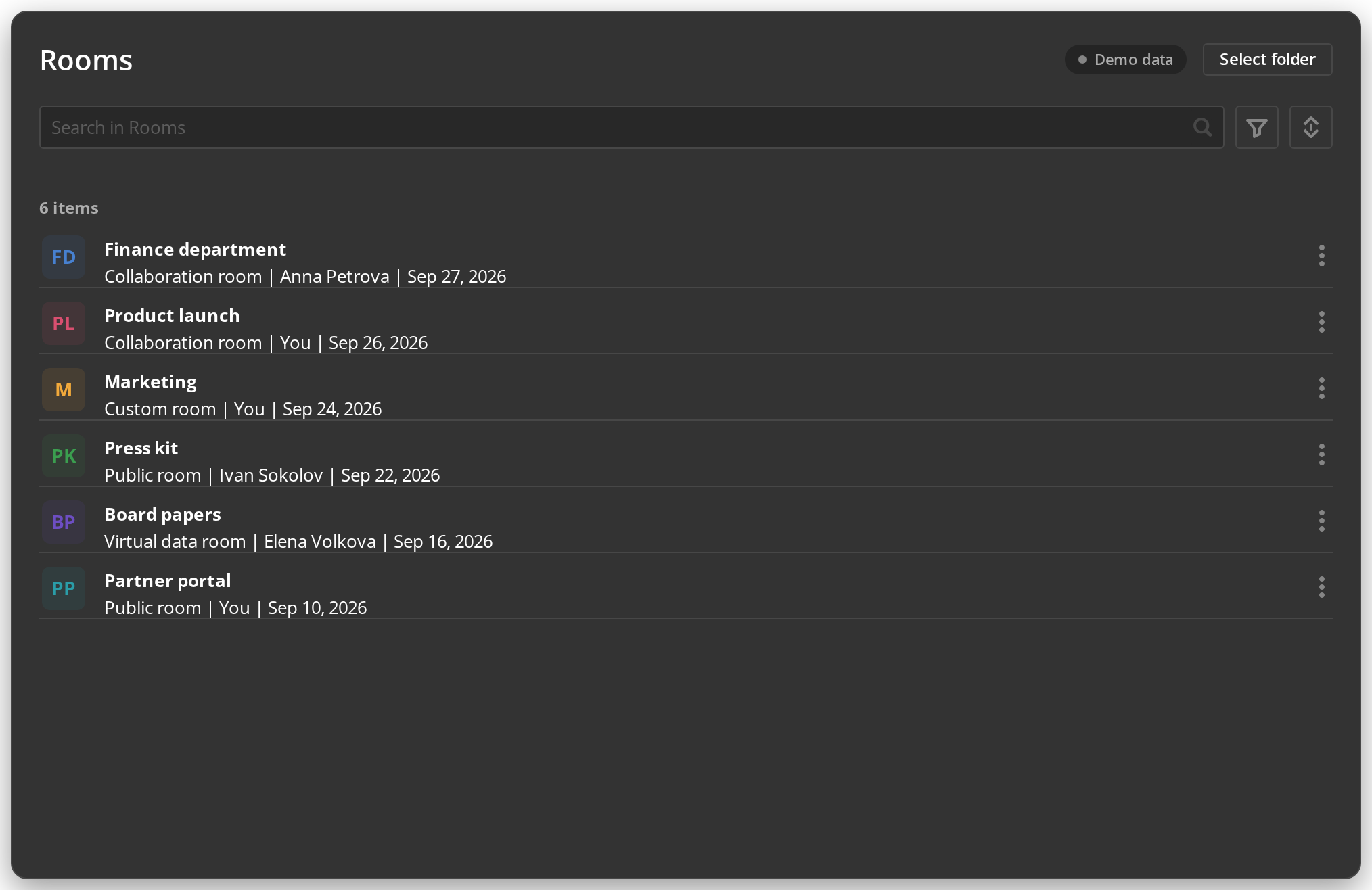
With withFolderPicker, the header carries Select folder, which opens a picker whose root
holds Rooms and nothing else. Inside it are the rooms, then a room's folders — never its
files. Open takes wherever the picker stands: inside Rooms it shows the rooms list, inside a
room or a folder it opens that one in the list. At the picker's root Open is disabled.
It is the kit's Selector over the same source as the list; see the
Files page for why it is not FilesSelector, which cannot
show Rooms alone.
Where the rows come from
The header says which source answered: Demo data, or the host of the connected portal.
- No portal. With nothing picked in the API Config toolbar the list runs on
demoSource("rooms"): six rooms covering every type, three of them owned byYou, which is whoMemeans in the demo. - A portal. Pick one in the toolbar and the story reads that portal's rooms, as whoever the
key belongs to —
Meis the key's owner, not the reader.
Every filter goes to the portal in the request:
Me needs the caller's own id, which the story asks for once, with
profilesApi.getSelfProfile(), the first time the filter is applied.
The split between Rooms and Forms is made by the server, not here: SearchArea.Active never
returns a form-filling room.
Usage
import {
  RoomType,
  SearchArea,
  SortOrder,
  SubjectFilter,
} from "@onlyoffice/docspace-api-sdk";
import { useApi } from "@onlyoffice/apps-ui-kit/providers/api";

const { roomsApi, profilesApi } = useApi();
const me = (await profilesApi.getSelfProfile()).data.response?.id;

const response = await roomsApi.getRoomsFolder({
  searchArea: SearchArea.Active,
  type: [RoomType.PublicRoom],
  subjectId: me,
  subjectFilter: SubjectFilter.Owner,
  sortBy: "DateAndTime",
  sortOrder: SortOrder.Descending,
  count: 100,
});

const { folders: rooms, total } = response.data.response;
Why Owner is a plain tag group
The portal's own owner filter is FilterGroups.roomFilterOwner, and FilterInput treats that
group specially: it expects exactly three entries — Me, Other and a people selector — reads
the second one unconditionally, and will not deselect an entry the usual way. With Me alone
the panel throws on open. Other needs a people selector mounted through renderSelector,
which a read-only list has no use for, so the story puts Me in a plain tag group
(FilterGroups.filterOther) under the same Owner heading. A host that wants the full
Me / Other choice has to supply all three entries and the selector.