跳到主要内容

AIAgentSelector

Portal only

Works only inside an ONLYOFFICE Apps portal: it needs the portal's API client, stores and translations, and is not part of the public API.

AIAgentSelector is a selector panel for choosing an AI agent room.

Features​

  • Live API mode — Fetches AI agent rooms from the ONLYOFFICE Apps API with infinite scroll
  • Init data mode — Accepts pre-loaded items for SSR or offline scenarios via withInit
  • Security filtering — Disable items that lack the UseChat permission via disableBySecurity
  • Exclusion list — Skip already-selected agents via excludeItems
  • Padding control — Toggle inner padding with withPadding
  • Callbacks — onSubmit, onClose, and setIsDataReady hooks

Default​

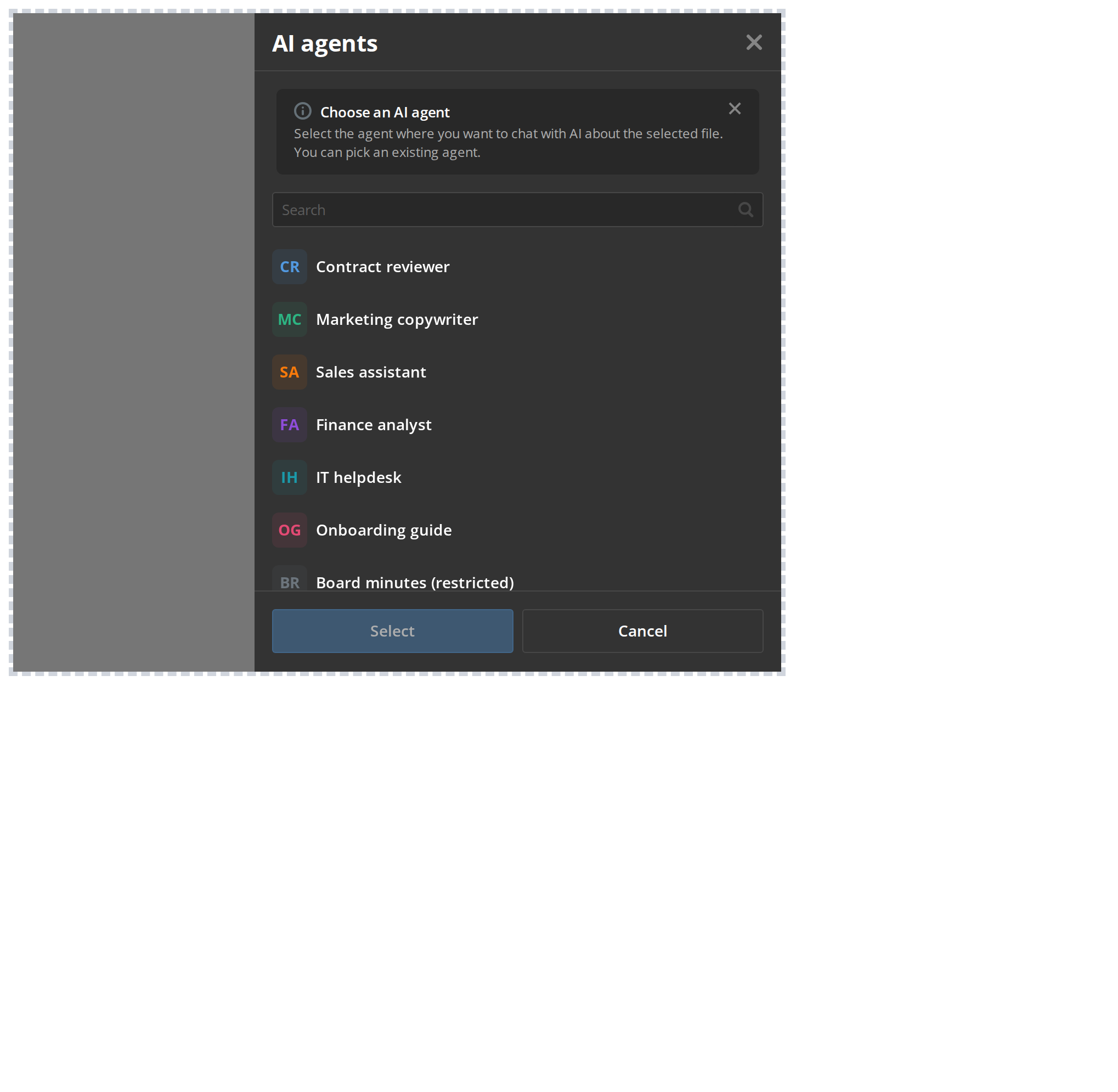
A basic AIAgentSelector with default settings.
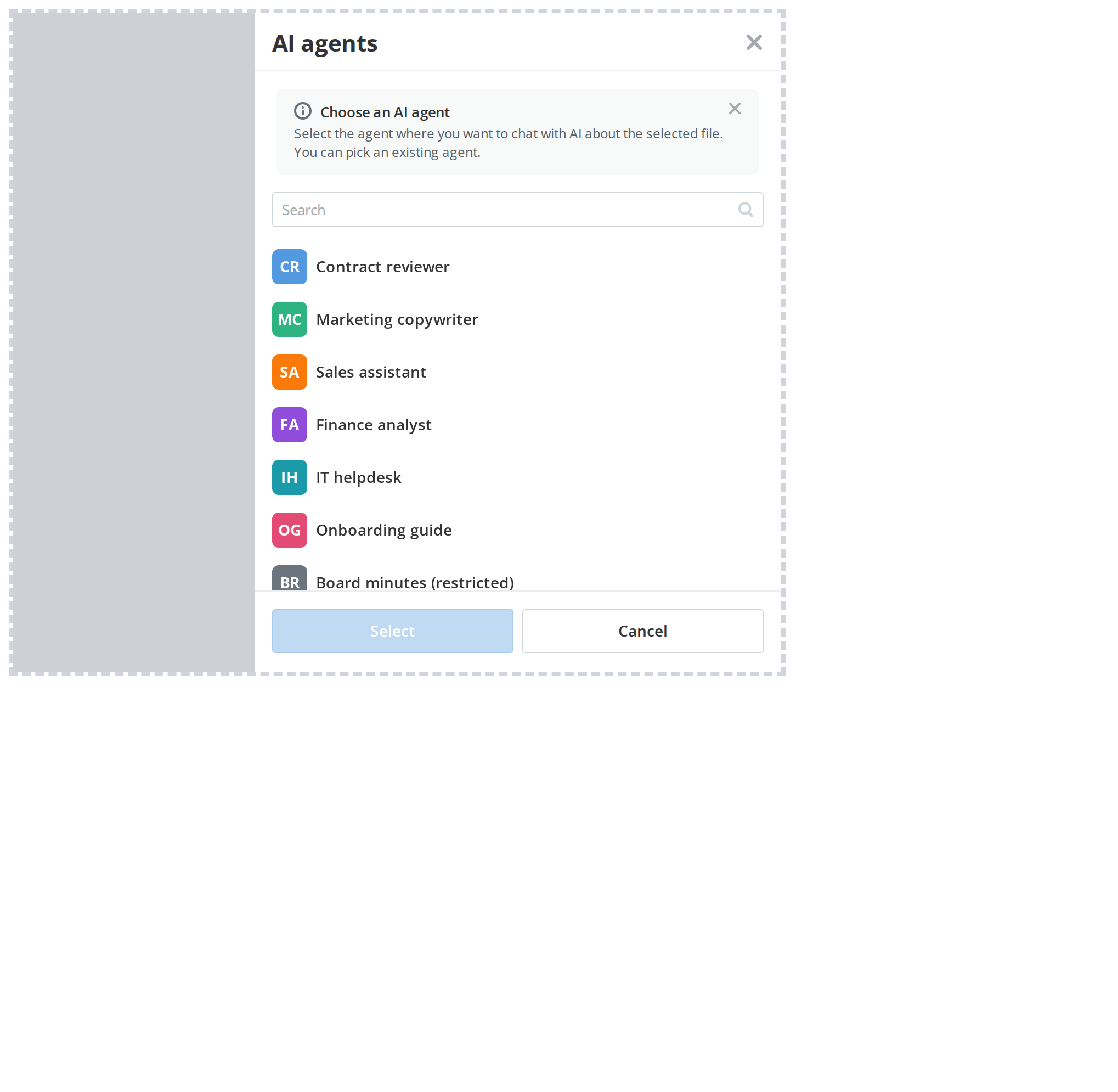
DefaultDefault
import AIAgentSelector from "@onlyoffice/apps-ui-kit/selectors/AIAgent";

<AIAgentSelector
withPadding
onSubmit={(items) => console.log(items)}
onClose={() => setOpen(false)}
/>

Properties​

PropertyTypeDescription
id?stringundefinedHTML id attribute for the root element.
className?stringundefinedAdditional CSS class name for the root element.
style?CSSPropertiesundefined
onSubmit(items: TSelectorItem[]) => void | Promise<void>Called with the selected TSelectorItem array on confirm.
excludeItems?(string | number | undefined)[] | undefinedList of item ids to exclude from the selector list.
setIsDataReady?((value: boolean) => void) | undefinedCalled with true/false when data loading state changes.
withPadding?booleanundefinedAdd inner padding to the selector panel. Default: false.
onClose() => voidCalled when the selector panel is dismissed.
disableBySecurity?stringundefinedMessage shown on items where UseChat security permission is missing.
externalInfoBarData?TInfoBarDataundefined
withInit?trueundefinedUse pre-loaded init data instead of fetching from the API. Default: false.
initItems?FolderDtoInteger[] | undefined